Narrative
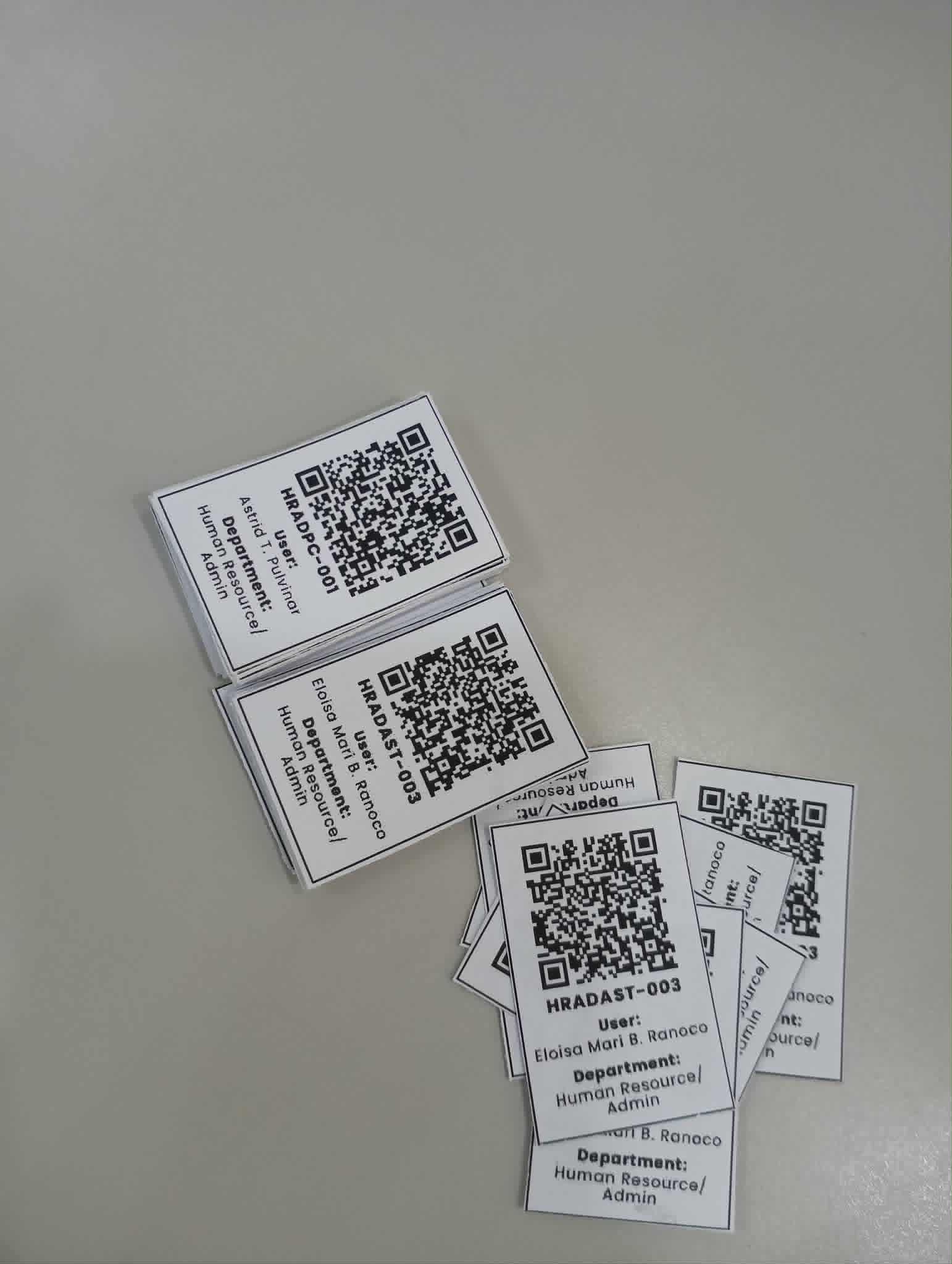
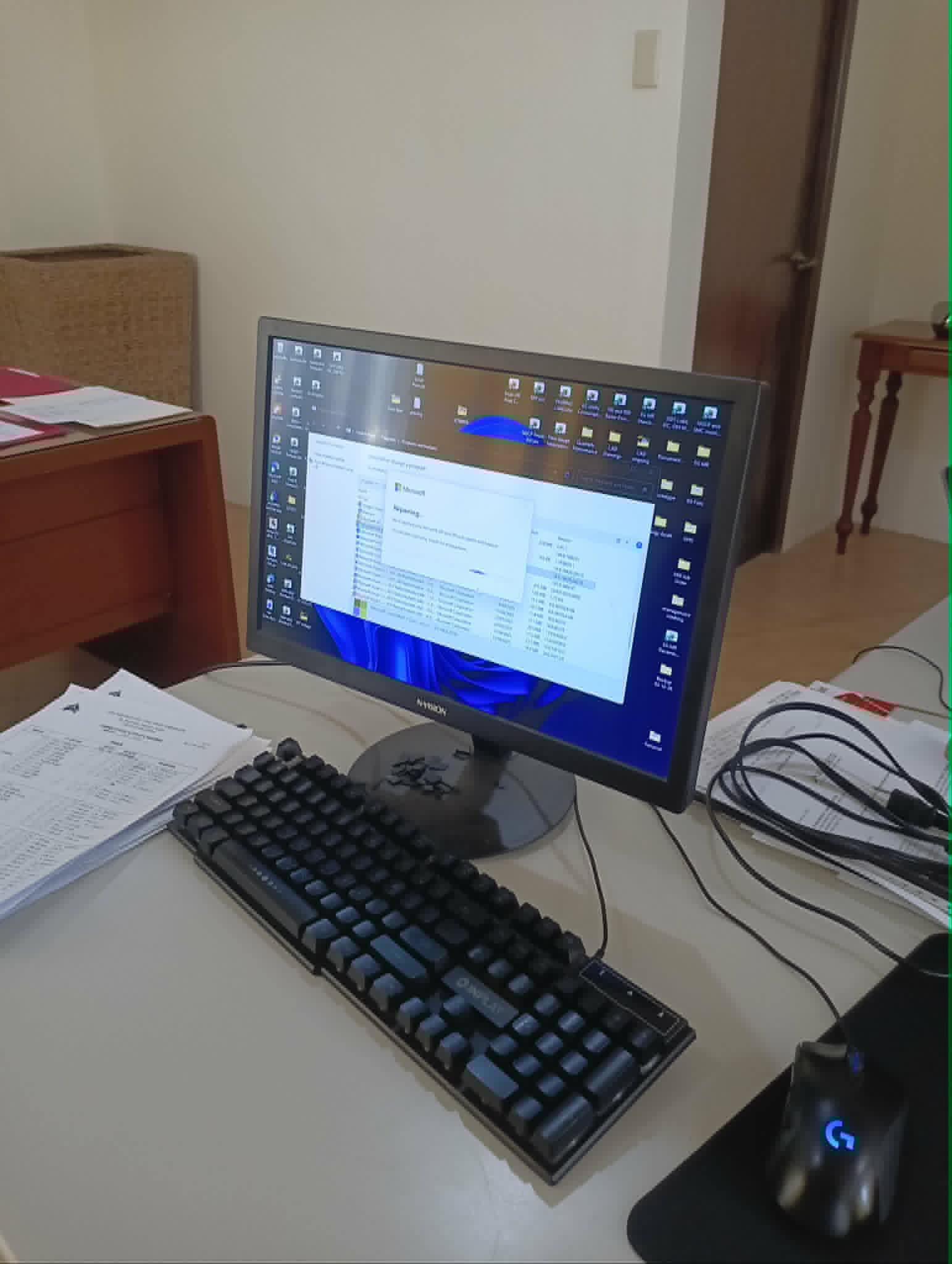
My week started on March 23 with some hardware maintenance where I replaced and reset the toner cartridge and drum kit of a Brother DCP L2540DW printer. After completing the physical setup, I shifted our focus to our QR code system. We made a huge decision today: instead of using a third-party app like QR-Me, we decided to create our own custom system that generates QR codes. Maintaining a third-party program was becoming a hassle, especially since it was tied to my personal account. As an OJT student, I realized that transferring the data later would be difficult, so building our own system would properly centralize the work for the company.
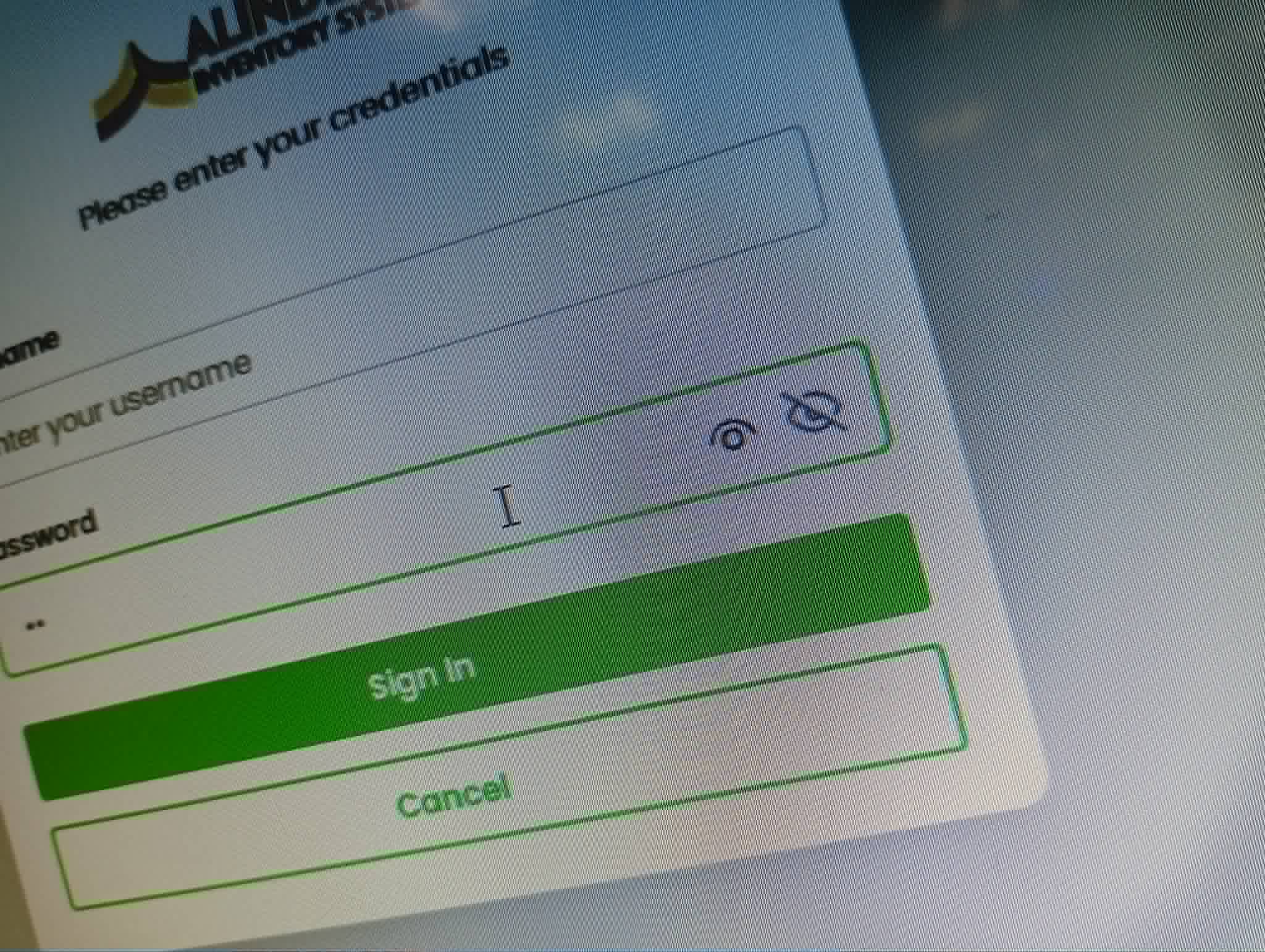
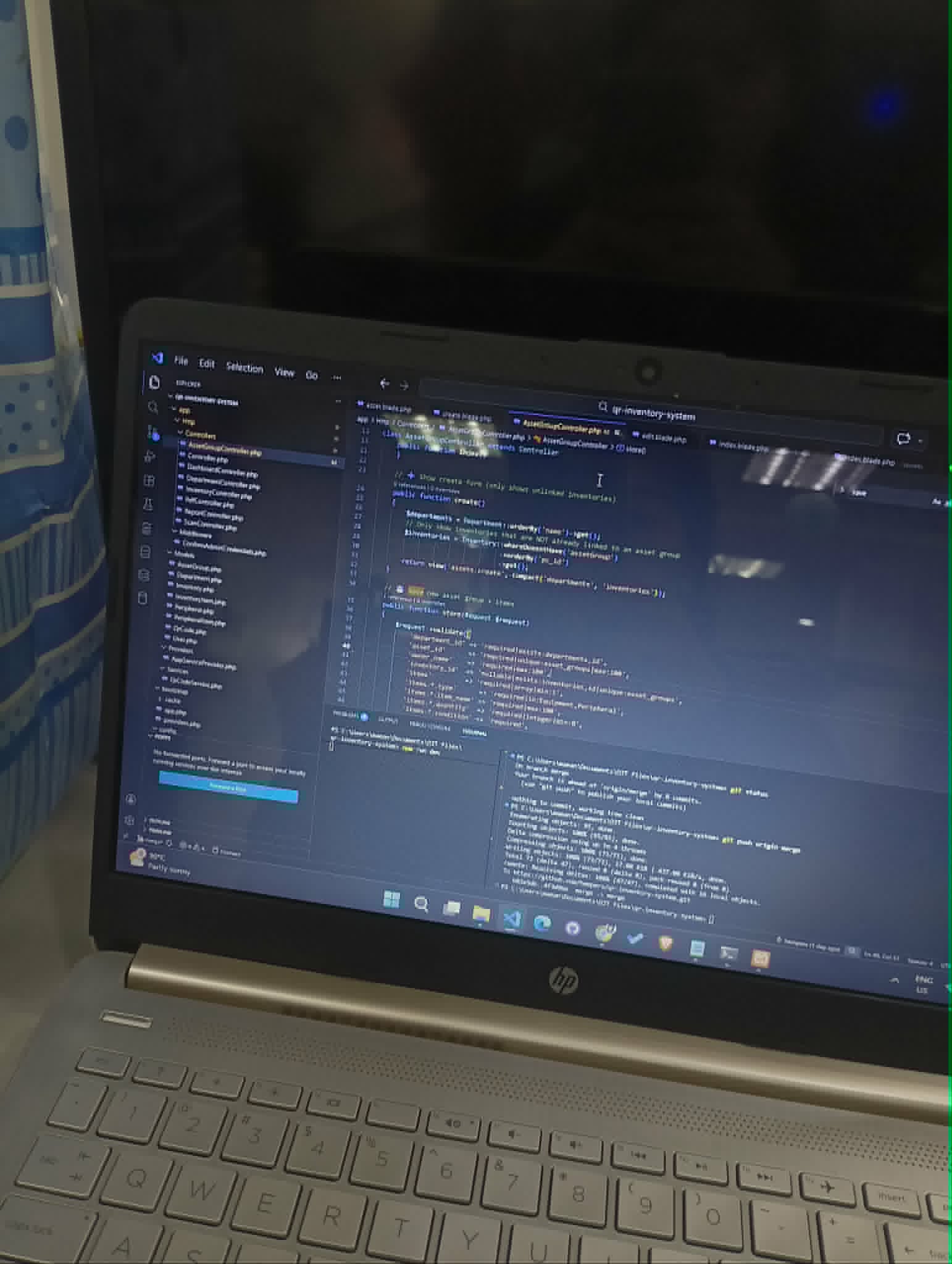
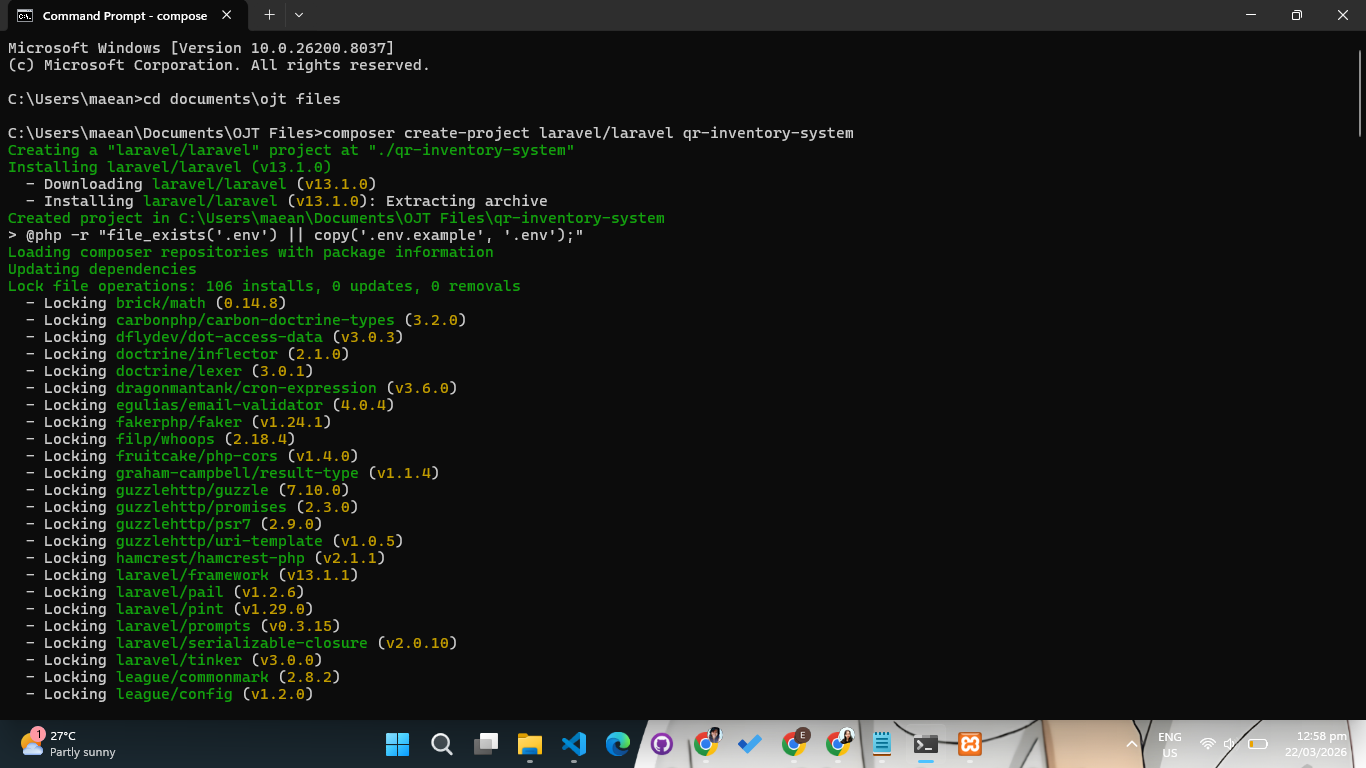
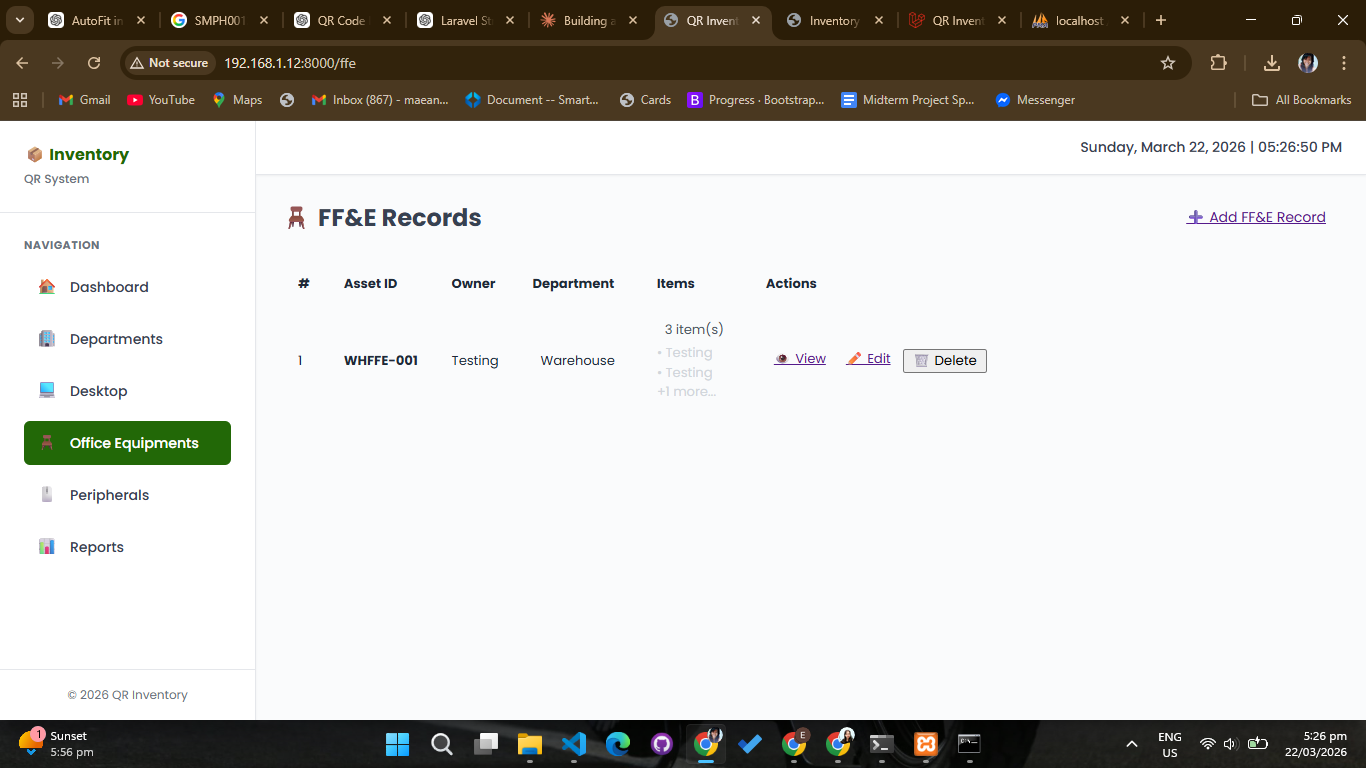
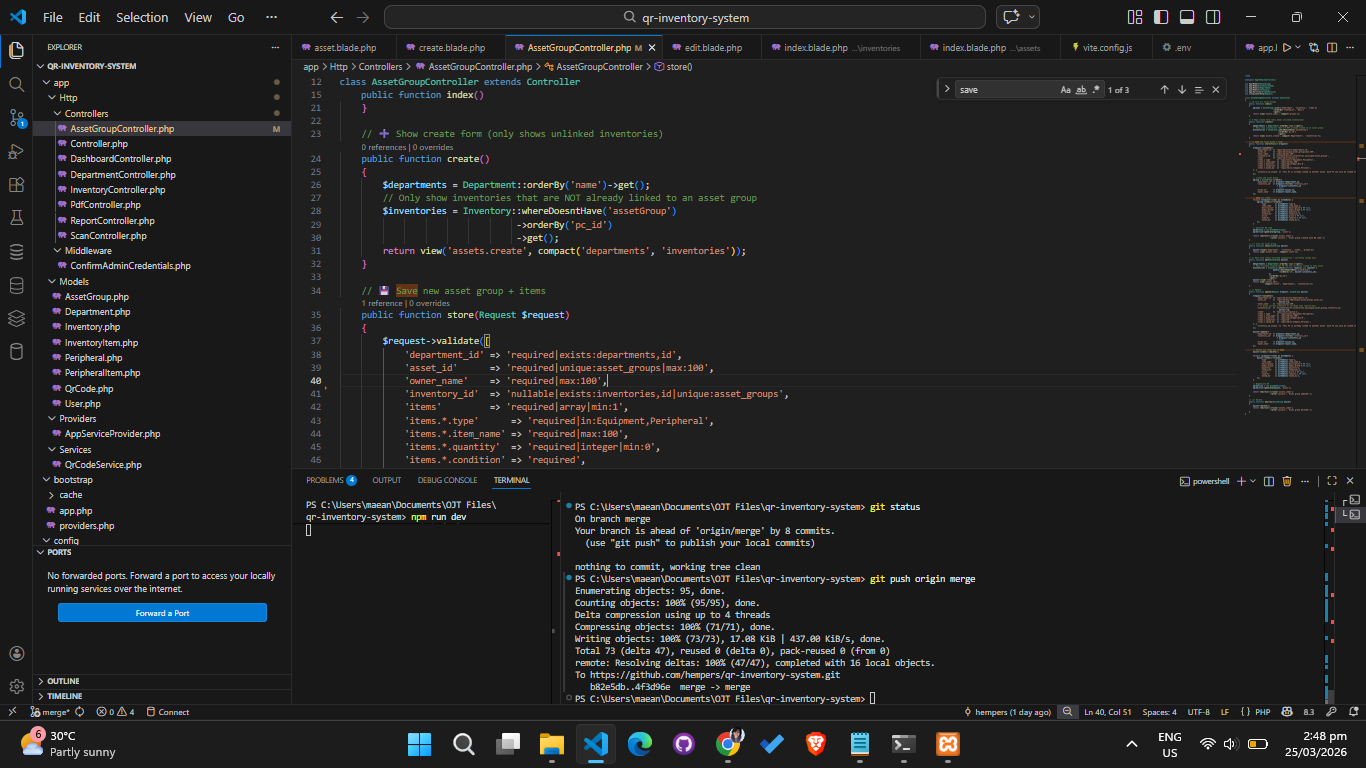
The next day, I officially started the day by creating a Laravel project for the QR Inventory System (QRIS). I used a structured approach with the help of modern AI tools to ensure each module was properly designed and scalable. Originally, this system was only meant for tracking desktops and IT devices. However, when one of the HR officers saw it, she immediately asked our mentor if company furniture and fixtures could also be included. Because of this, the project expanded to manage hardware, software, and FF&E (Furniture, Fixtures, and Equipment) across all company departments. I also set up the GitHub repository for the project that afternoon.
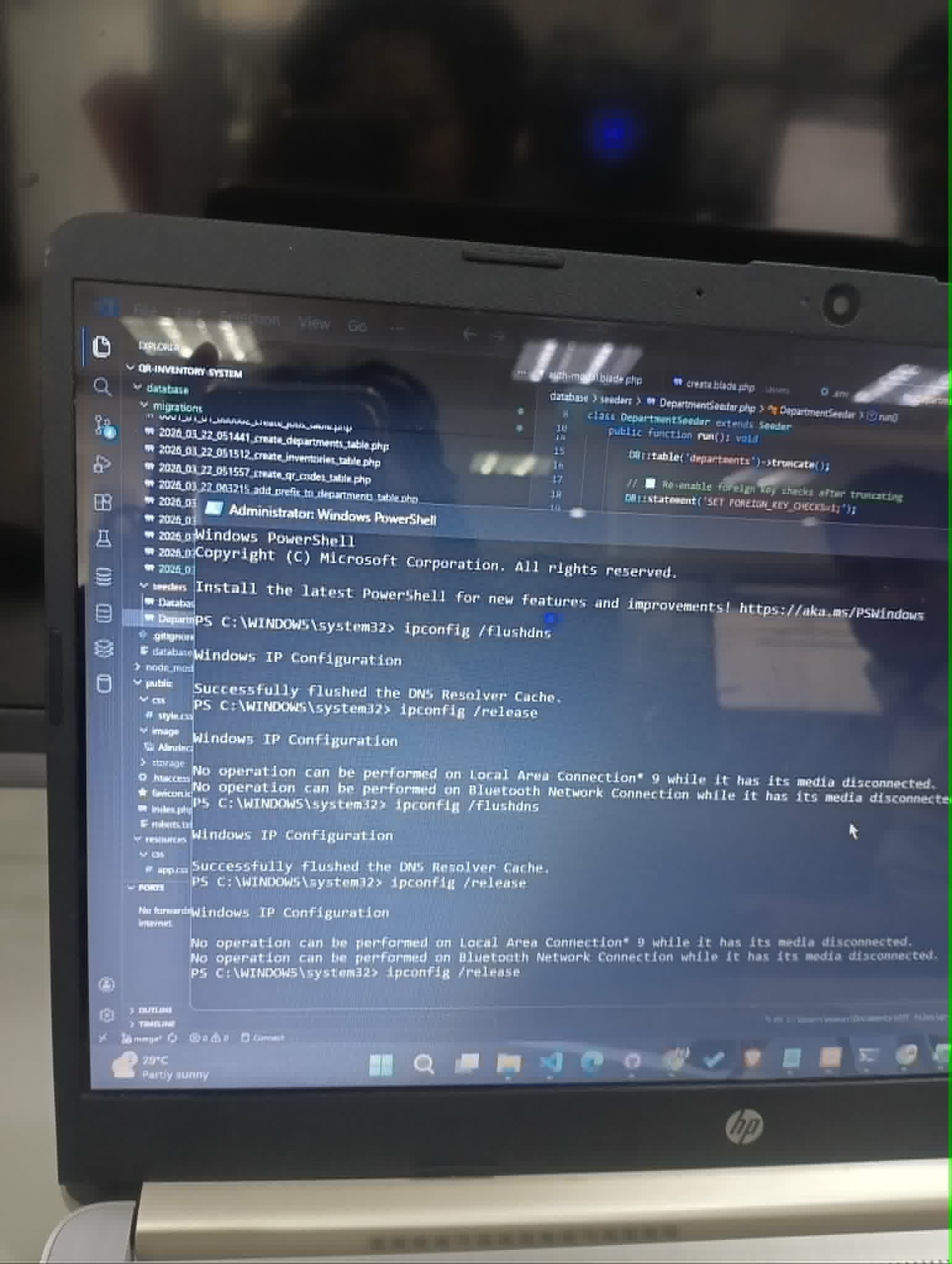
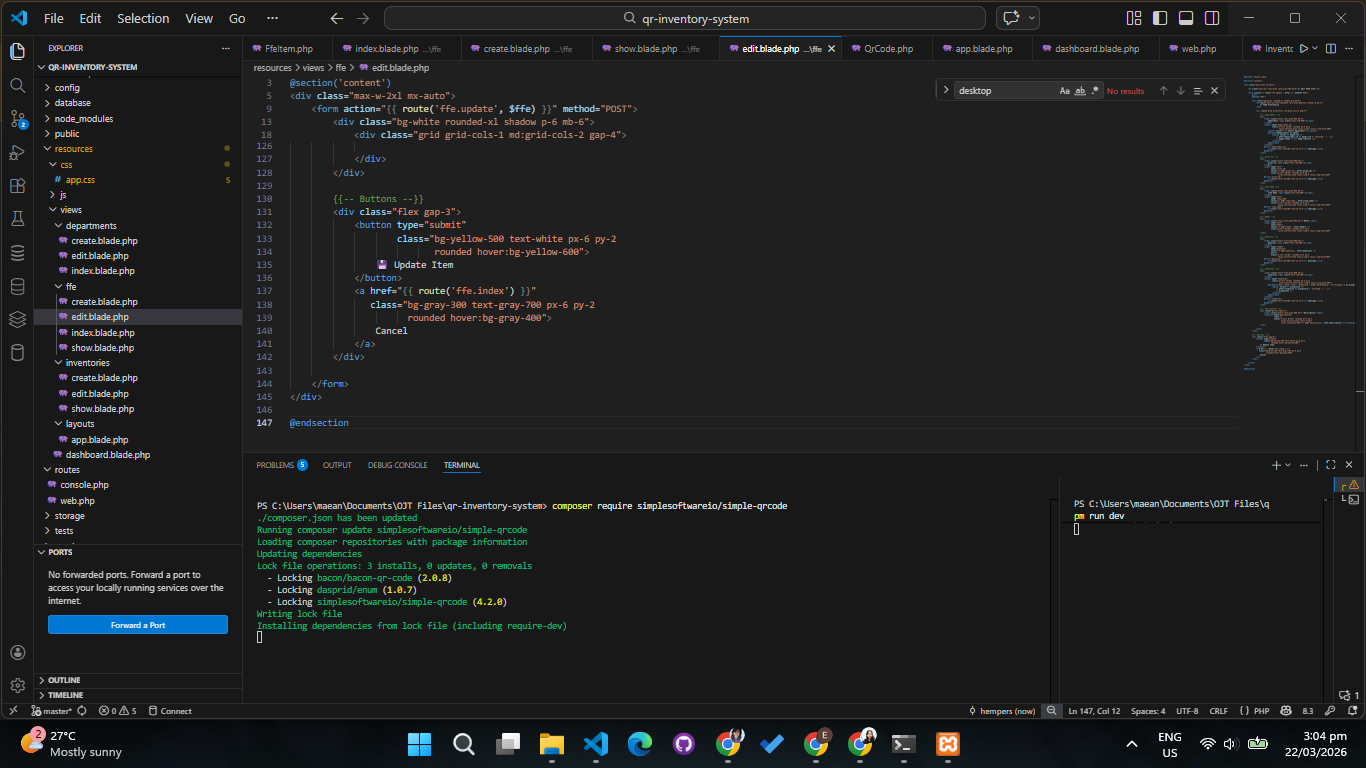
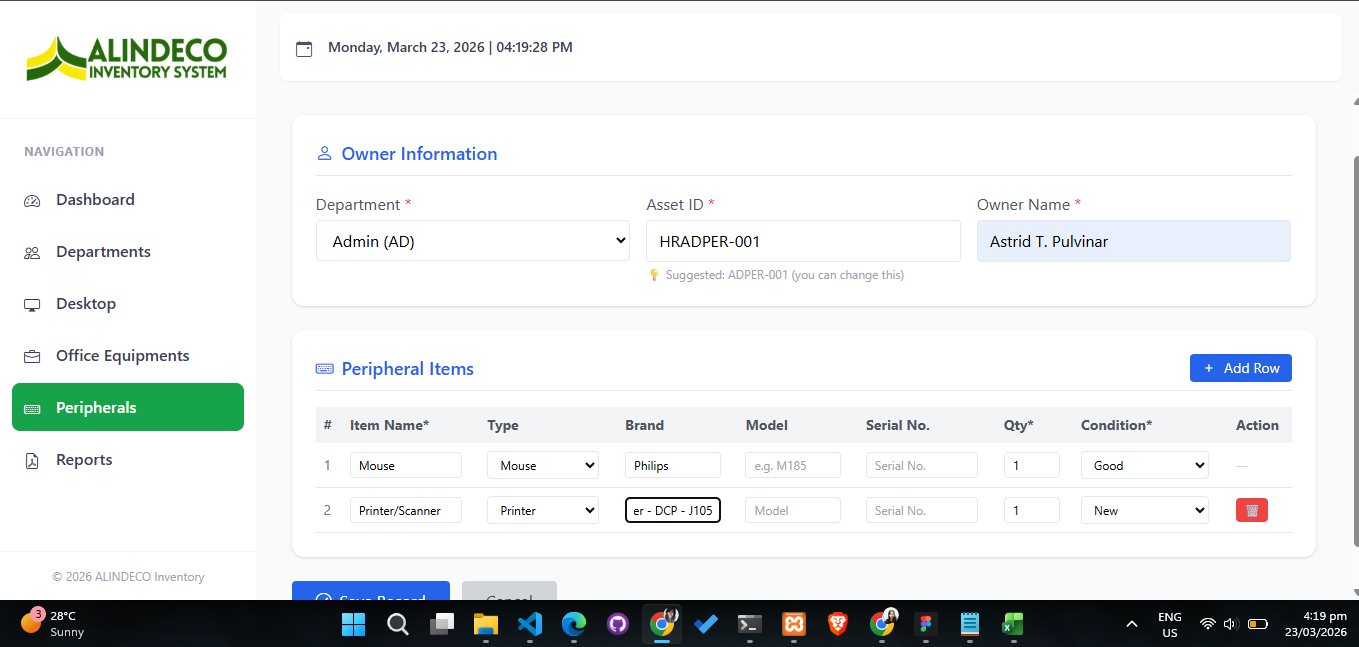
Mid-week (March 25–26), I heavily focused on coding the core of the system. I created the dashboard and layout files, set up the database structure for departments, built the backend models, and designed the related user interface. I worked on fixing the page routing, updated the logos, and installed a tool called "simplesoftwareio" directly into the project to handle the generation of QR codes automatically.
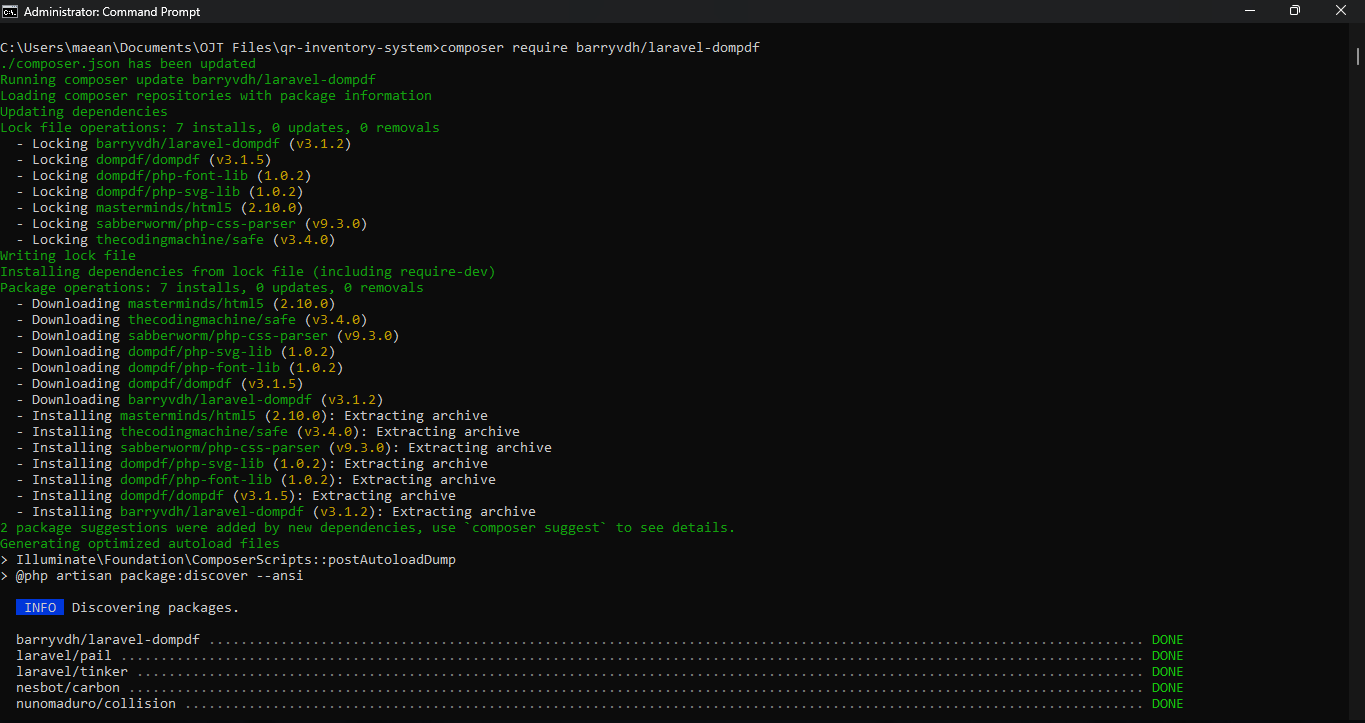
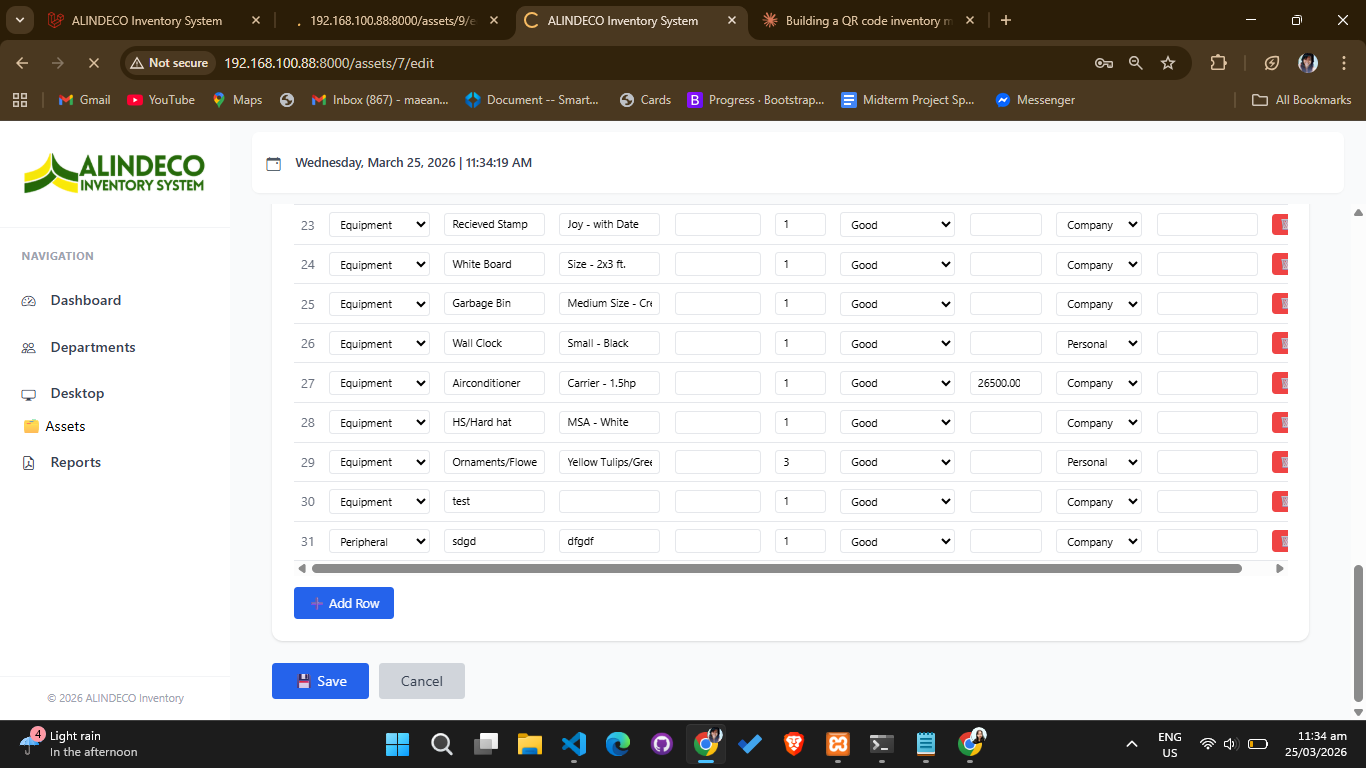
On March 27, I worked on the pages that open when a QR code gets scanned. I added fields like "Owner Name" to properly display desktop information in the create and edit forms. To make the system fully capable of creating printable records, I also installed the "dompdf" package, which lets users download PDF versions of inventory reports limitlessly.
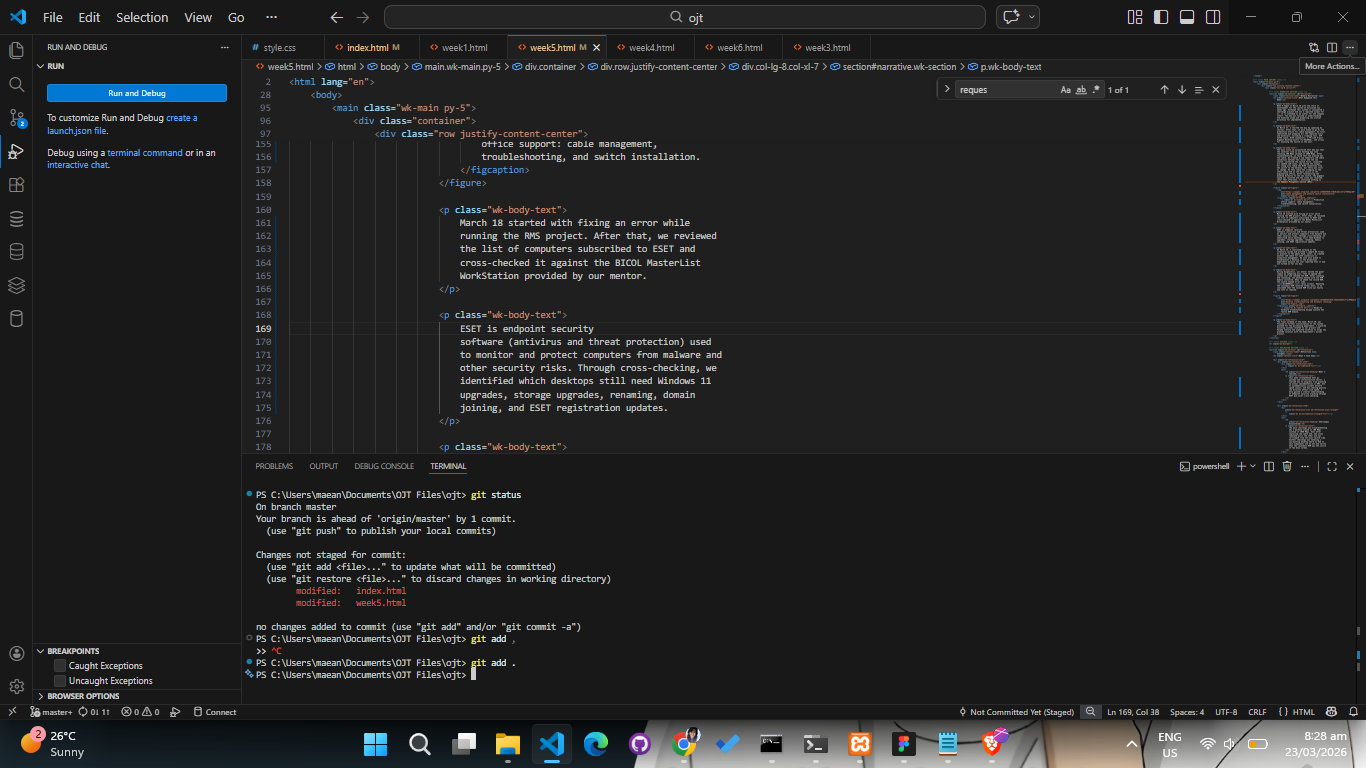
By the end of the week, I had successfully integrated report generation. I polished the table layouts and made sure the entire system was mobile-friendly and fully responsive. A major request came up to present the system during their upcoming quarterly audit. At first, I created a second branch in GitHub for the demonstration, but changes in the master branch were affecting the demo branch because they shared the same database. To solve this safely, I created a completely separate copy of the project to serve as a stable demo system for the audit, and lastly, I submitted a proposed logo for the final system!