Narrative
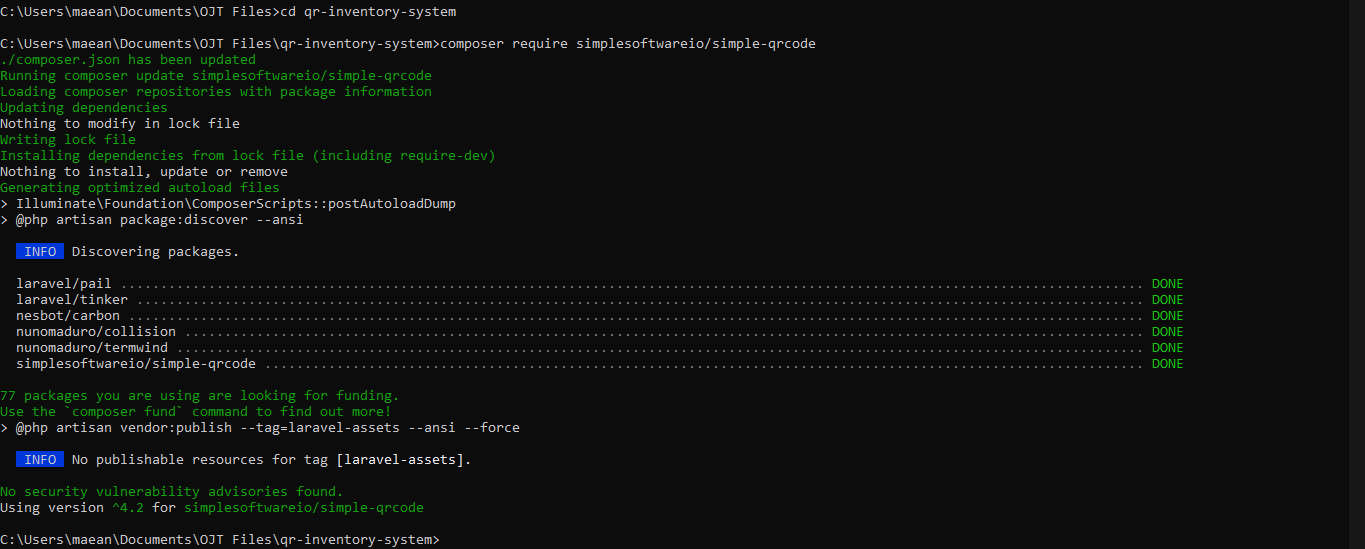
Week 5 began on March 16 with the start of development for the system we discussed two weeks ago. Although this system is considered a challenge project and not a required output for us, it is intended to be useful for the company itself. The day was focused oadn understanding the expected scope and preparing the initial direction for implementation.
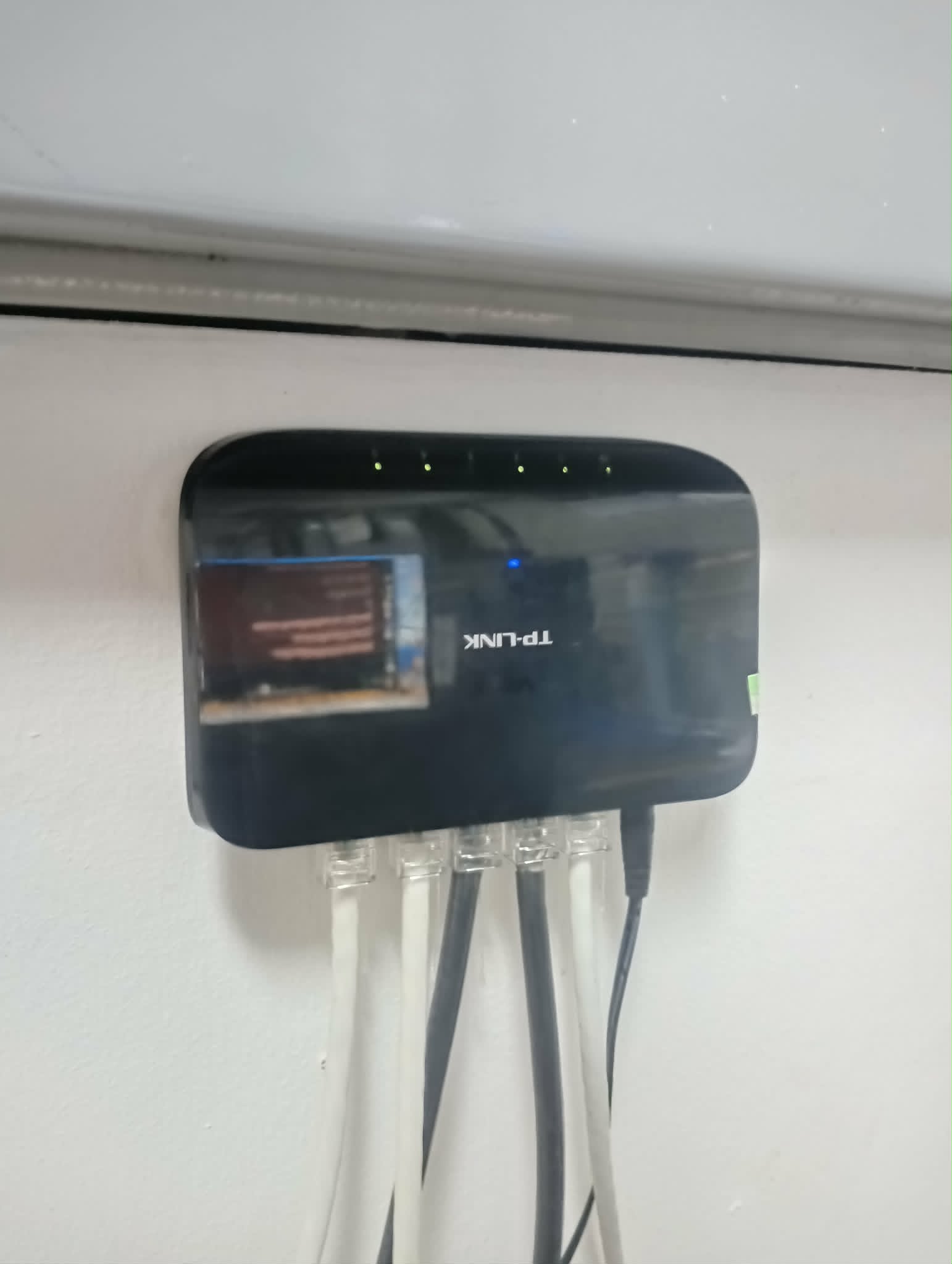
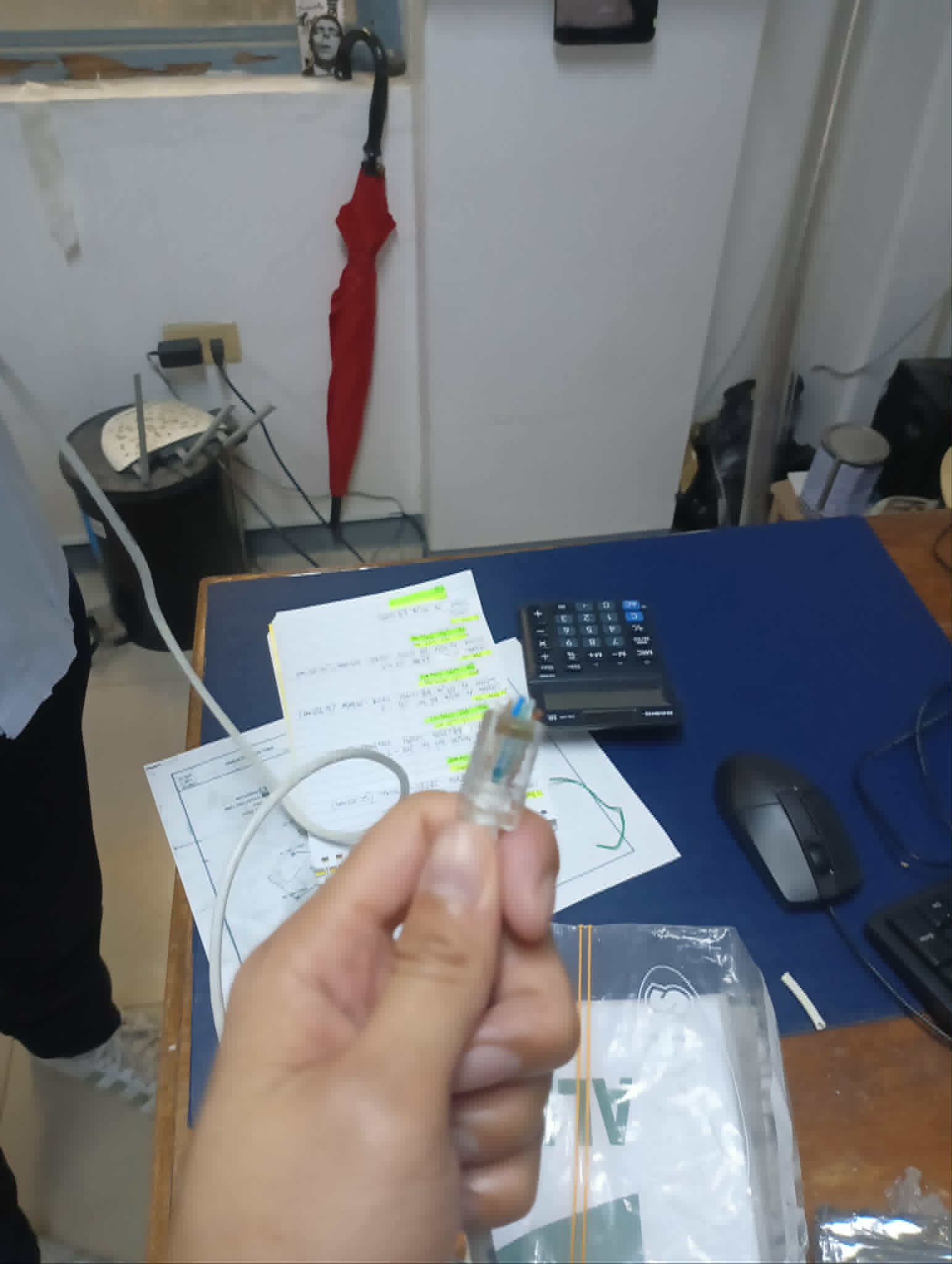
On March 17, I started the day by updating my journal. After that, we were asked to go to the production office for cable management. We first identified and prepared all the required tools and materials, including a crimping tool, UTP Cat5e cable, RJ45 connectors, a TP-Link 5-port Gigabit Desktop Switch (TL-SG1005D), and screws for mounting the switch on the wall.
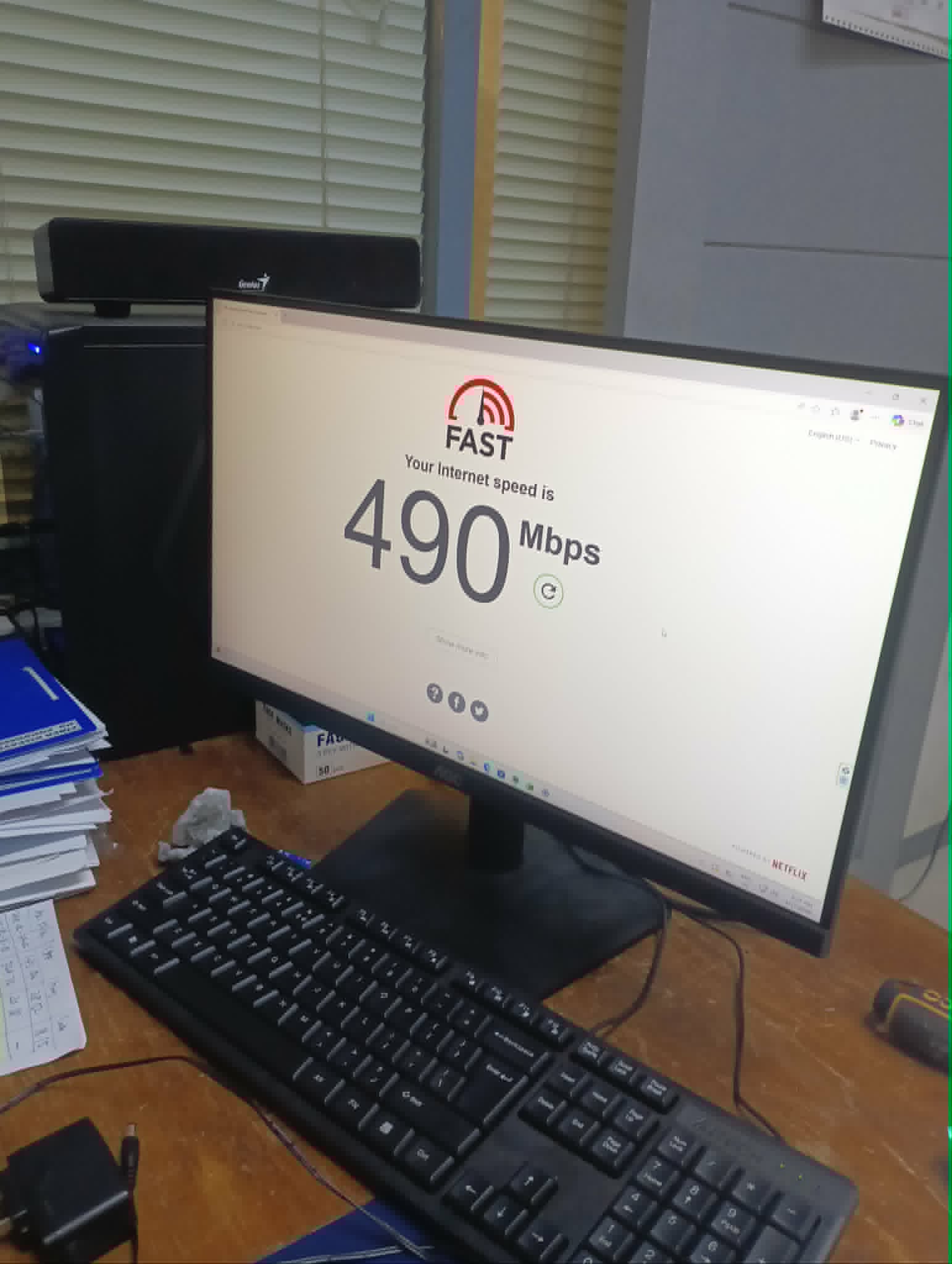
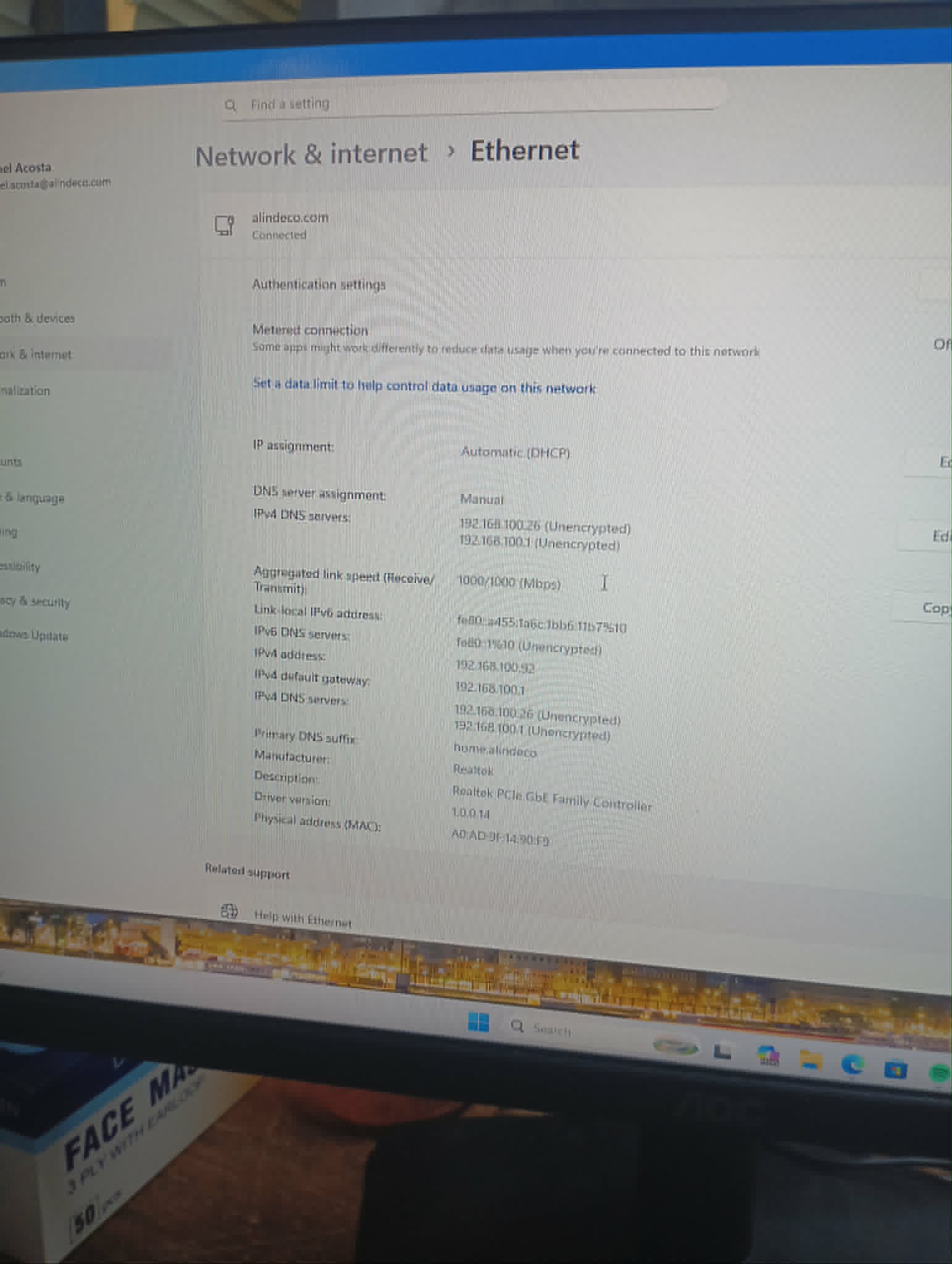
The main issue we encountered that day was that the internet link on one desktop was only reaching 100 Mbps instead of 1000 Mbps. After troubleshooting, we found that the problem was the cable. We created a new temporary LAN cable connection between the router and the new switch, installed the switch first, connected all needed LAN lines, and tested the output. Sir Jhong also redid the RJ45 connection from the switch to the desktop, but there was still no change. He then redid the crimping on the other cable end at the main switch in the engineering office. After reconnecting the desktop directly to the new switch, the gigabit speed was restored and the issue was resolved. Later that afternoon, I continued working on the Request Management System (RMS).
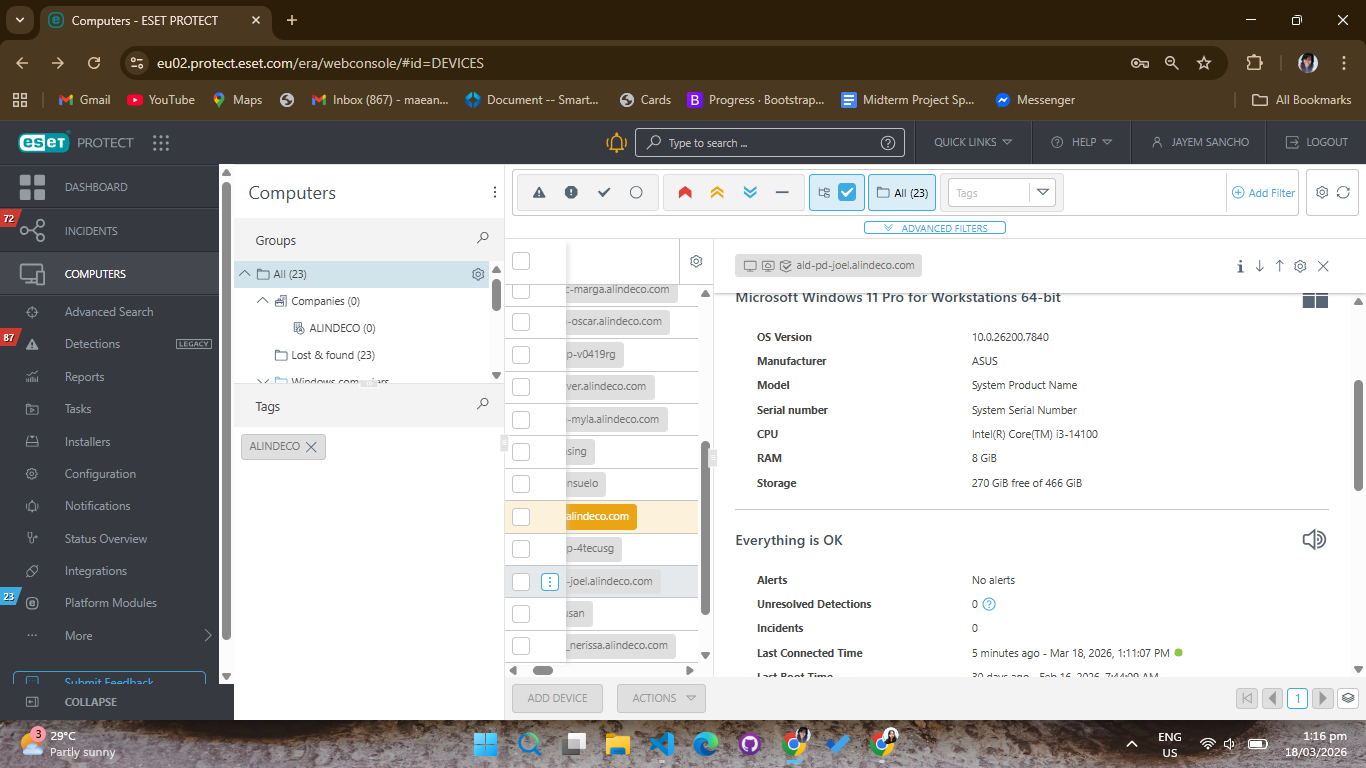
March 18 started by we reviewing the list of computers subscribed to ESET and cross-checked it against the BICOL MasterList WorkStation provided by our mentor.
ESET is endpoint security software (antivirus and threat protection) used to monitor and protect computers from malware and other security risks. Through cross-checking, we identified which desktops still need Windows 11 upgrades, storage upgrades, renaming, domain joining, and ESET registration updates.
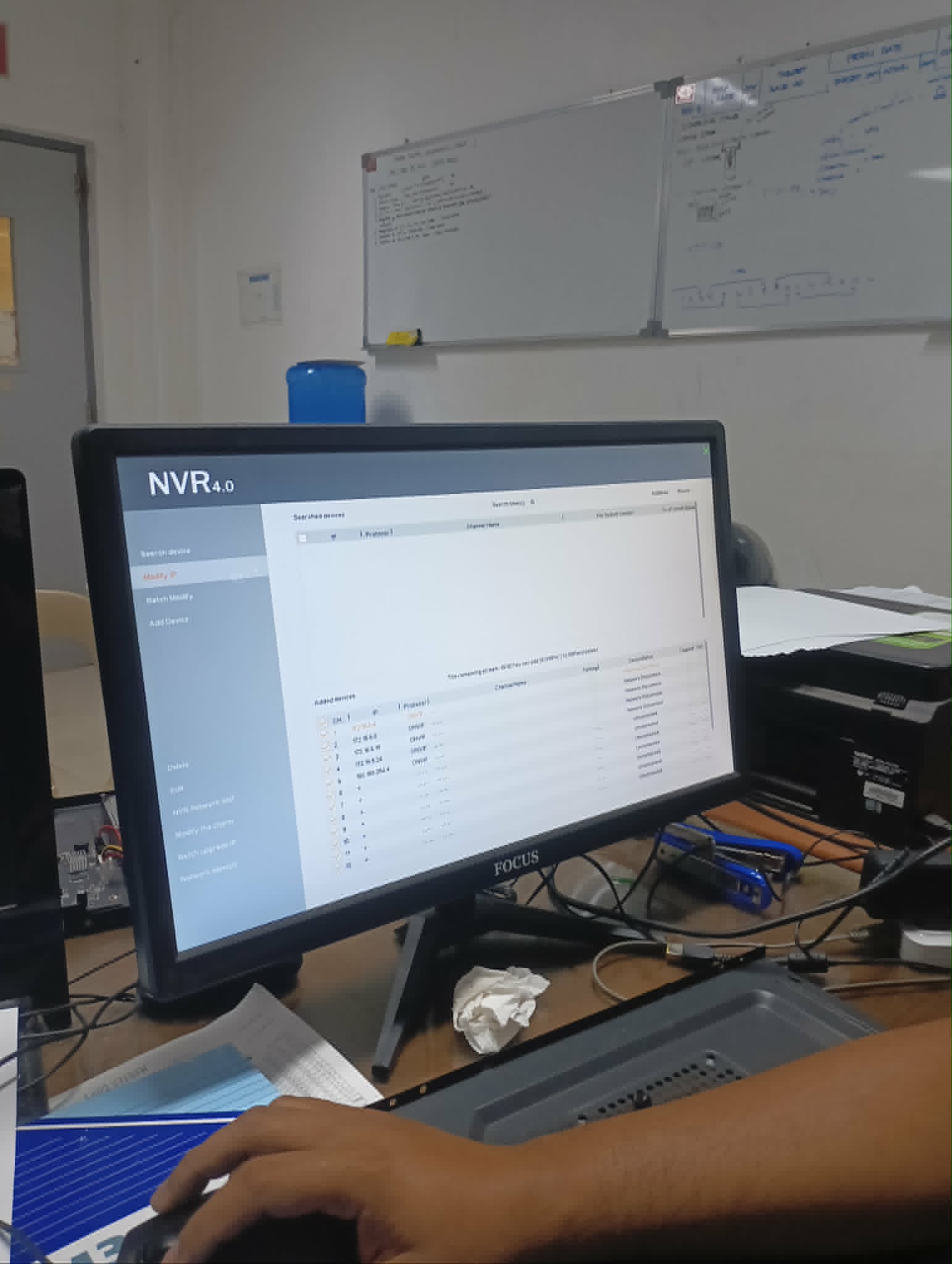
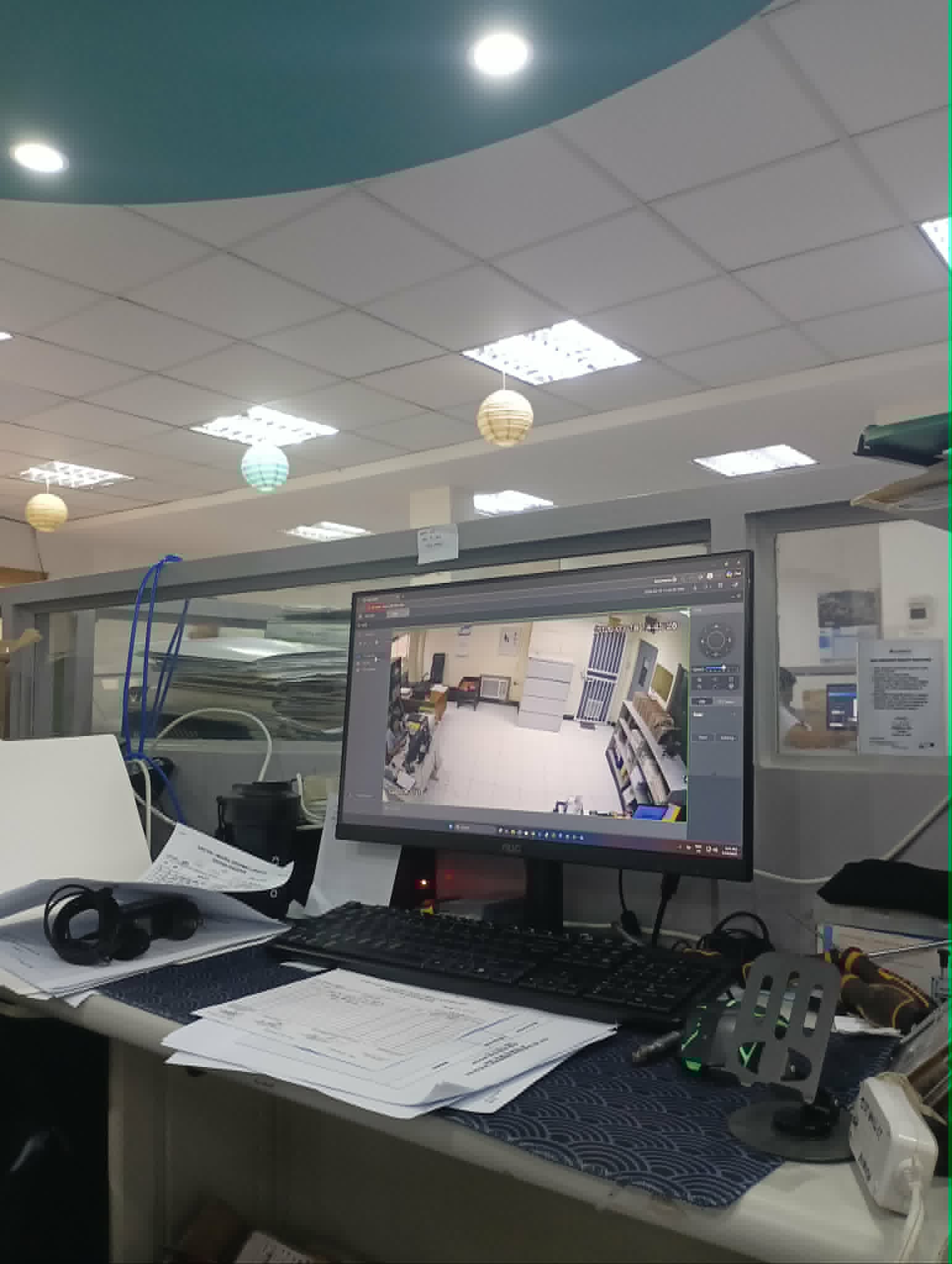
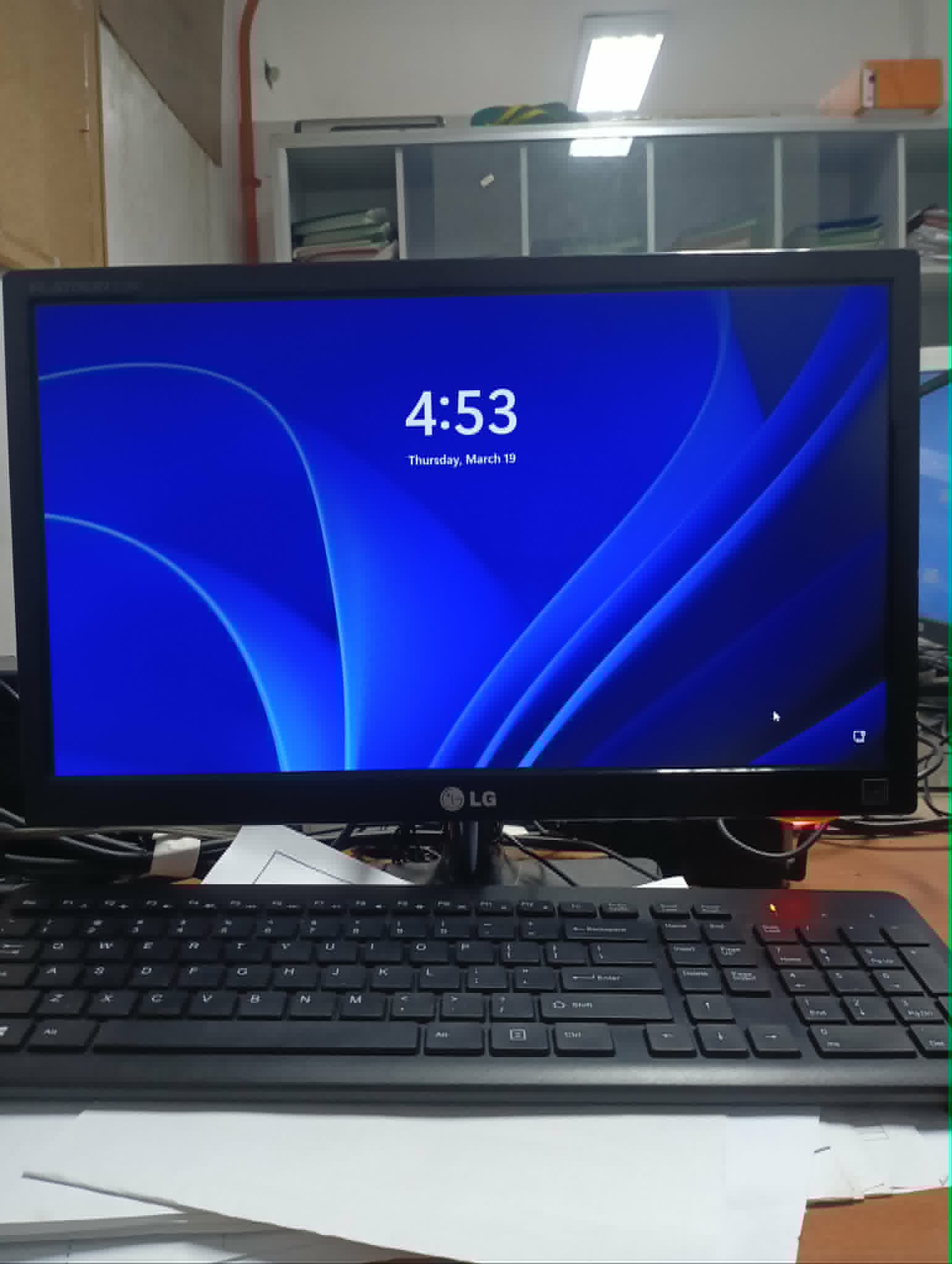
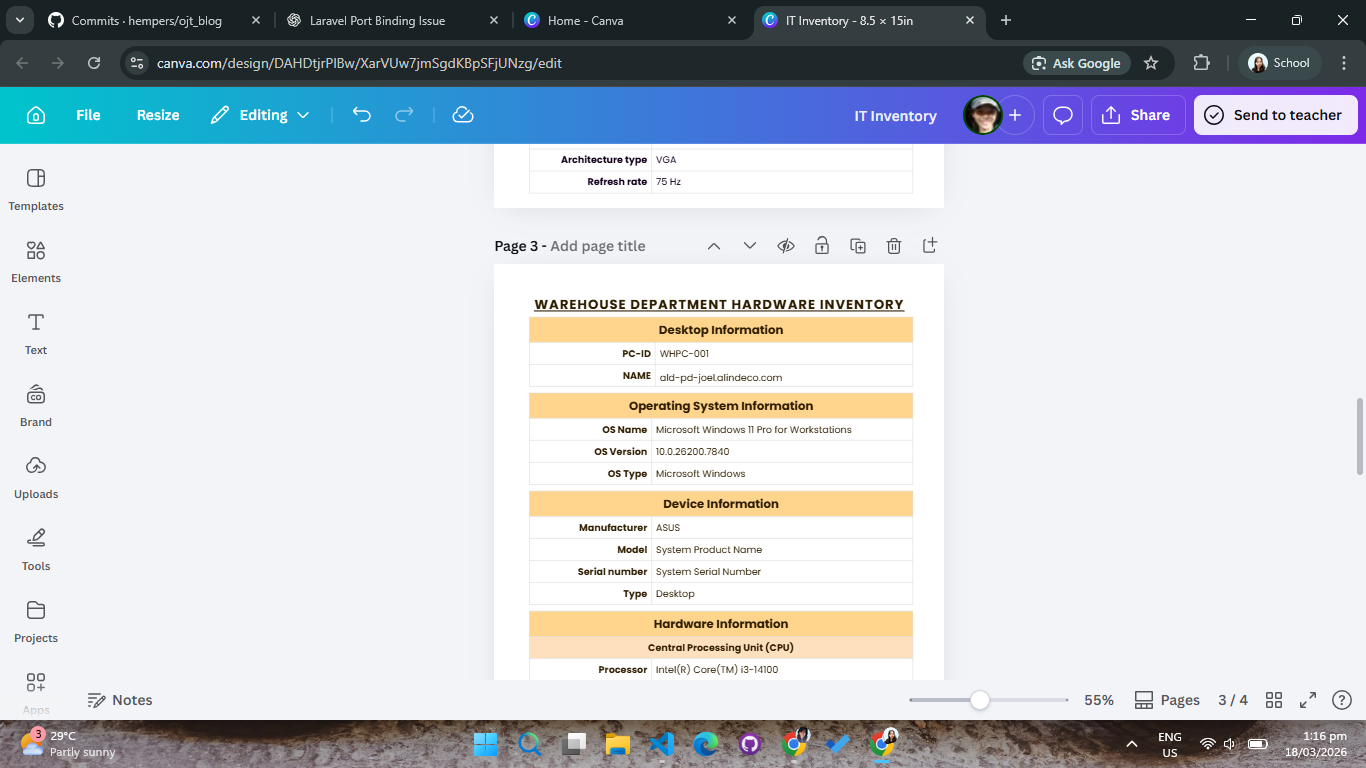
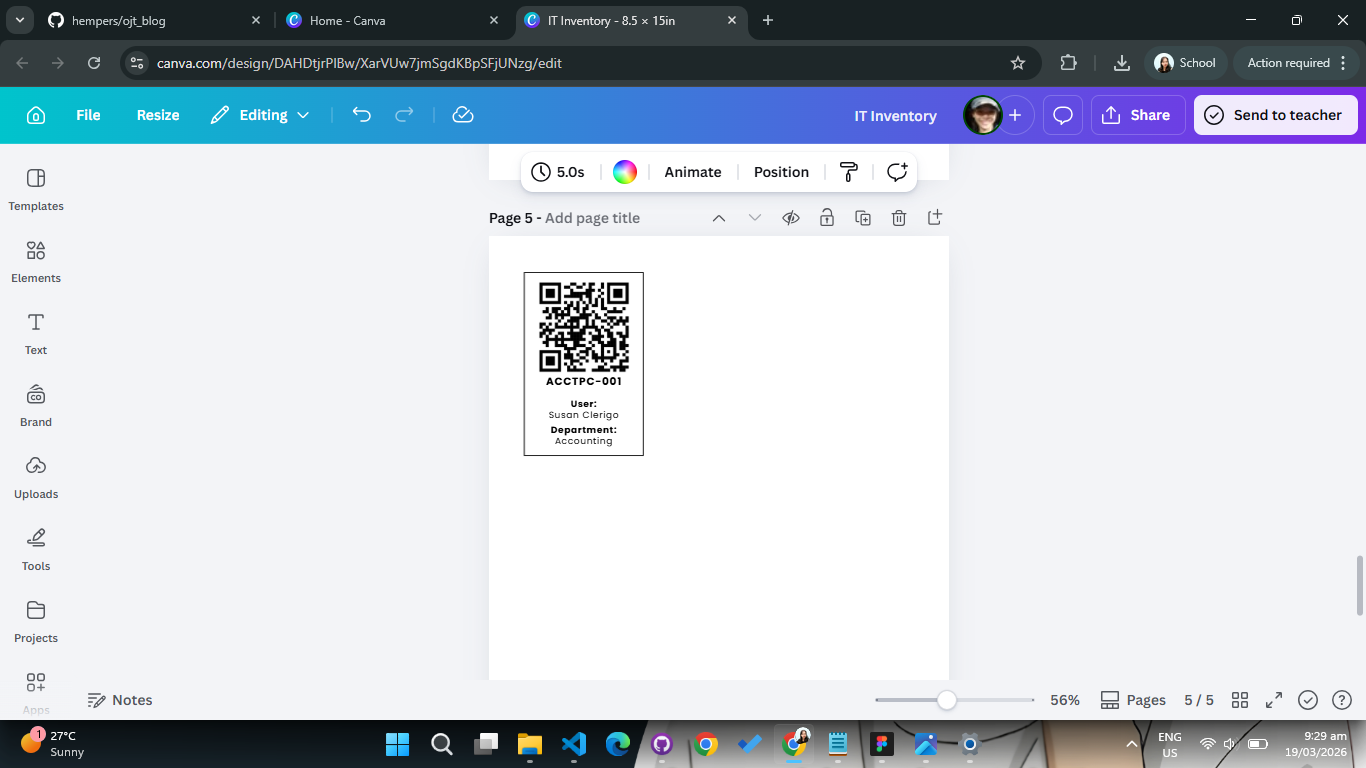
On March 19, I continued working on the inventory system and printed a sample QR format to present to the admin head. Later, we created another LAN cable for CCTV connection in production management. We were also asked to troubleshoot a desktop in the production department because the user reported that it had not turned on for one day.
During diagnostics, our mentor tested the power
supply by jumpering pins, then we opened the
system unit and checked the RAM. After cleaning
and reseating, the desktop booted with one RAM
module installed. When we added the second RAM,
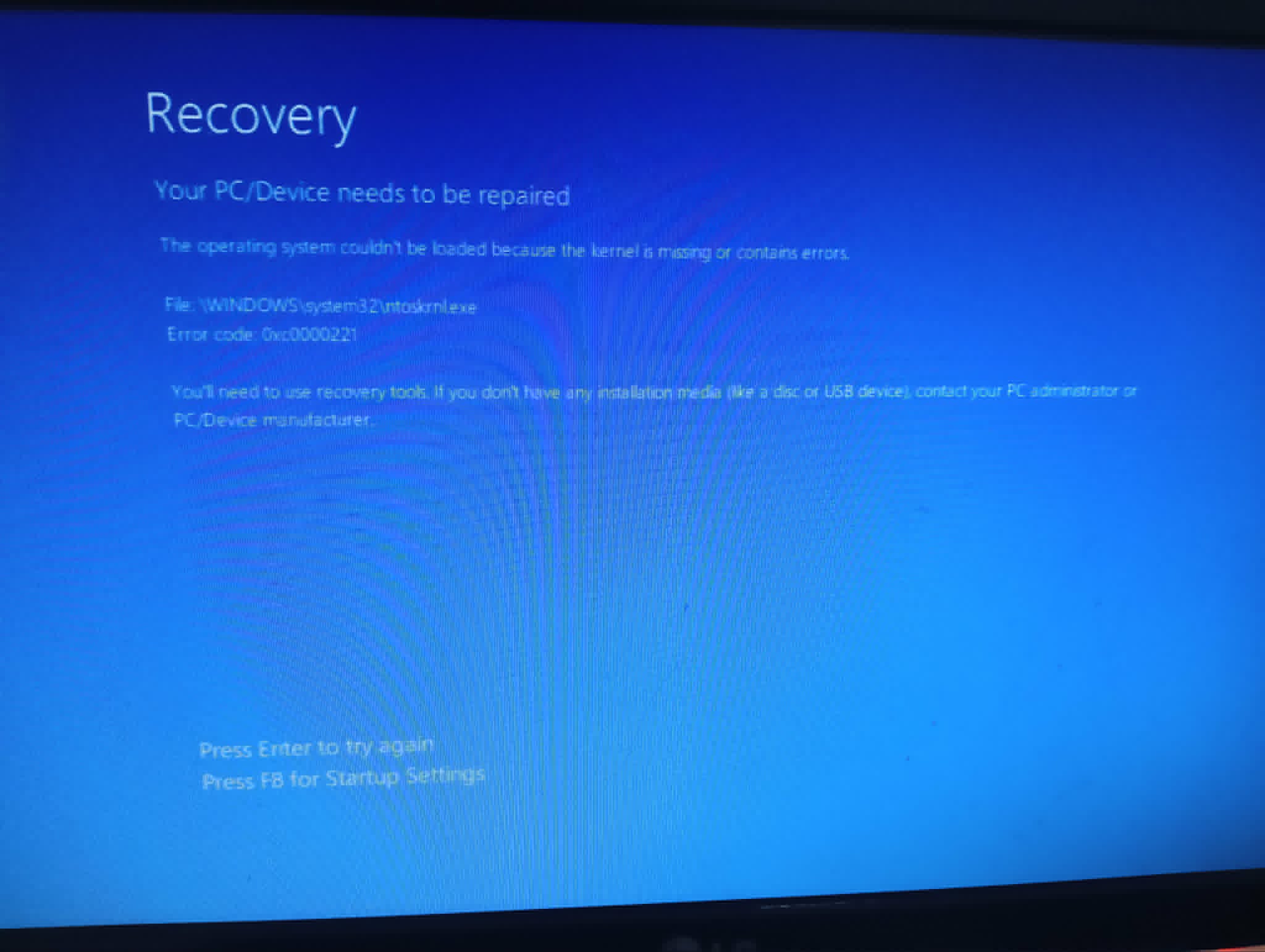
the system showed error code
0xc0000221
(blue screen). Removing
the secondary RAM restored normal boot, so we
concluded that the second RAM stick was faulty
and left it removed.
The final workday of the week, March 20, was focused on further clarification of the system planned for the purchasing department. I explored existing systems related to our project and helped clarify the expected workflow to align the planned solution with the department's actual process.