Narrative
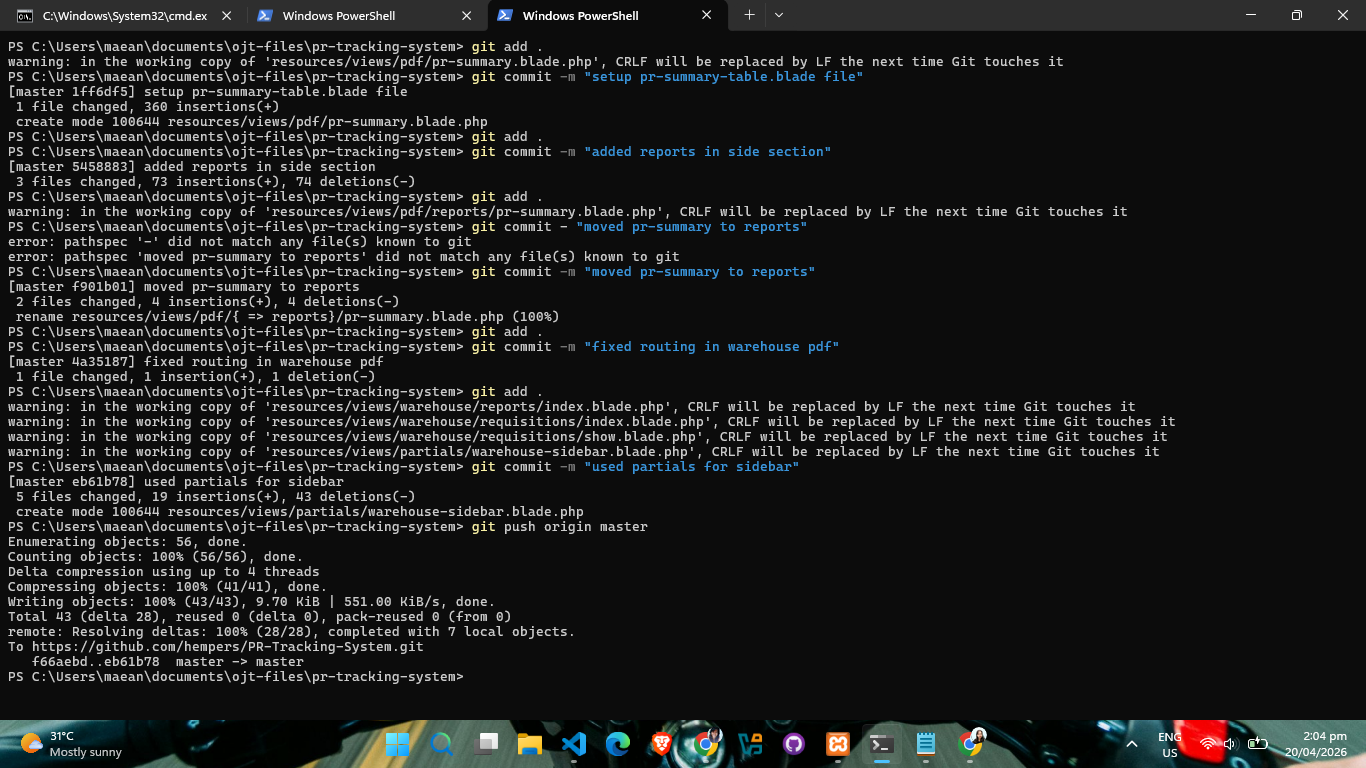
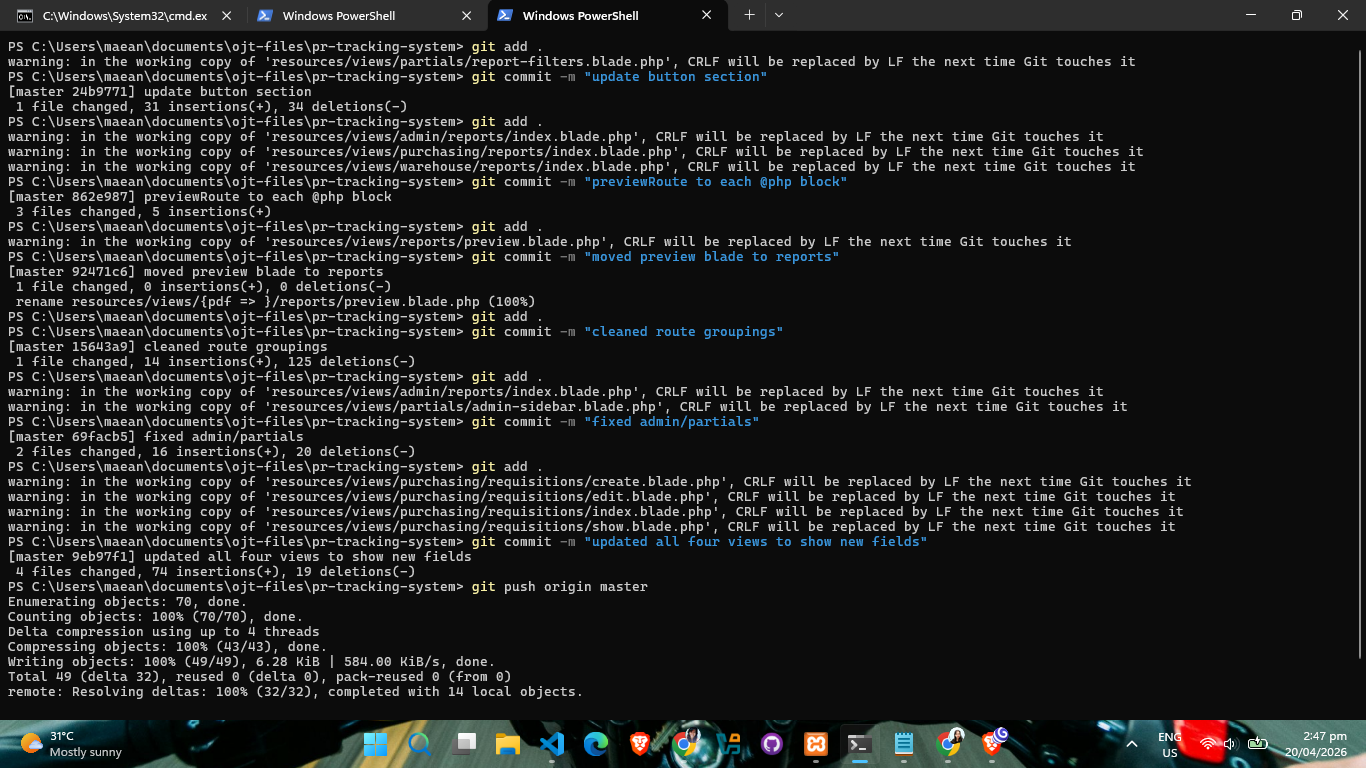
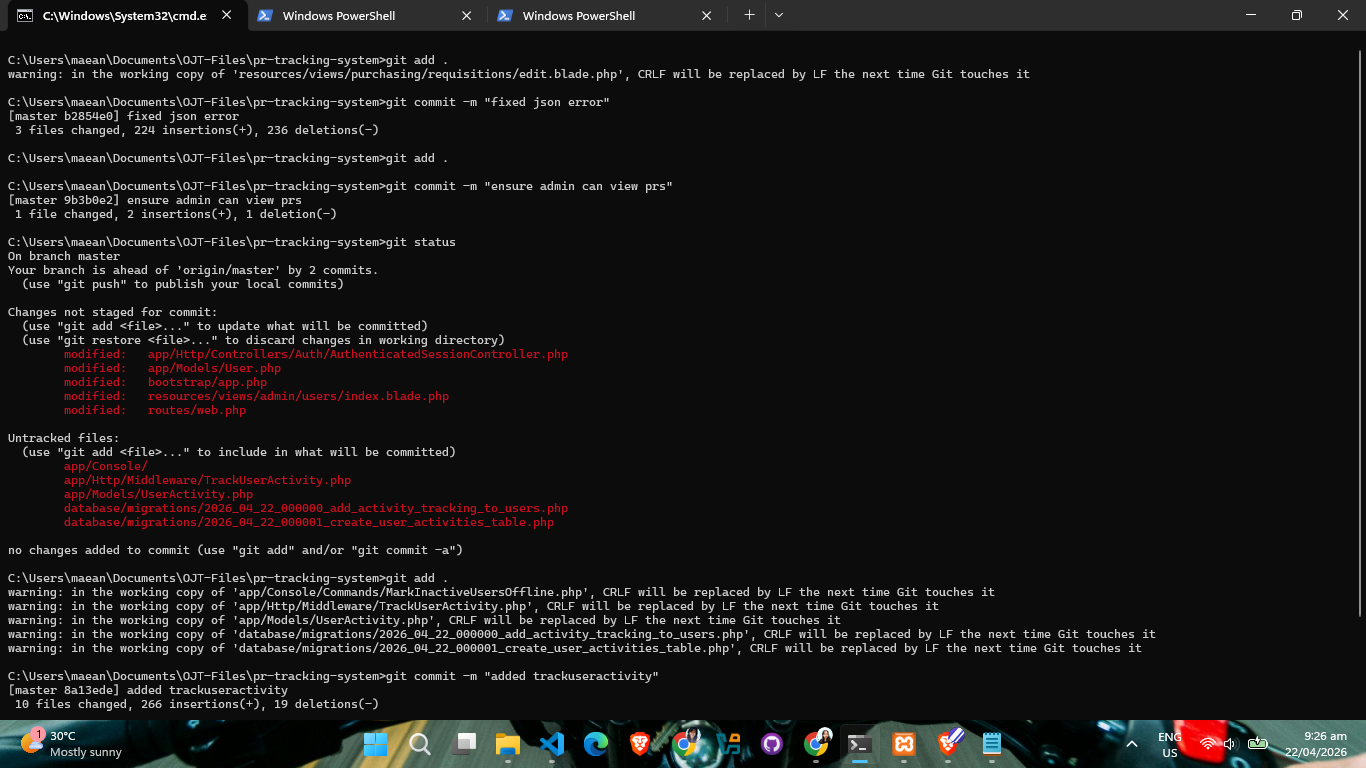
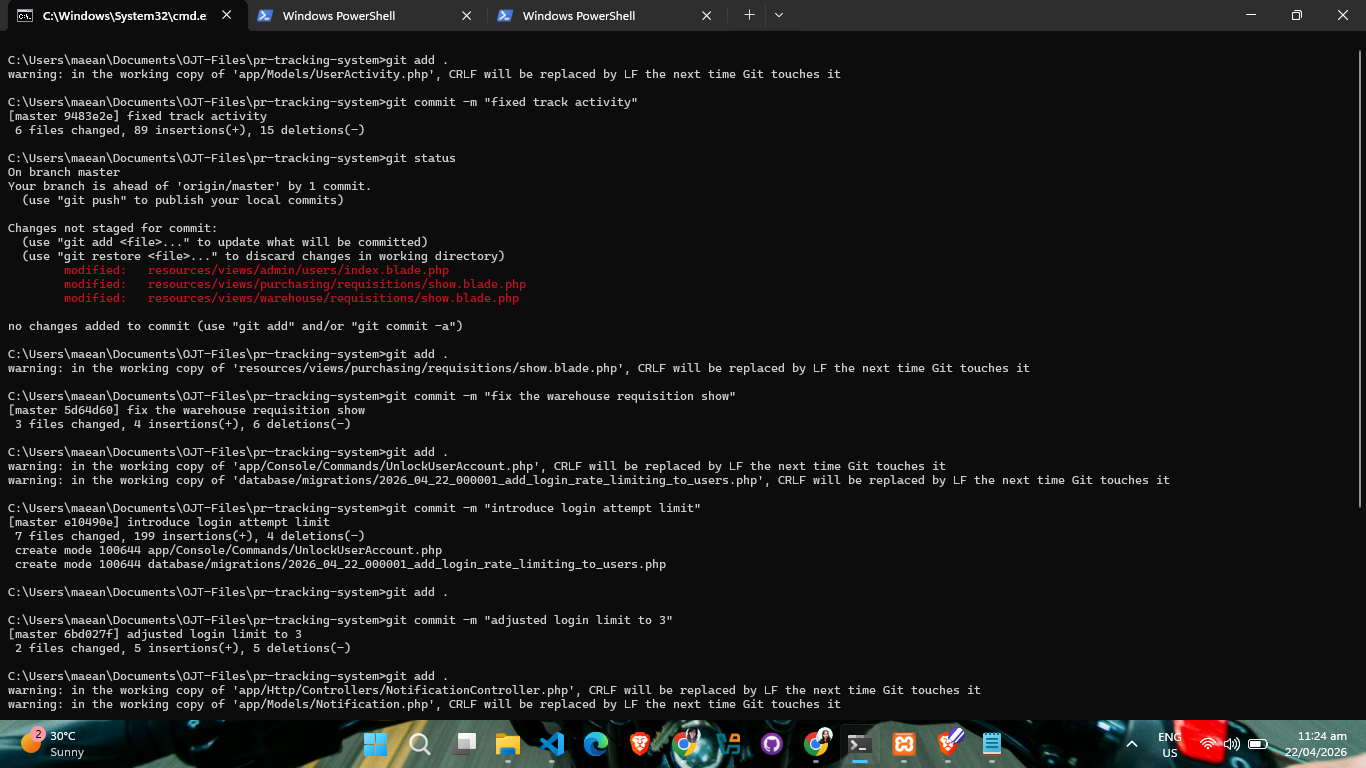
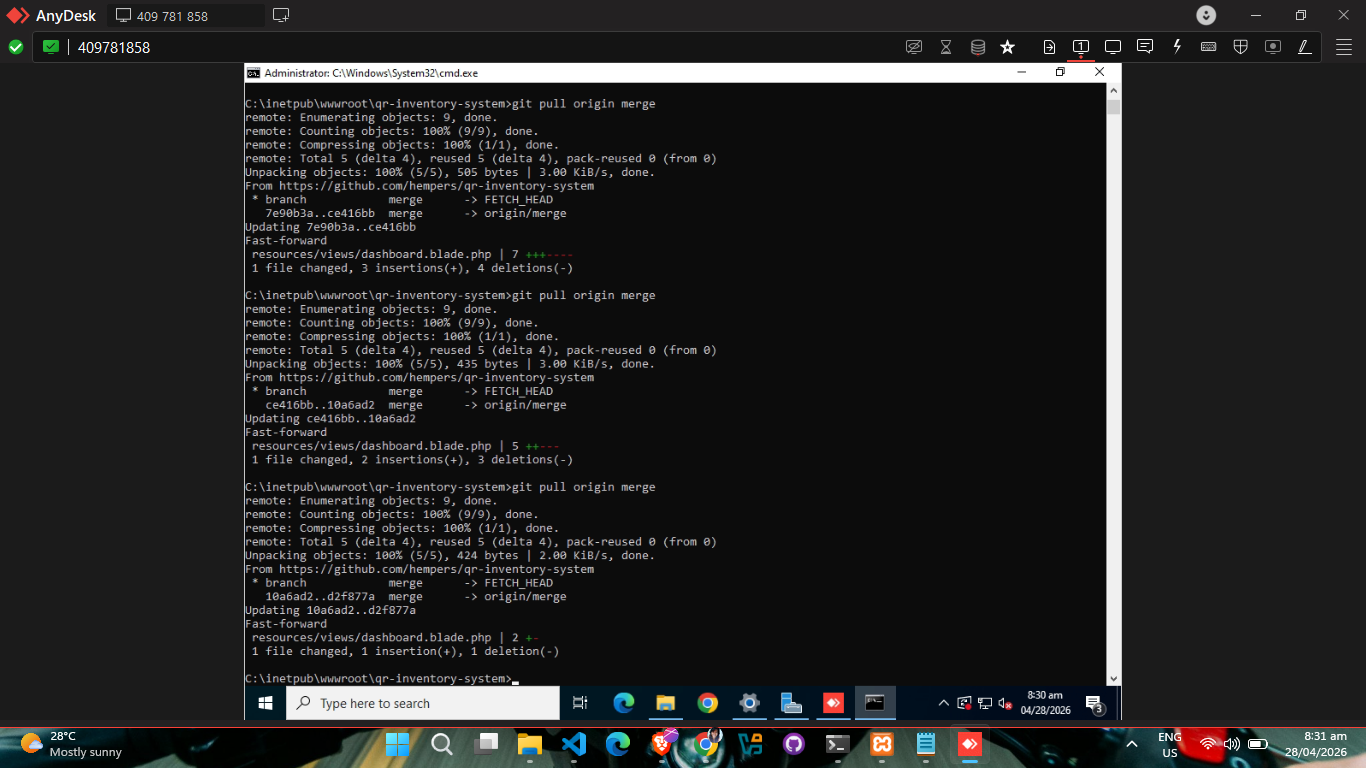
Week 10 was a milestone week that bridged the gap between advanced software engineering and essential technical support. I spent April 20 and 22 continuing the development of the Purchase Requisition Tracking System (PRTS). These days were focused on refining the backend logic and ensuring that all development milestones were properly documented through consistent code commits.
April 23 was a breakout day for learning as I focused
entirely on implementing automated email notifications using
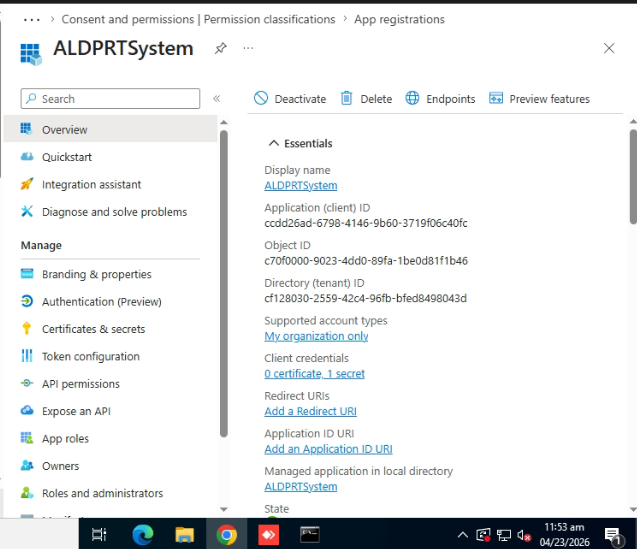
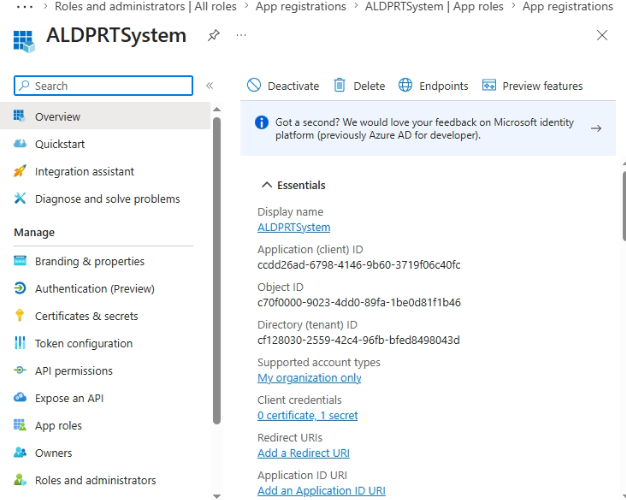
the Microsoft Graph API. The process began in the Azure
Portal, where I registered my application to establish a
connection between my system and Microsoft's services. I
carefully secured the Client ID, Tenant ID, and generated a
client secret—a step where I learned that Azure only
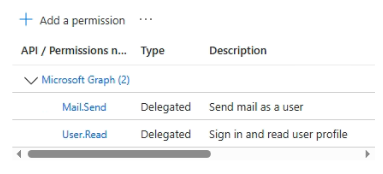
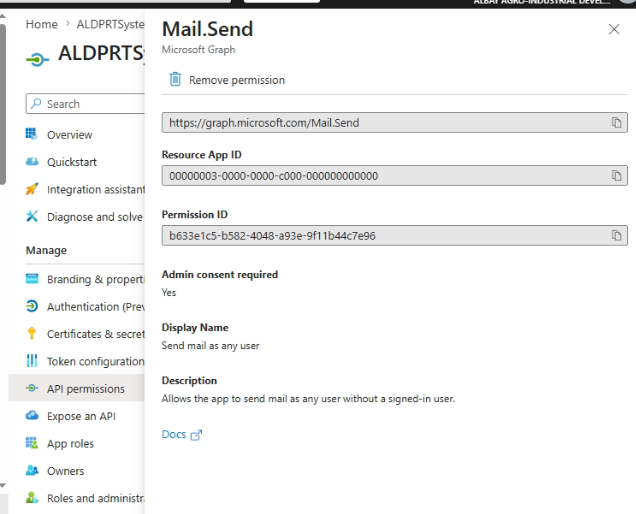
displays the secret once. I then navigated to API
permissions to add and grant admin consent for
Mail.Send, a critical step for allowing the
application to send emails on behalf of the company.
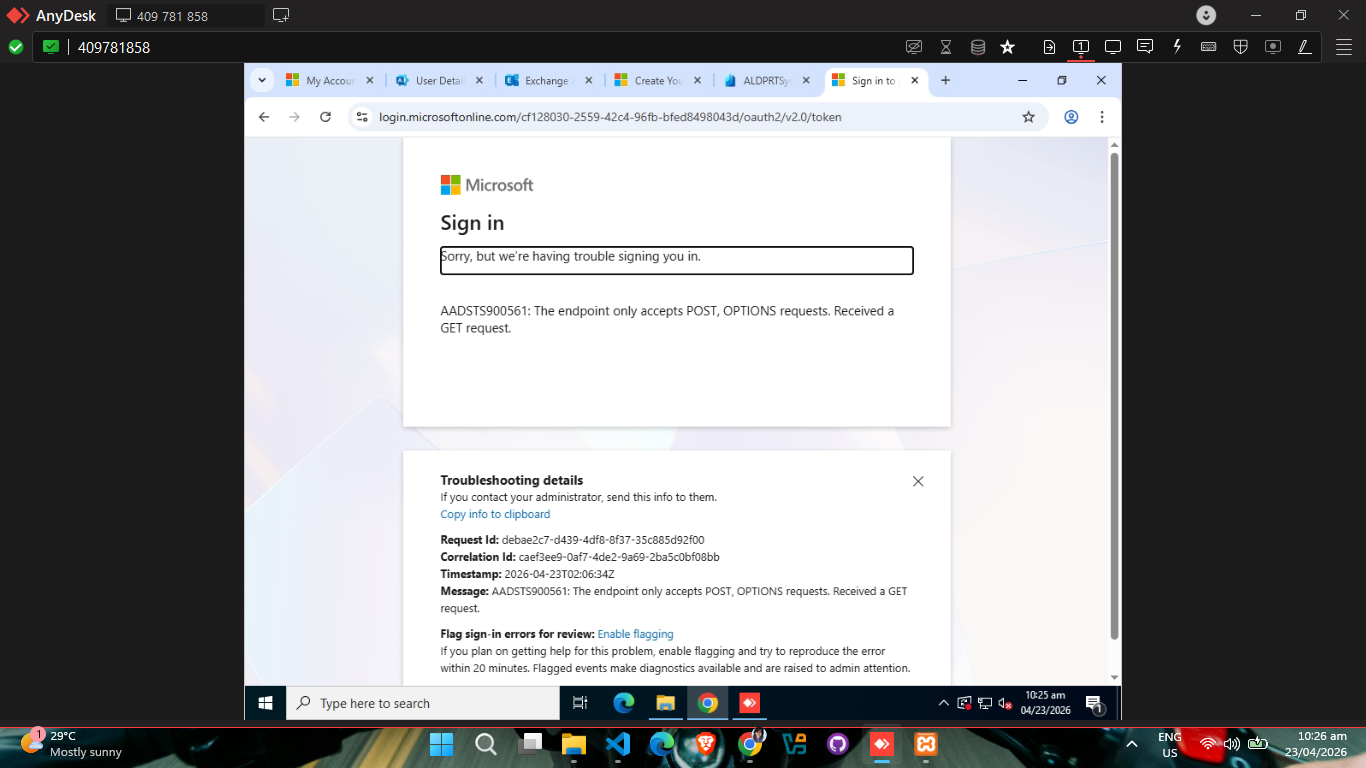
During implementation, I hit a snag: our
noreply@alindeco.com account was failing
because it lacked a mailbox. I corrected this by setting it
up as a properly licensed shared mailbox. Once the Azure
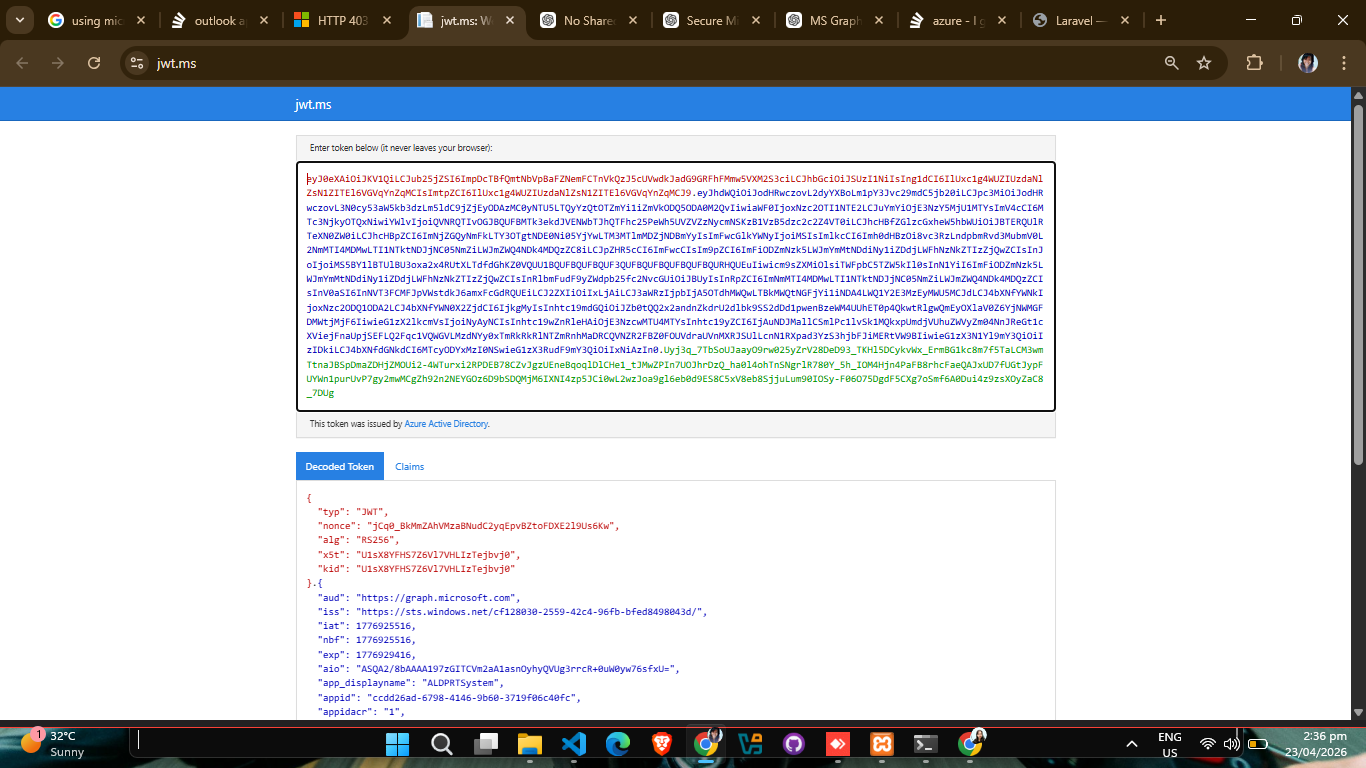
infrastructure was ready, I successfully tested the access
token generation using a client credentials flow. For the
final integration into my Laravel project, I installed
Guzzle, stored the credentials in the .env
file, and created a dedicated service class to handle the
communication logic. Seeing the first automated email arrive
was a huge success and added a valuable new skill to my
toolkit.
On April 24, I encountered a unique technical challenge
while upgrading a desktop from Windows 10 to Windows 11.
After a successful installation, we were locked out of the
system because the pre-created "admin" account wouldn't
accept any passwords and lacked a standard password field.
To resolve this, I used a specialized recovery technique via
the Command Prompt (accessed through Shift +
Restart). I navigated to the system drive and
used ren utilman.exe utilman.exe.bak followed
by copy cmd.exe utilman.exe to replace the
Utility Manager with a terminal. After a reboot, I clicked
the accessibility icon to open the CMD directly on the login
screen, where I ran net user [Username] [Password]
/add and net localgroup administrators
[username] /add to create a new admin account.
This bypass worked perfectly and allowed us to regain full
access to the workstation.
The week concluded on April 25 with a migration project for the Accounting Department. I backed up the existing data and performed a clean upgrade from Windows 10 to Windows 11 using Ventoy as my bootable device. Once the OS was installed, I handled the activation of Microsoft Office, joined the workstation to the company domain, and set up all the necessary localized user accounts and daily software. It was a well-rounded week of software integration and hardware management.