Narrative
Week 11 was characterized by a focus on infrastructure
maintenance, network troubleshooting, and project
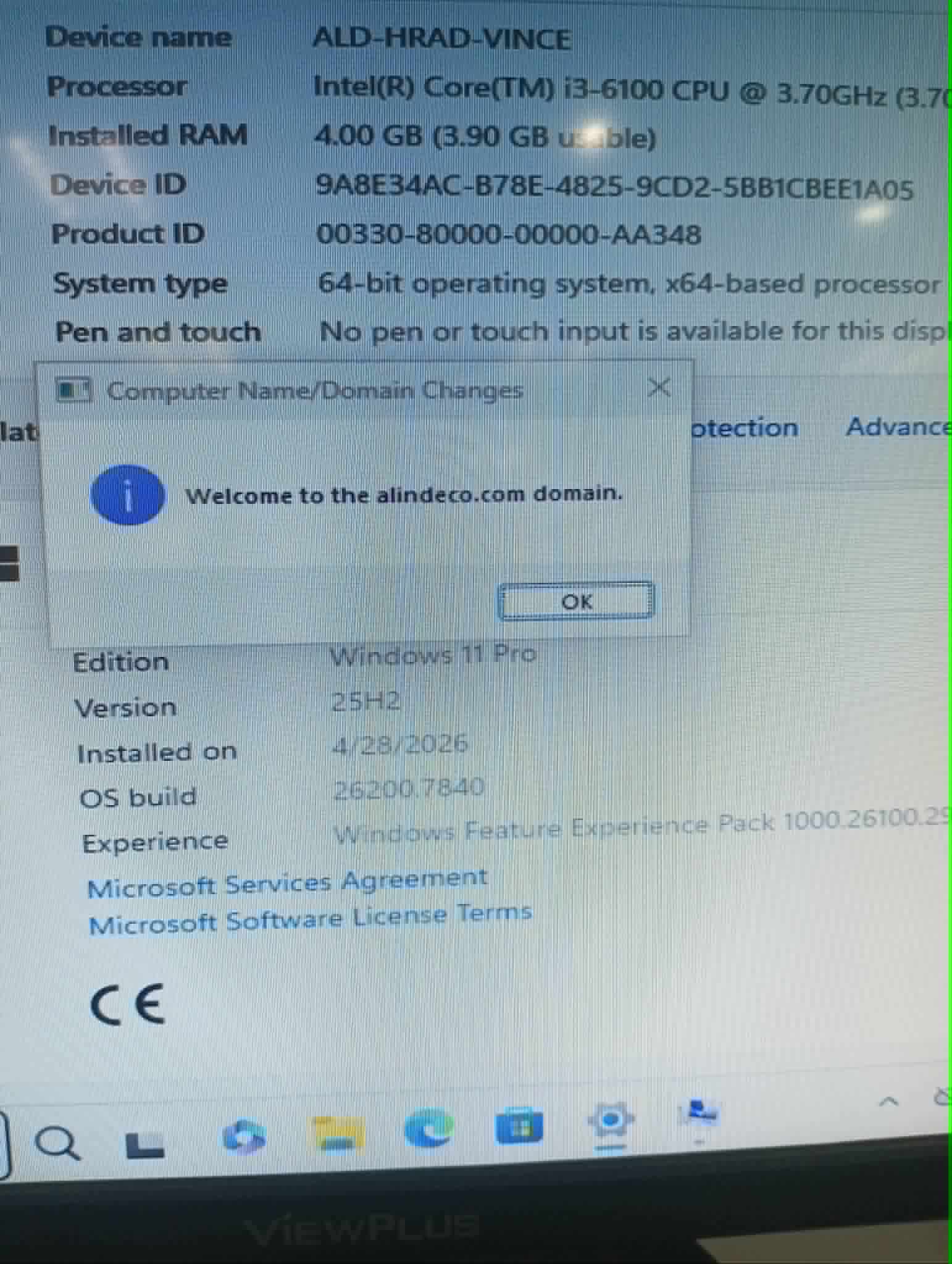
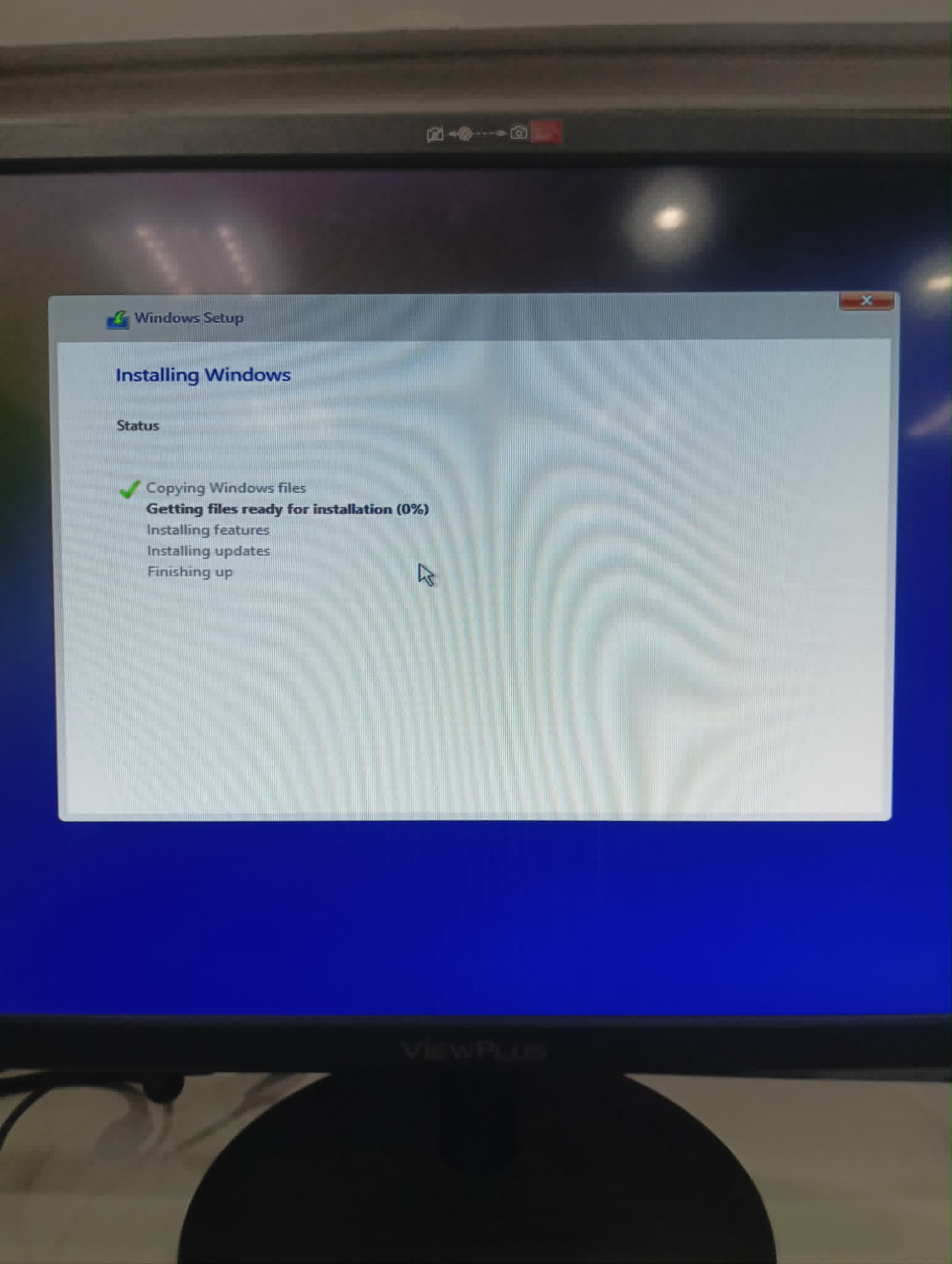
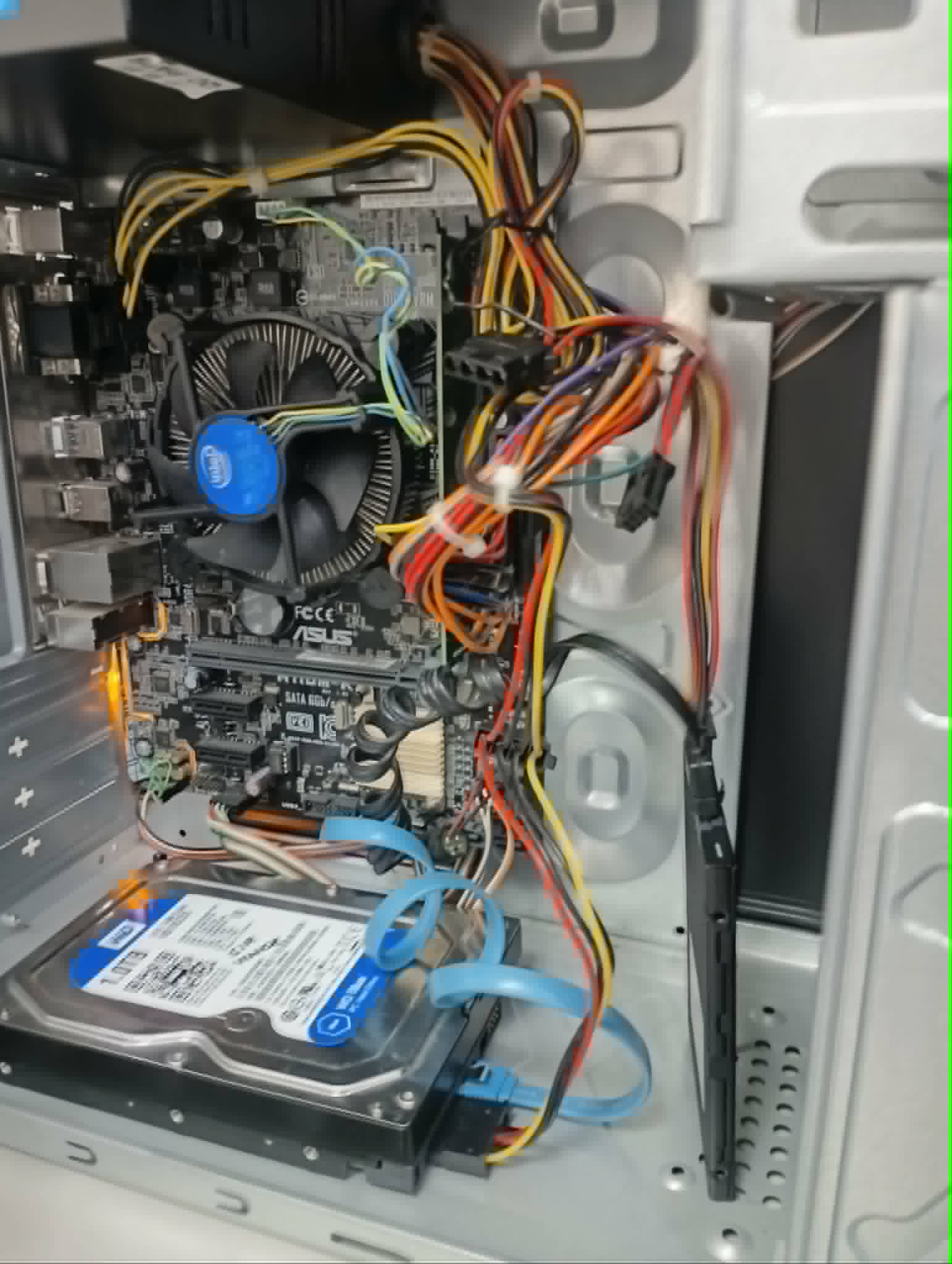
refinement. I started the week on April 27 by deploying an
upgraded Windows 11 desktop in the warehouse department.
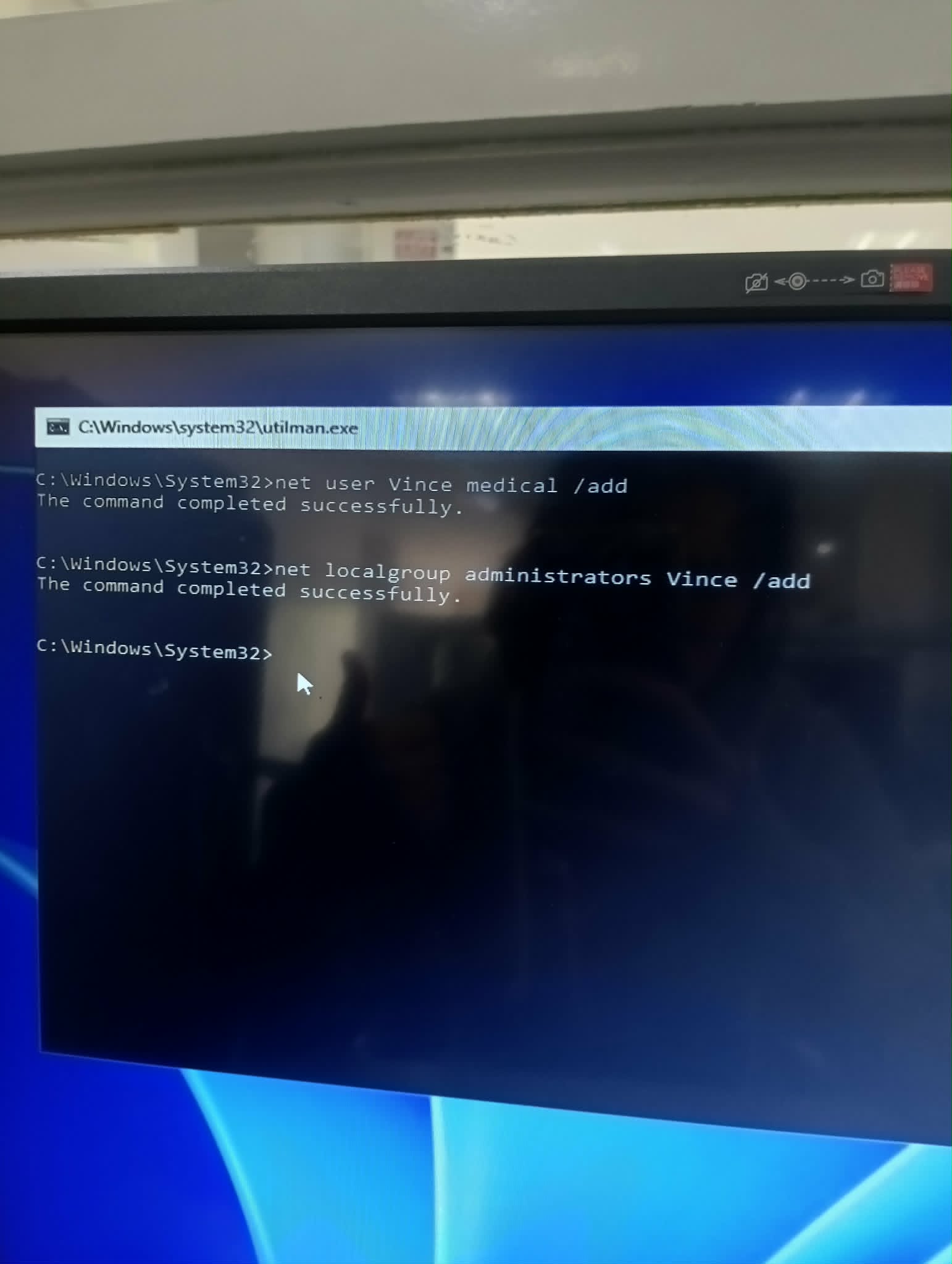
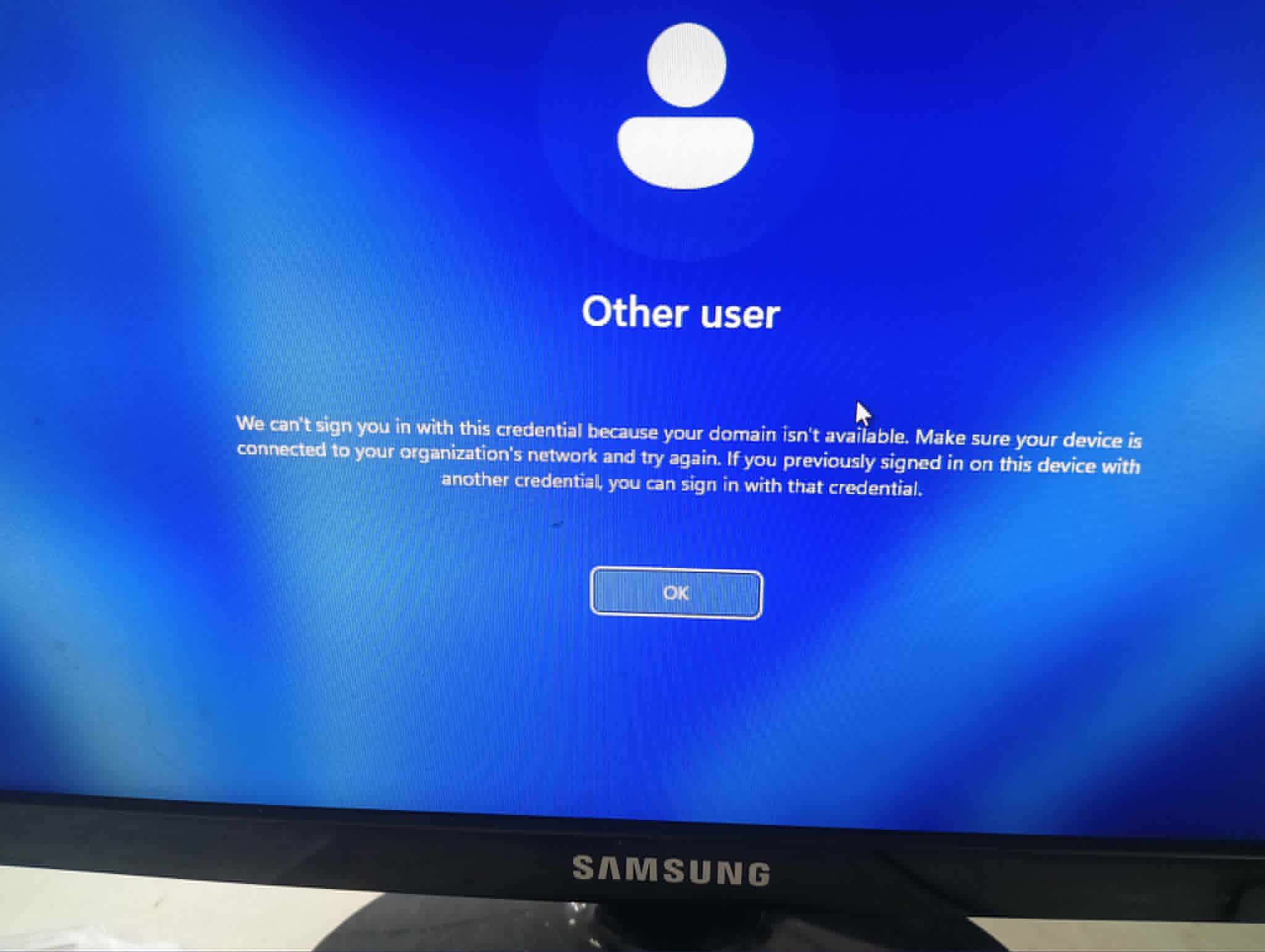
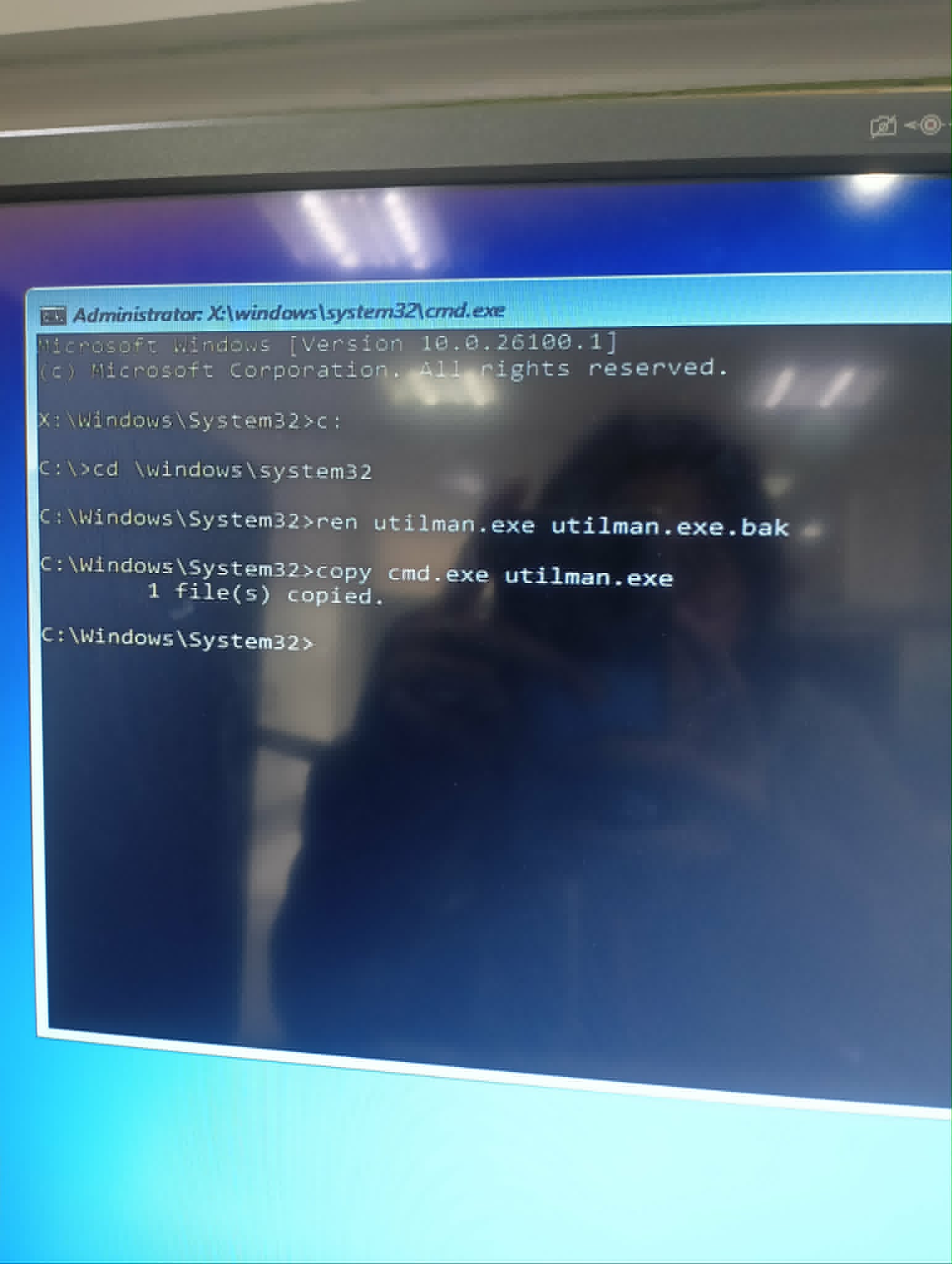
Upon deployment, we hit a significant roadblock: we couldn't
sign in with the new domain user account because the domain
controller appeared unavailable. After investigating the
network adapter settings, I found the culprit—the system was
prioritizing IPv6 over IPv4, which was causing the domain
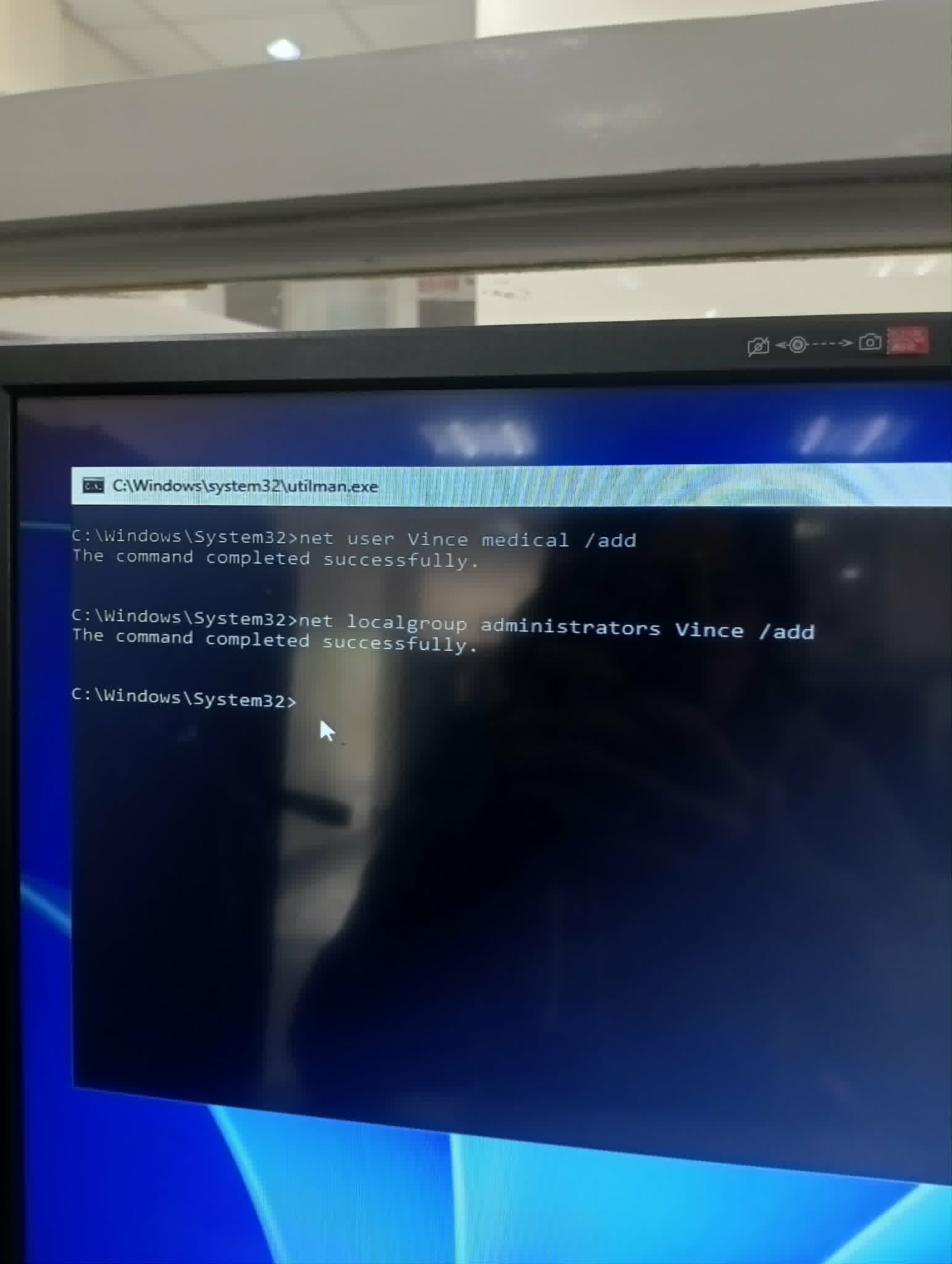
resolution failure. By logging in through the local
ALINDECO\administrator account, disabling IPv6,
and restarting, the workstation successfully connected to
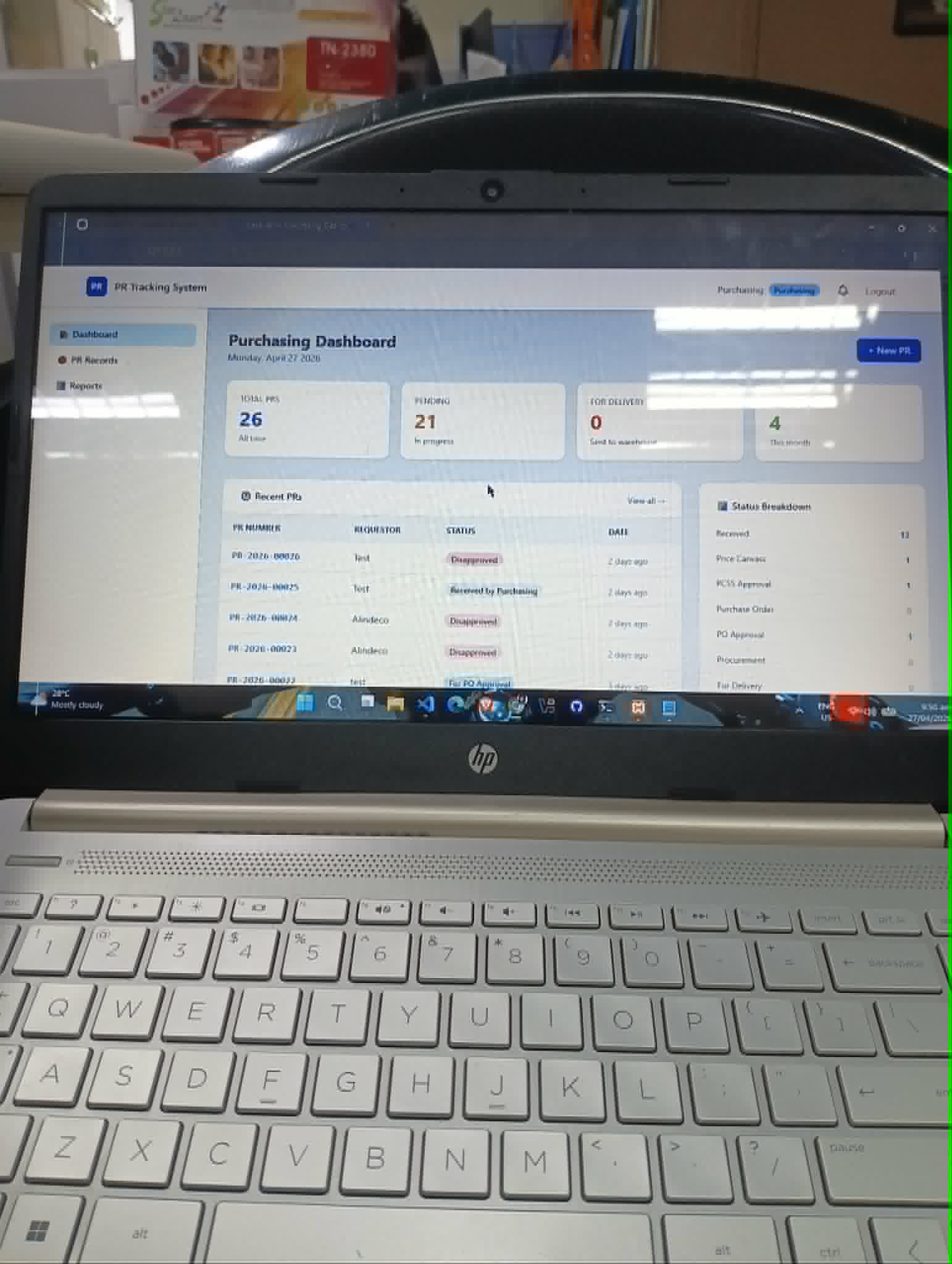
the domain. I spent the rest of the day progressing with the
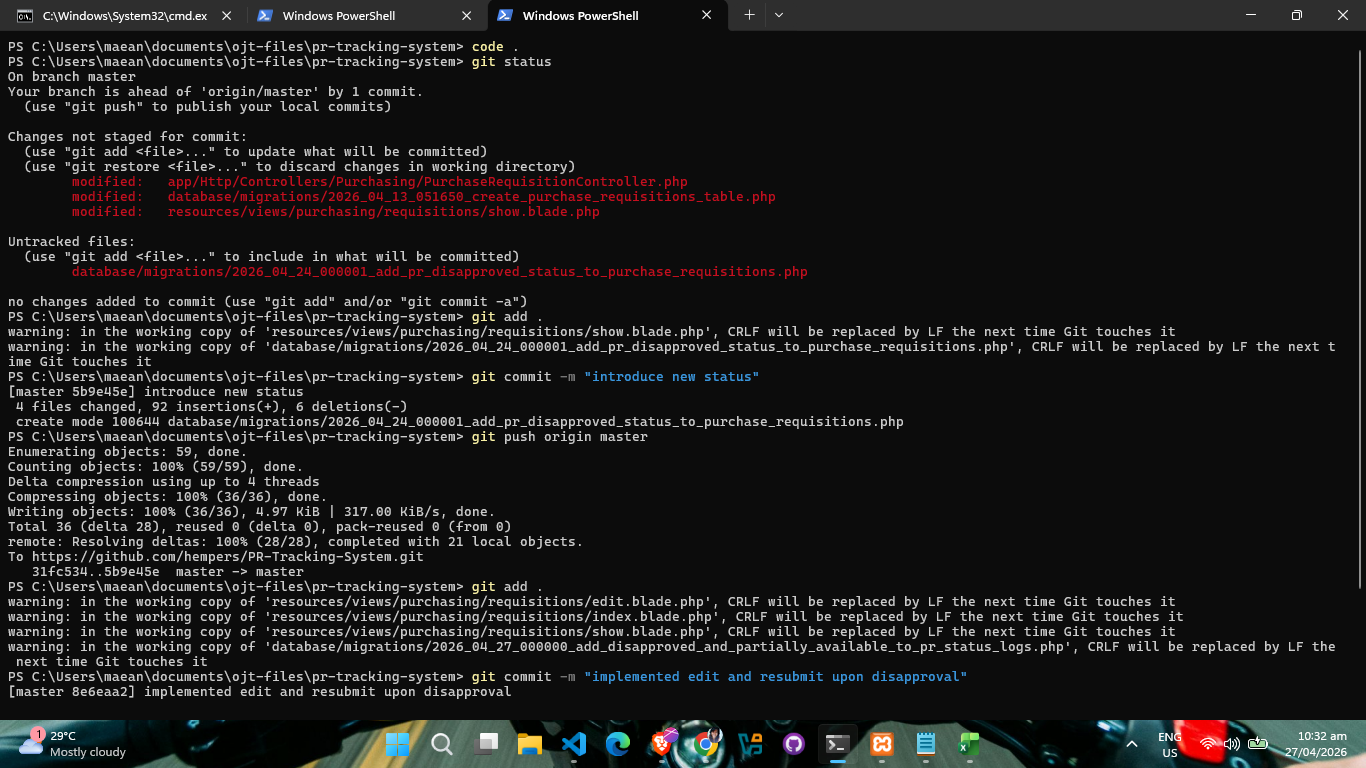
development of the Purchase Requisition Tracking System
(PRTS).
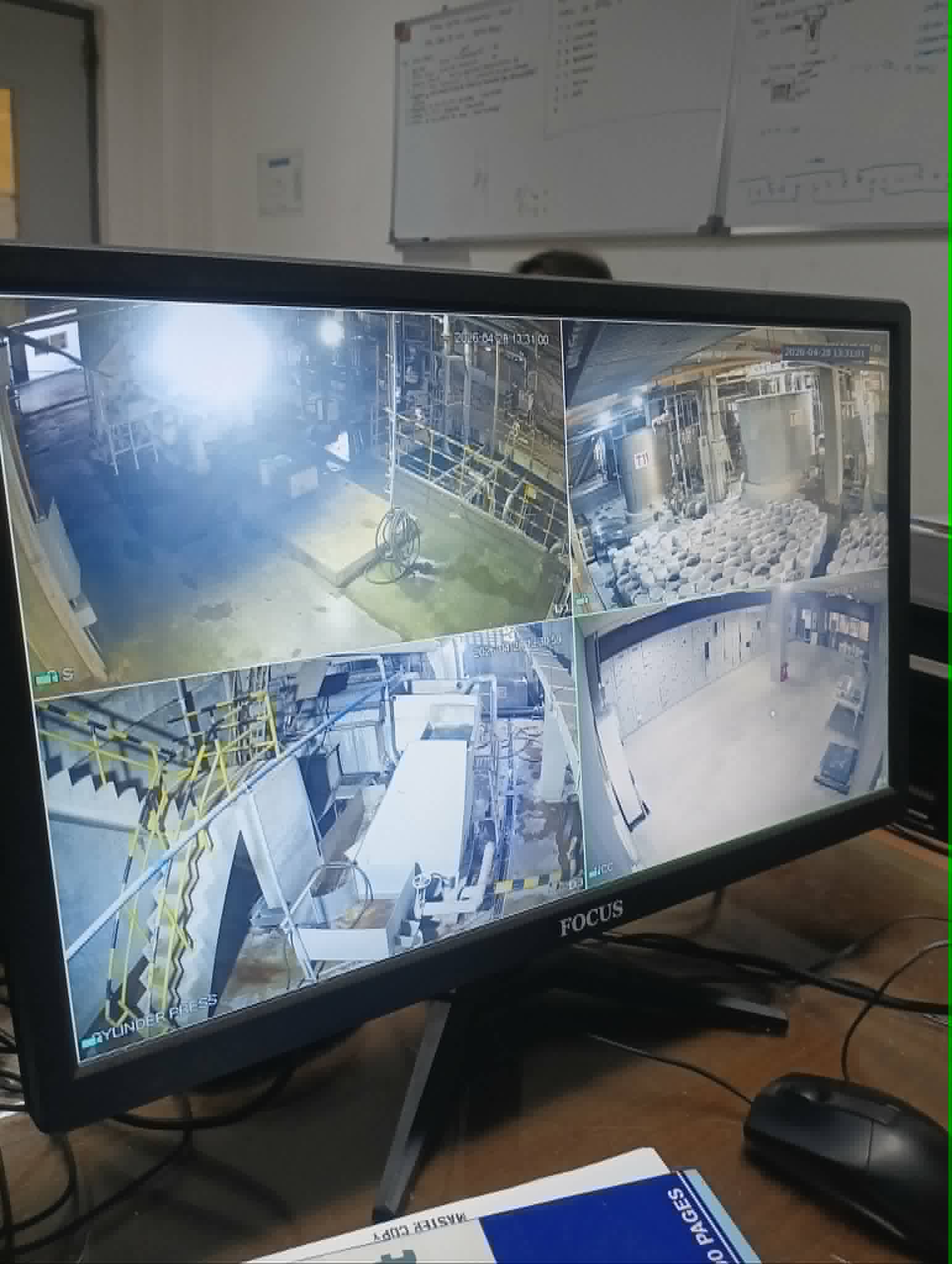
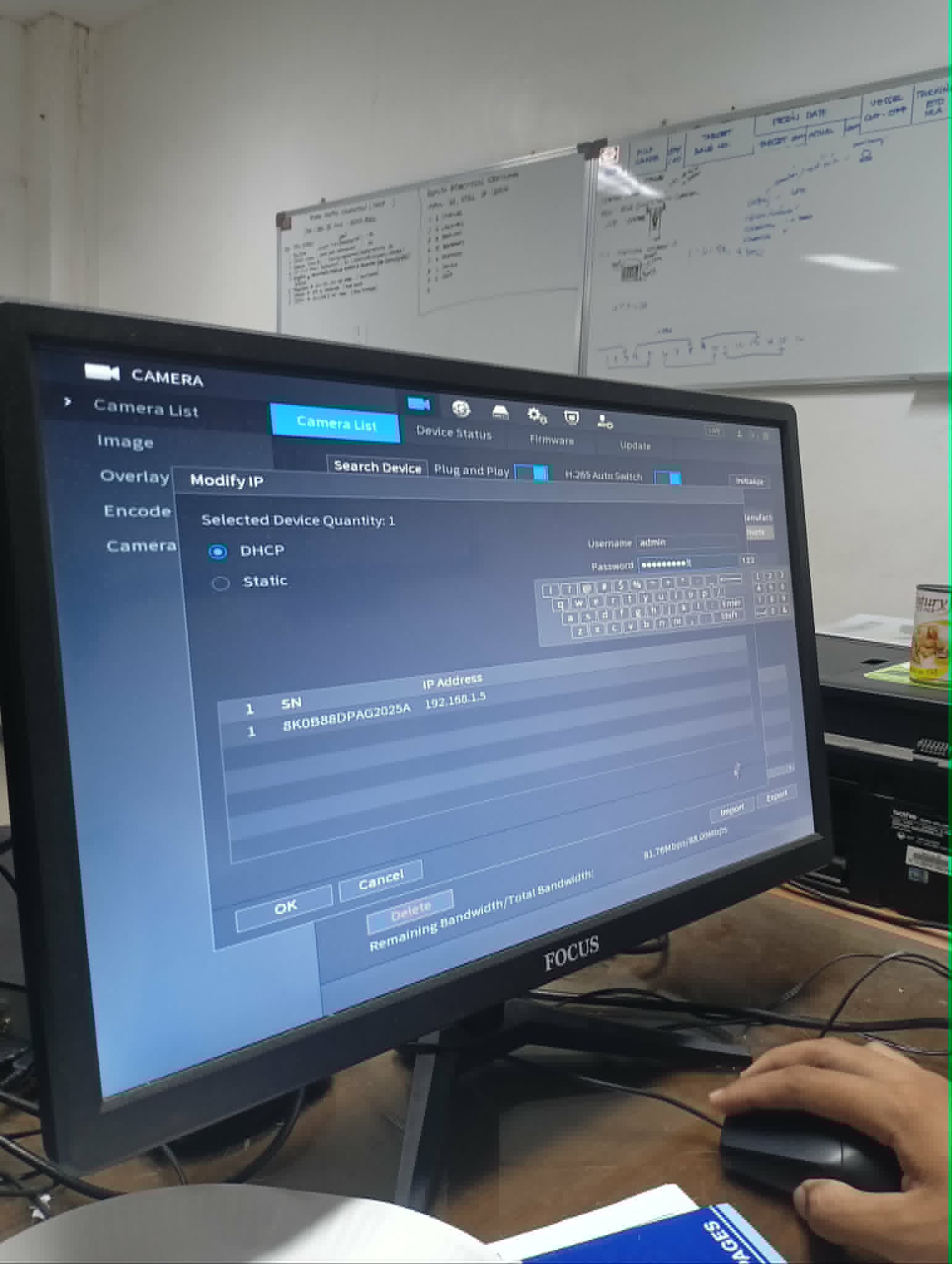
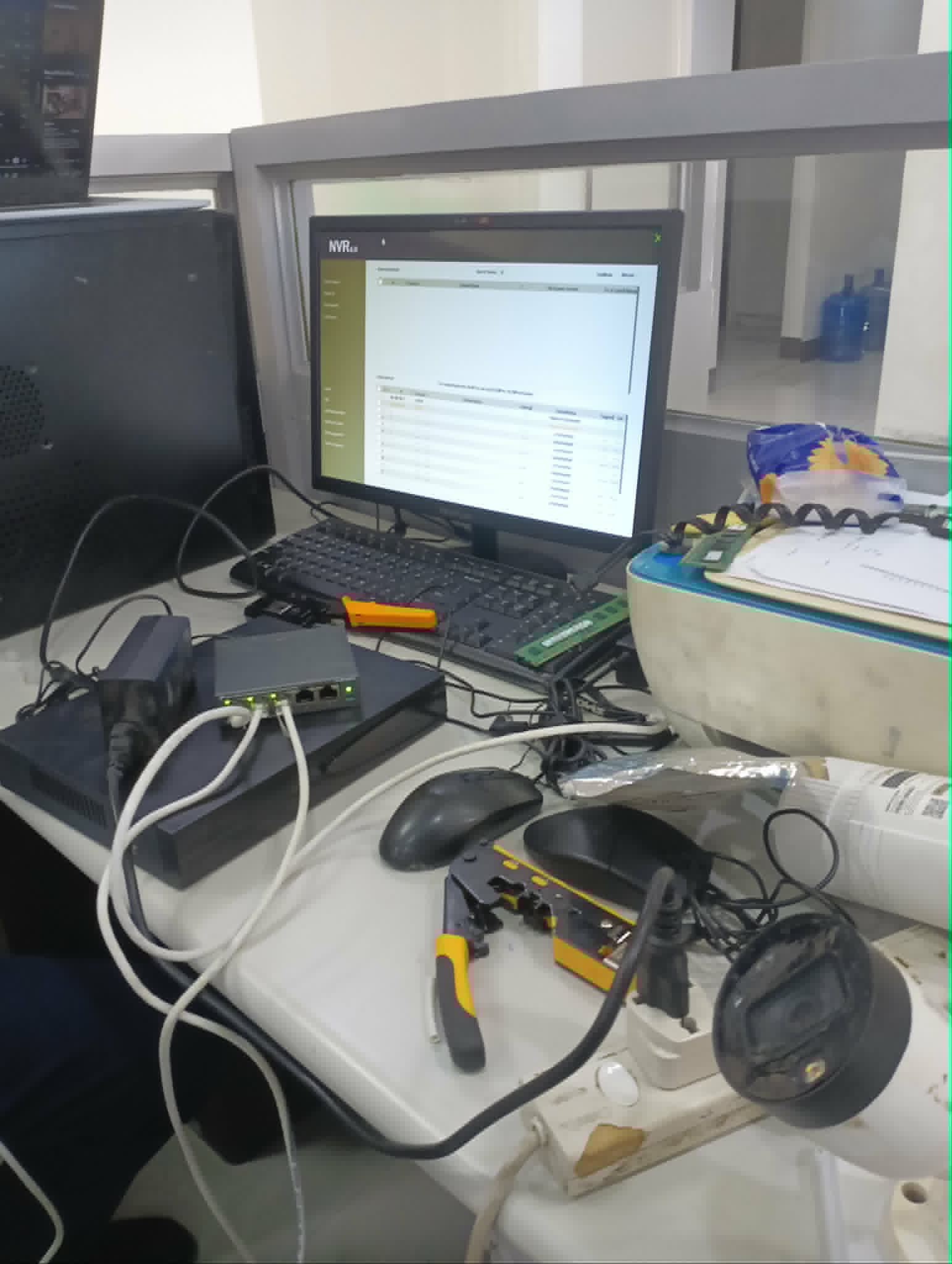
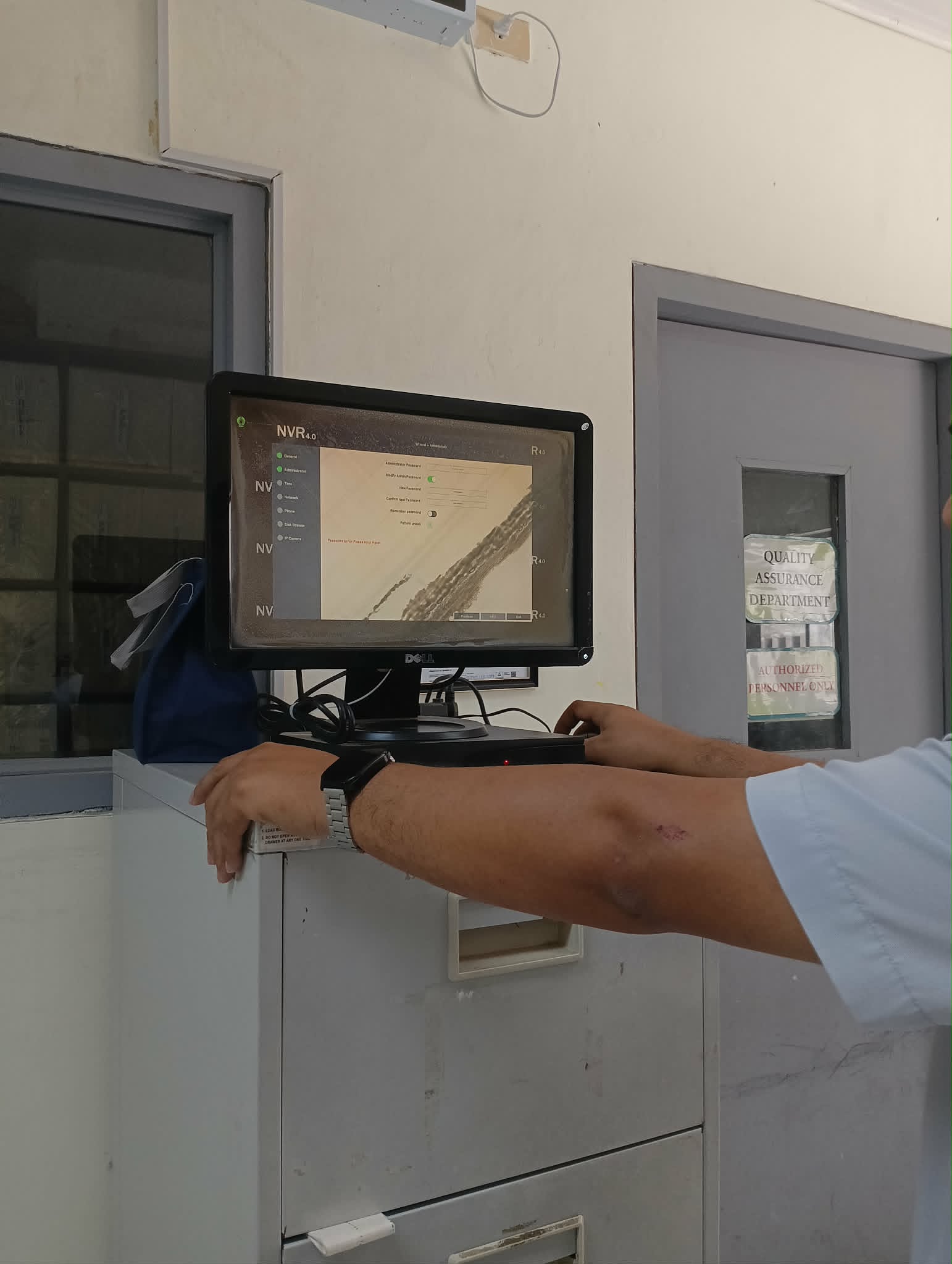
On April 28, I shifted focus to the production office to address persistent CCTV connectivity issues. The task involved recrimping several aging LAN cables to ensure stable connections for the Hikvision camera system. The network path ran from the internet to a switch and then to the Network Video Recorder (NVR). Despite having the correct software configurations, the cameras wouldn't appear on the monitor. After testing the components, we determined the NVR was failing to handshake with the switch. We resolved the bottleneck by swapping out the NVR for a backup unit, which immediately detected all cameras on the network.
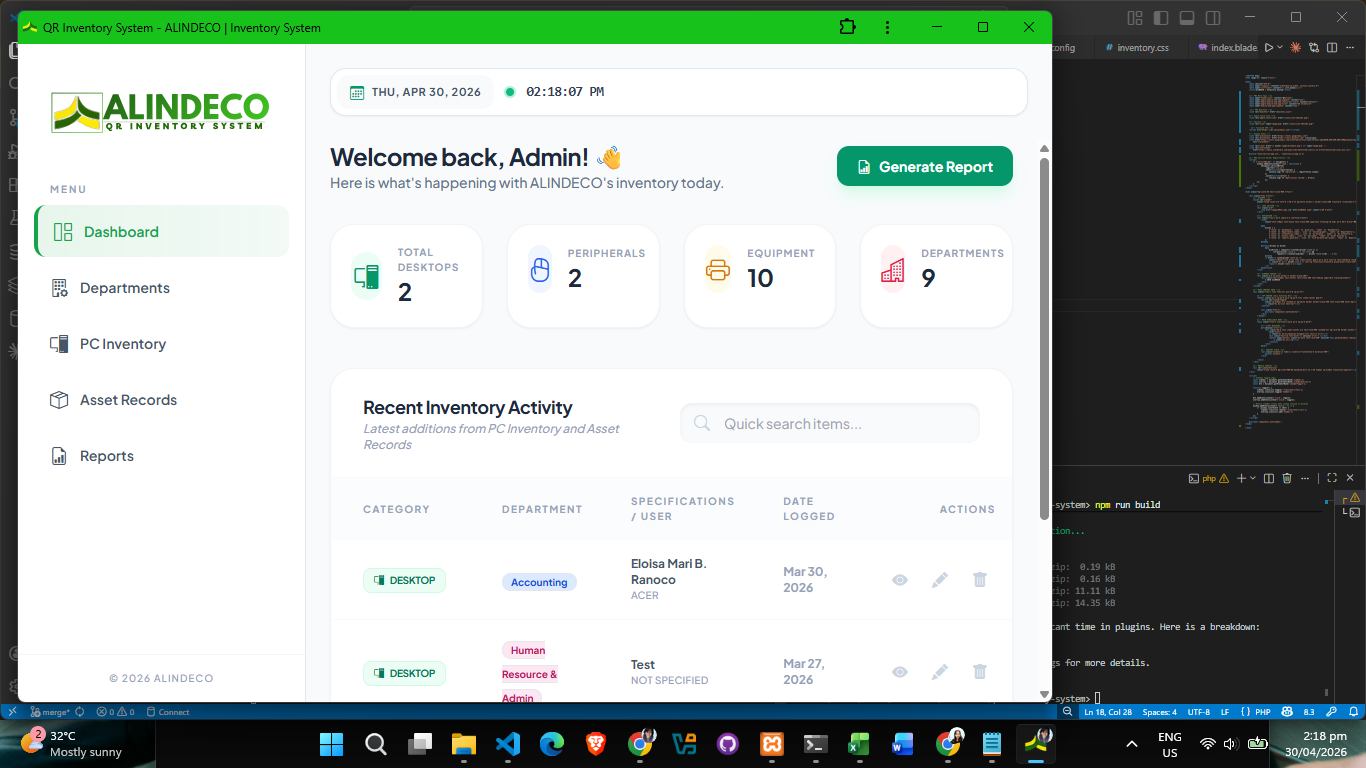
April 29 was a day of system auditing and project updates. I spent time recording computer registration data from ESET into our inventory system to keep our asset records current. I also implemented a major set of changes in the PRTS project, focusing on core logic updates and UI improvements based on recent feedback.
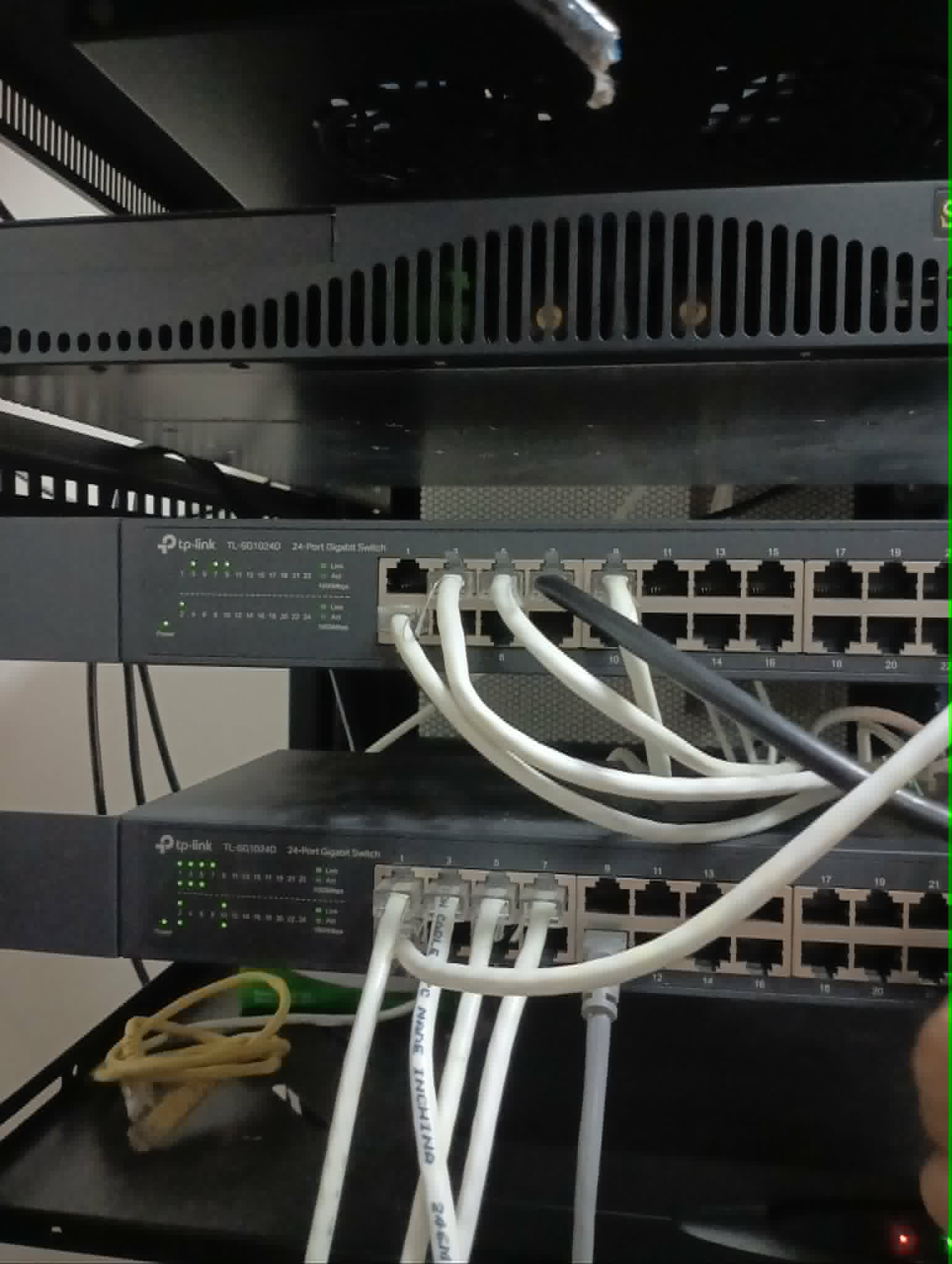
The week concluded on April 30 with a focus on physical infrastructure and routine maintenance. I spent time in the server room recrimping messy or aging wires and cutting excess cabling to organize the server rack, which is vital for both airflow and future troubleshooting. To round out the day, I handled maintenance requests across the office, including replacing toner cartridges in several printers to ensure smooth daily operations.