Narrative
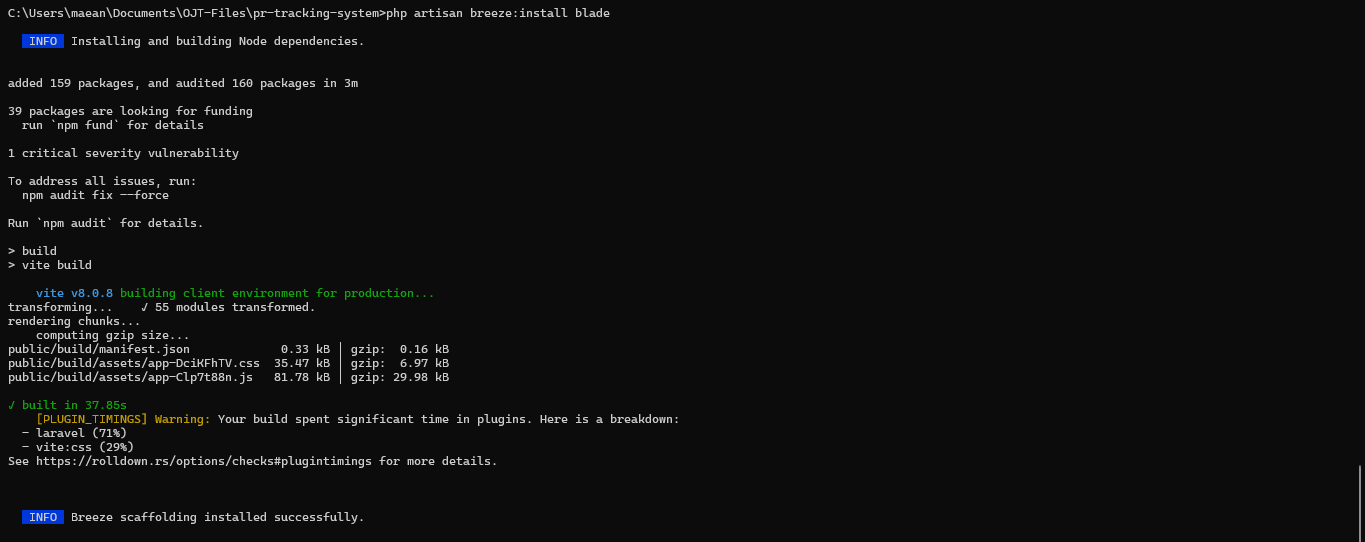
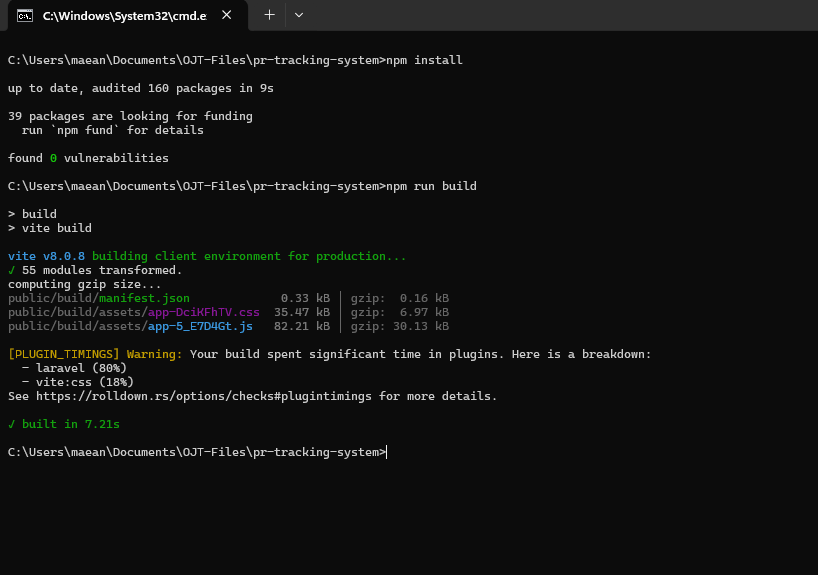
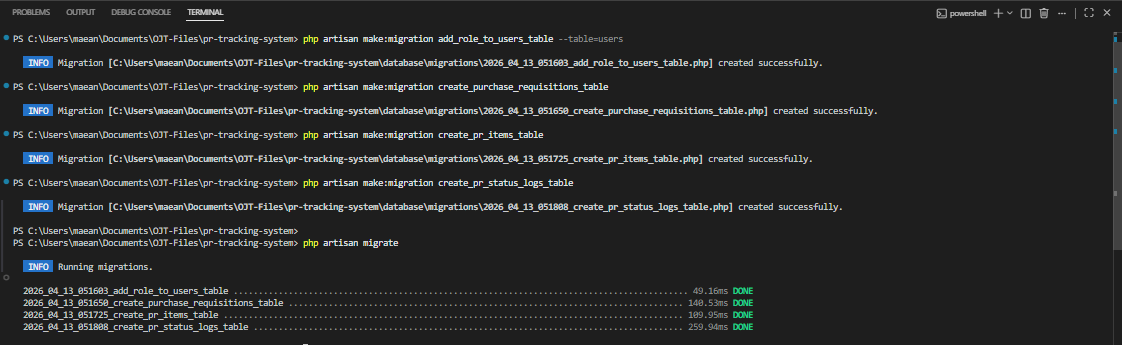
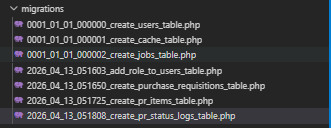
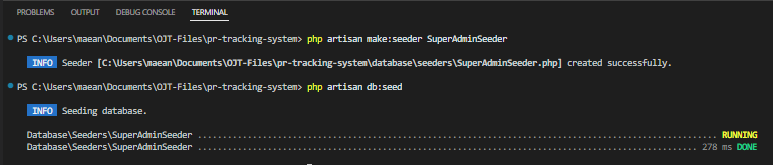
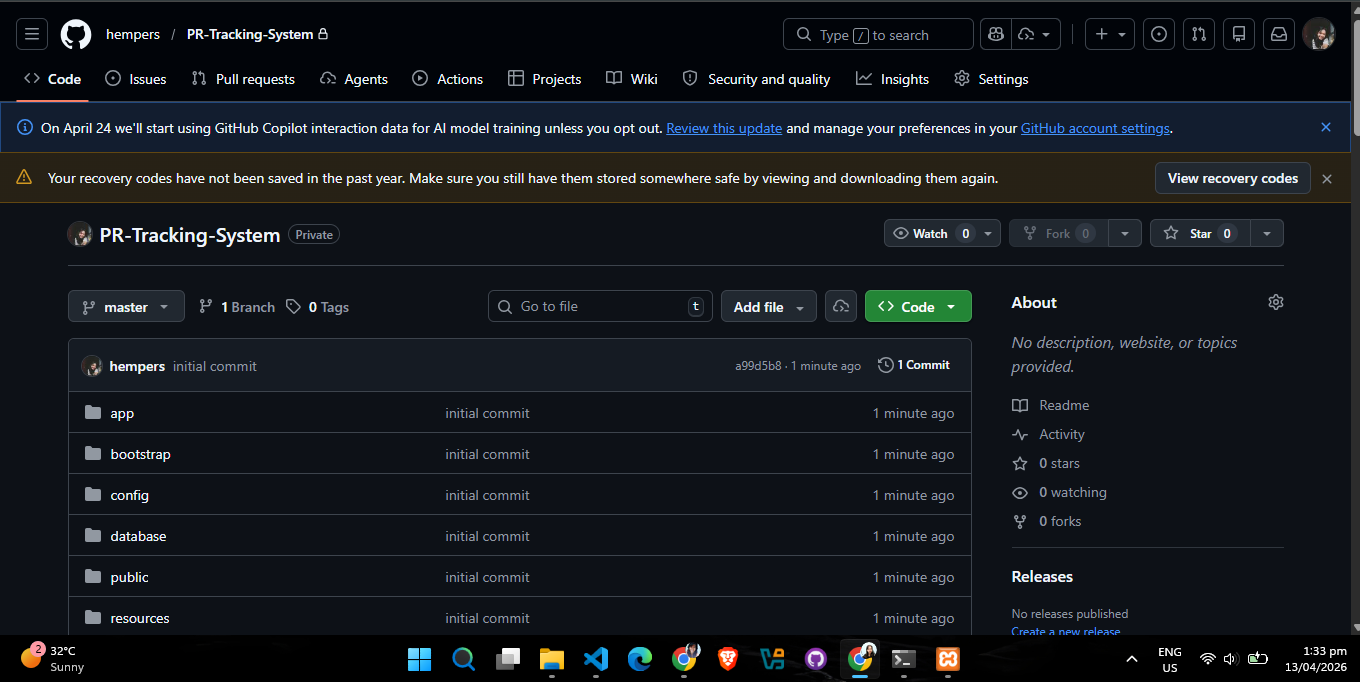
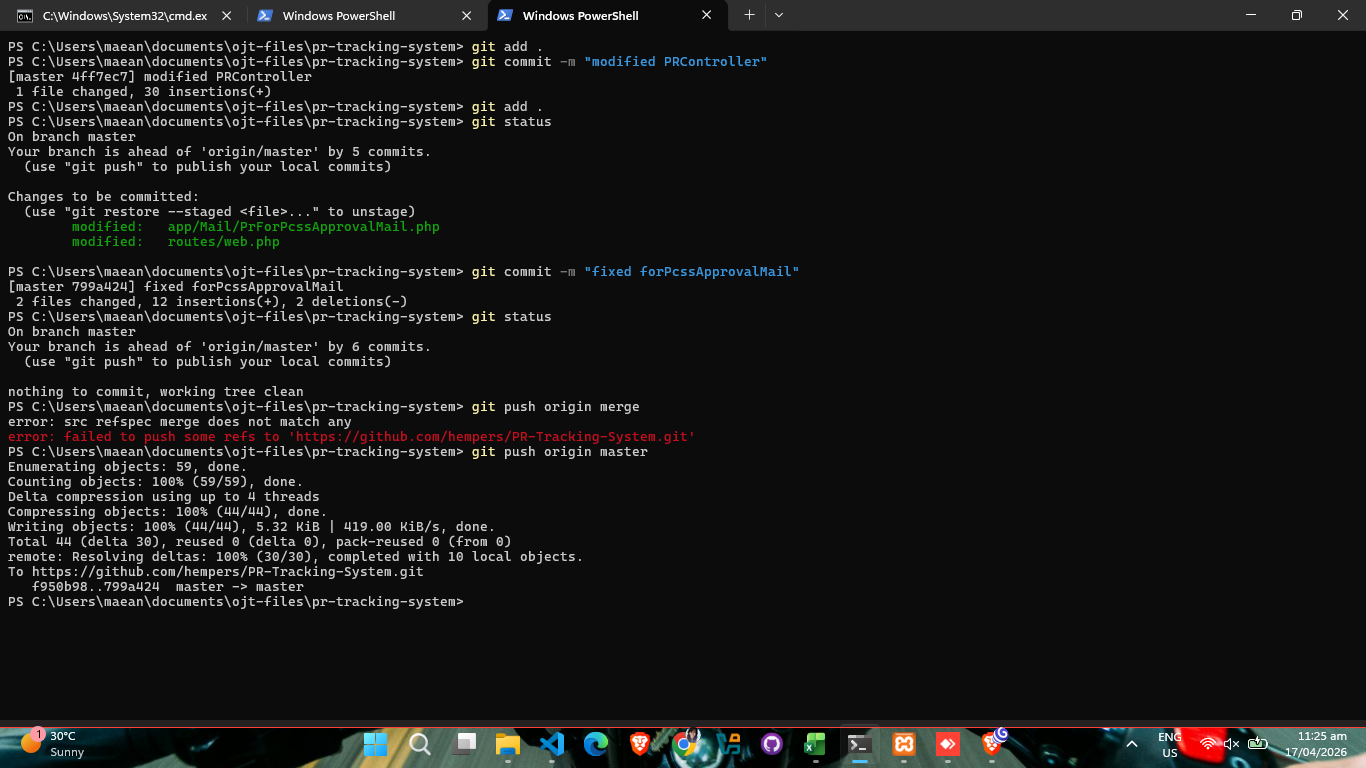
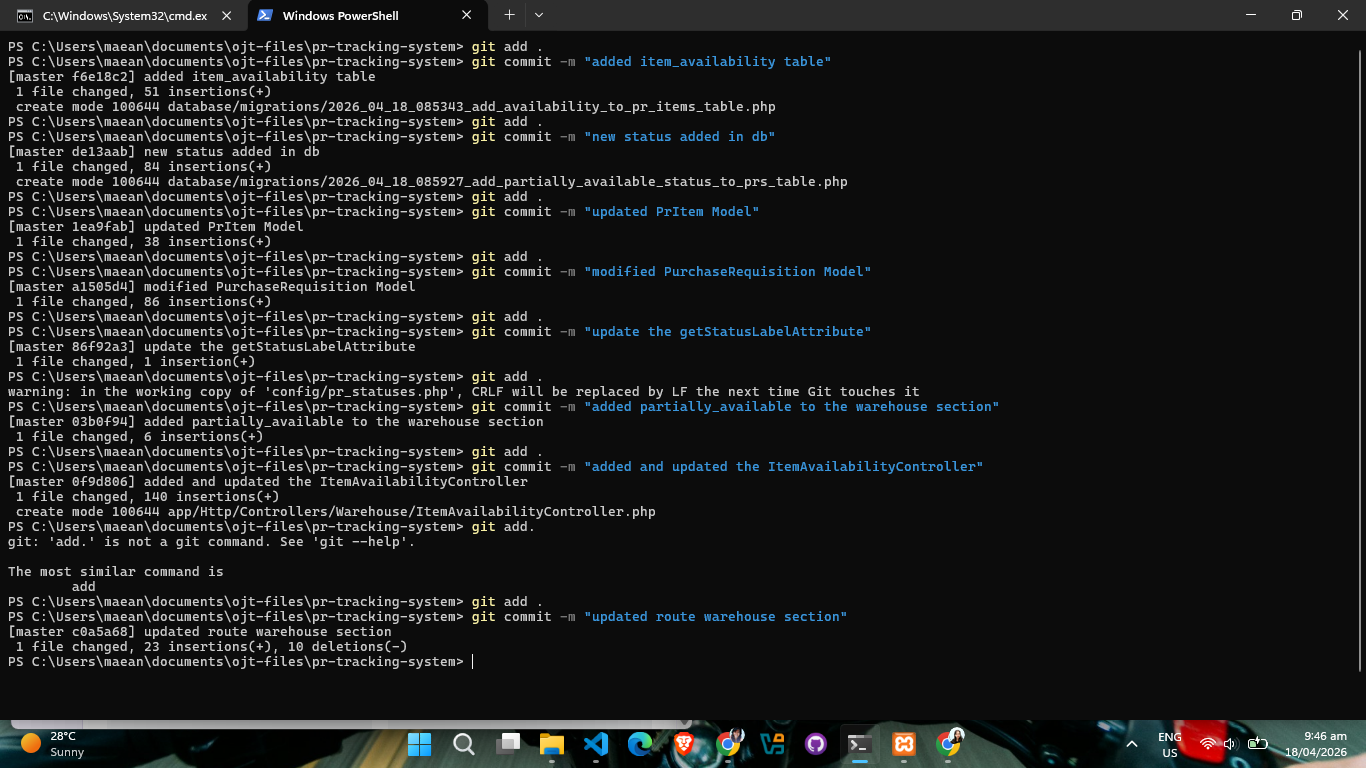
Week 9 was a highly technical week that moved between developing new software features and deep-diving into server-side network configurations. I kicked off the week on April 13 by initiating the development phase for the Purchase Requisition Tracking System (PRTS). Building on the foundation of our previous inventory projects, I spent April 14 focusing heavily on the report generation functionality. The goal was to ensure that the tracking system could provide comprehensive data summaries for internal audits and procurement reviews.
April 15 stood out as a major milestone in network
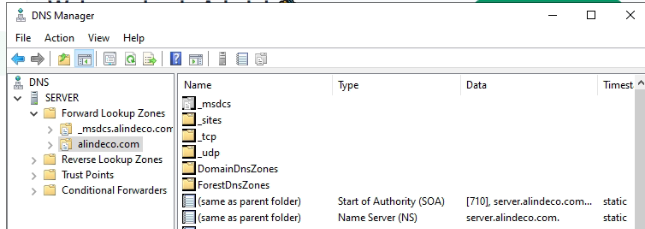
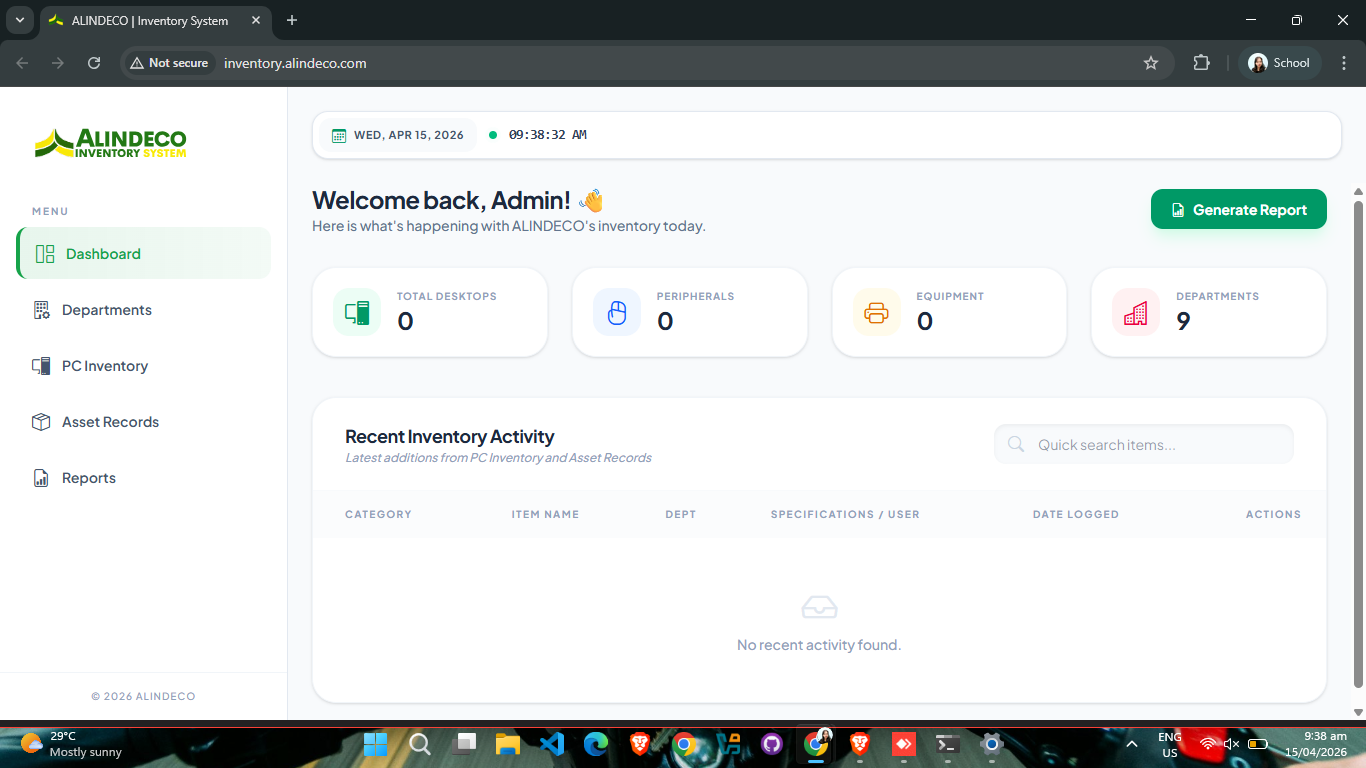
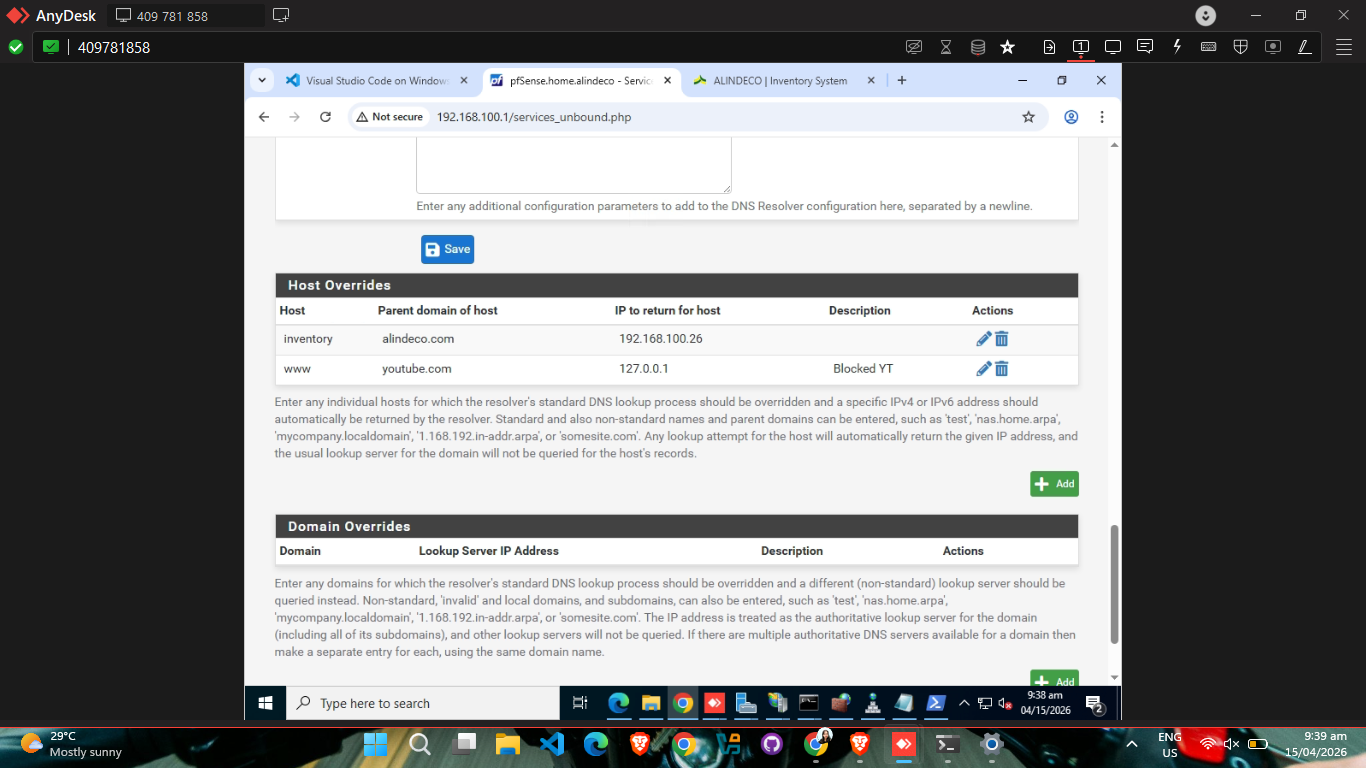
administration. I was tasked with configuring the DNS server
so that our local applications could be accessed via a
user-friendly hostname rather than a raw IP address. I
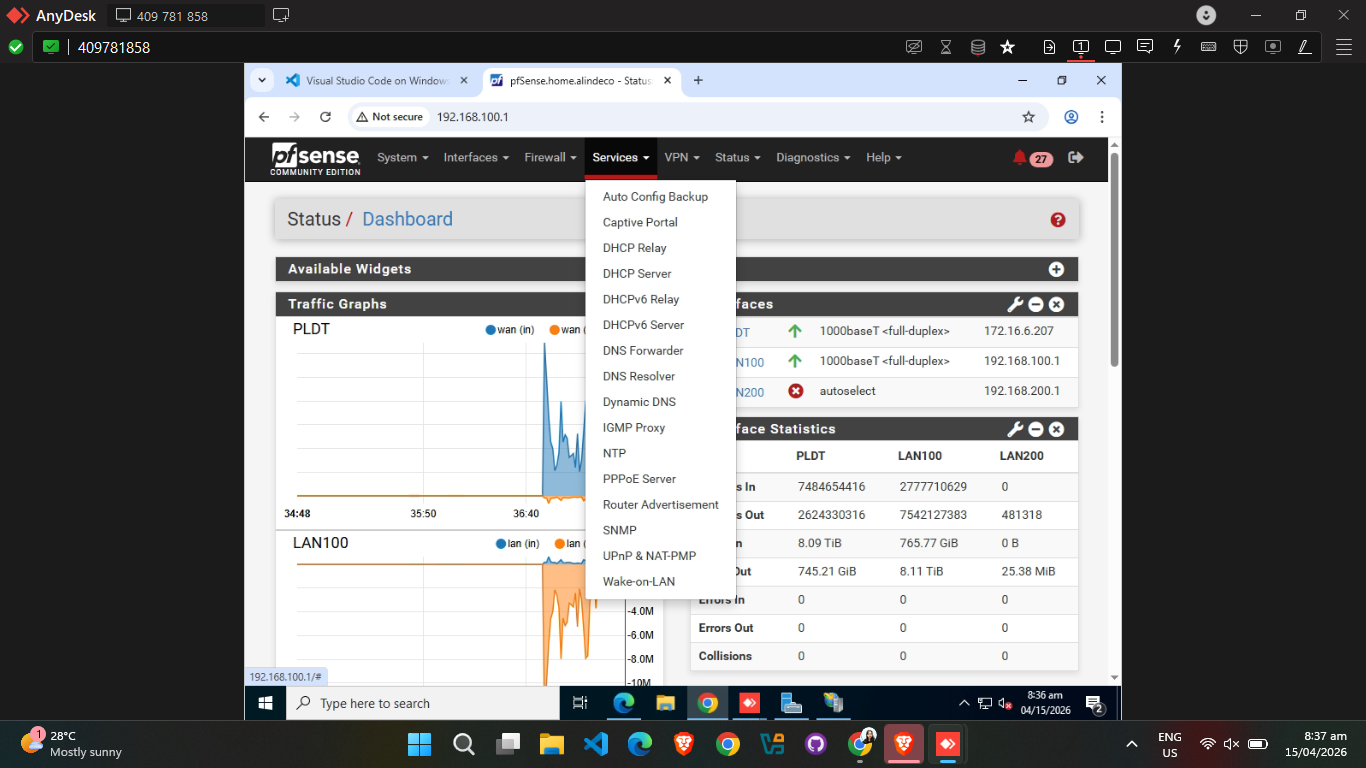
accessed the pfSense interface at 192.168.100.1 and
navigated through Services → DNS Settings to
set up Host Overrides. Here, I meticulously added the
server’s IP, domain, and hostname details. To finalize the
link, I added an A record to ensure the domain correctly
pointed to the host. I verified the entire setup using the
nslookup command, confirming that the domain
resolved perfectly.
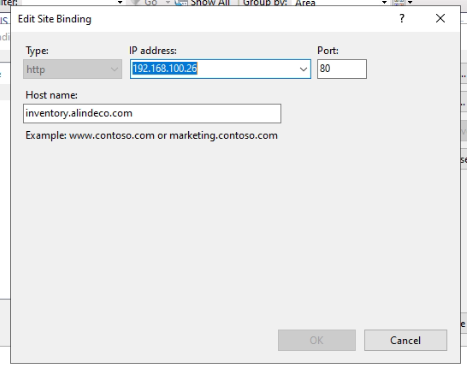
To support this new network structure, I adjusted the web
server to bind to port 80 (the default for HTTP) and
deactivated the default landing page to prevent conflicts.
Security was also a priority; I updated the Windows Defender
Firewall inbound rules to explicitly allow traffic on ports
80 and 443 for secure communication. On the application
side, I modified the app.php configuration to
include trusted proxy middleware, which is essential for
accurate request handling when behind a proxy. Throughout
this process, I frequently used ipconfig
/flushdns to ensure my local cache didn't
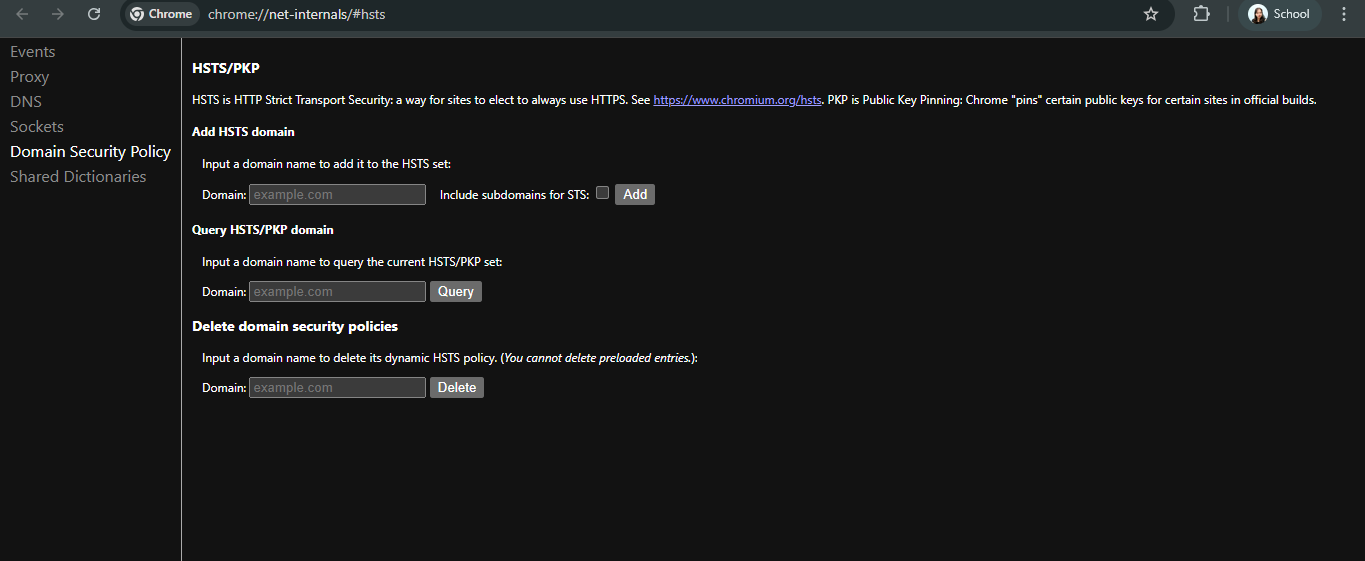
interfere with testing. One interesting observation was the
browser's automatic redirection to HTTPS due to the
legitimate domain name, which highlighted modern security
enforcement in action.
On April 16, the focus shifted to live project debugging.
While my co-OJT was encoding inventory lists, he encountered
several critical errors. I discovered that bracket
characters [ and ] in CSS
attribute selectors weren't being escaped, causing
querySelector() to fail silently. Additionally,
forms were reloading without submitting due to missing
validation handlers and unhandled JavaScript errors. I also
identified a "SQLSTATE[01000] data truncation" error when
editing assets with 'None' as the owned_by
value. I fixed this by creating a migration to add 'None' to
the table's enum values alongside 'Company' and 'Personal'.
The real challenge arose when these local fixes didn't work
on the deployed server. Despite the code working perfectly
on my machine, the server-side forms continued to refresh
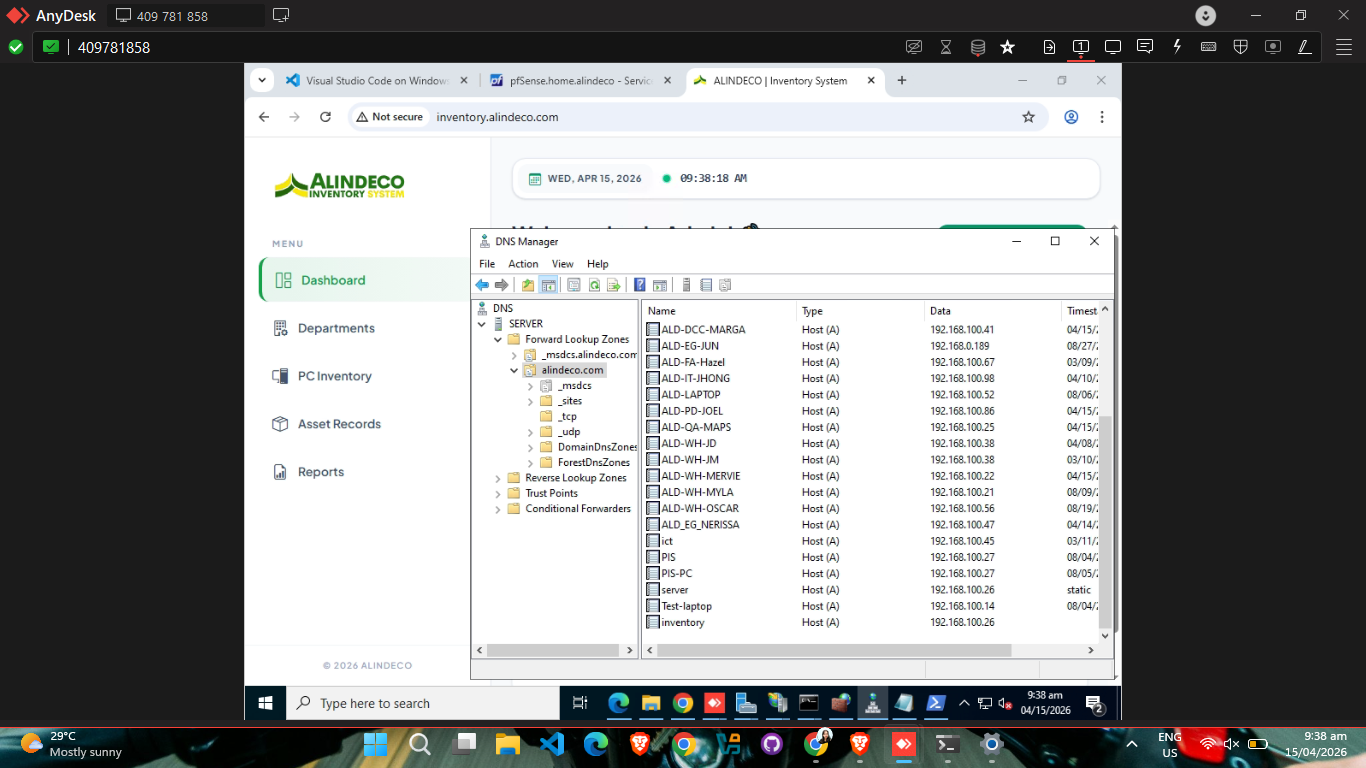
without saving. Through research and remote debugging using
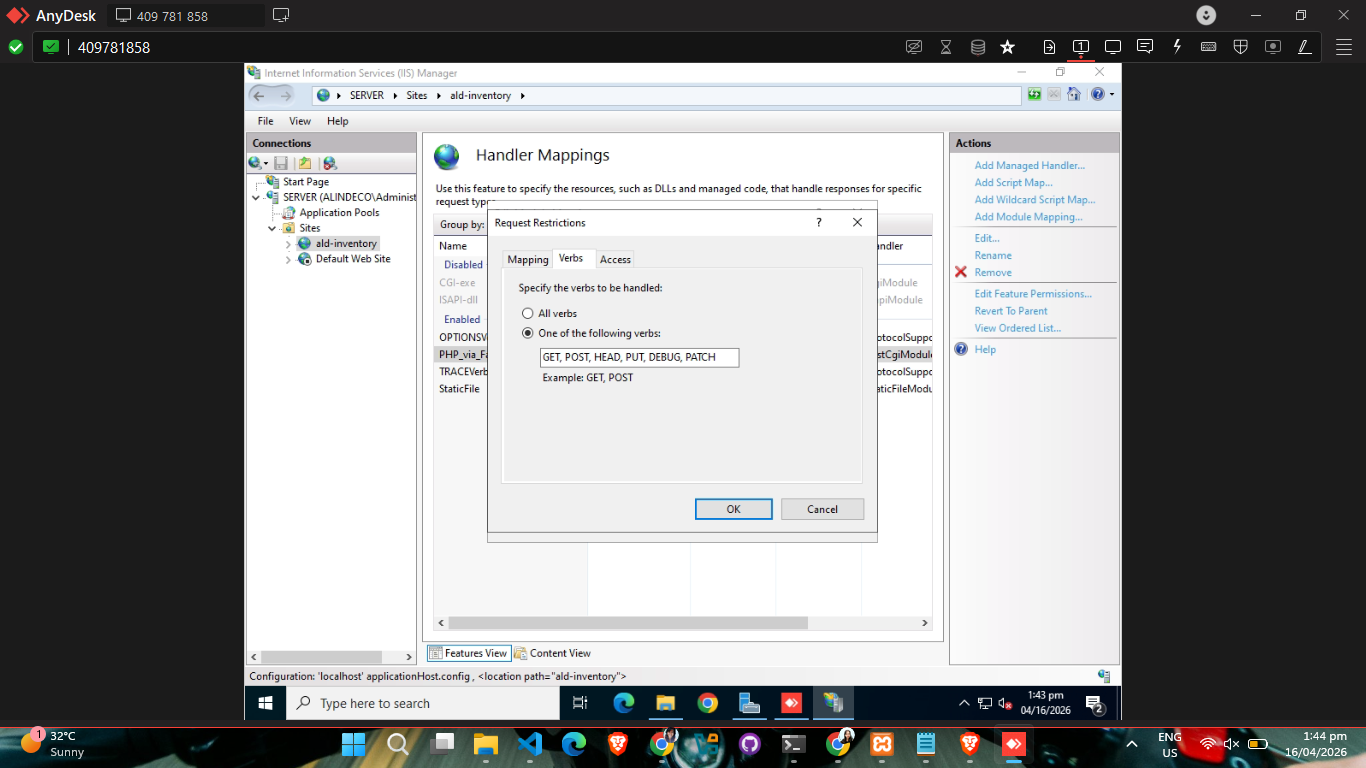
AnyDesk, I identified that the IIS server was blocking the
PUT method. I resolved this by reconfiguring
the web.config and updating the IIS Handler
Mappings—specifically editing the FastCgiModule
request restrictions to explicitly allow the necessary HTTP
verbs. This was a stressful but incredibly rewarding "aha!"
moment that taught me the importance of server-level
configuration.
On April 17, I tackled another deployment issue where PDF
generation for assets failed with a Failed to open
stream: Permission denied error. I quickly
resolved this by granting Full Control permissions to the
IIS user for the public folder. The week concluded on April
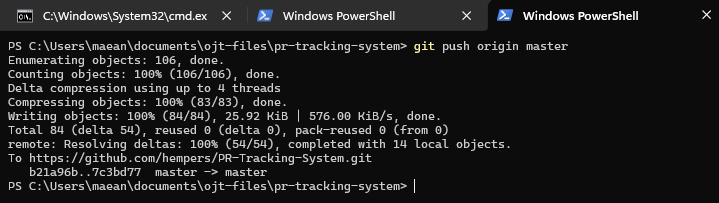
18 with continued development and feature commits for the
PRTS project, ensuring all core functionalities were stable.