Narrative
During the first week of my internship, my co-OJT student and I officially began our training by attending the company orientation. The session introduced us to the company’s history, mission, vision, and internal policies. Workplace guidelines and safety procedures were thoroughly explained to ensure that we clearly understood the standards and responsibilities expected from us as interns. Being introduced to the members of the Board of Directors also gave us insight into the organization’s leadership structure and how different departments are managed.
We were then formally introduced to the IT Specialist, who would serve as our mentor throughout the duration of our internship. After the orientation, he gave us a short tour of the company premises. Walking through different departments allowed us to observe daily operations and understand how IT support integrates with various teams. He also gave us an overview of the technical tasks we would eventually handle, which made me both excited and slightly nervous about the responsibilities ahead.
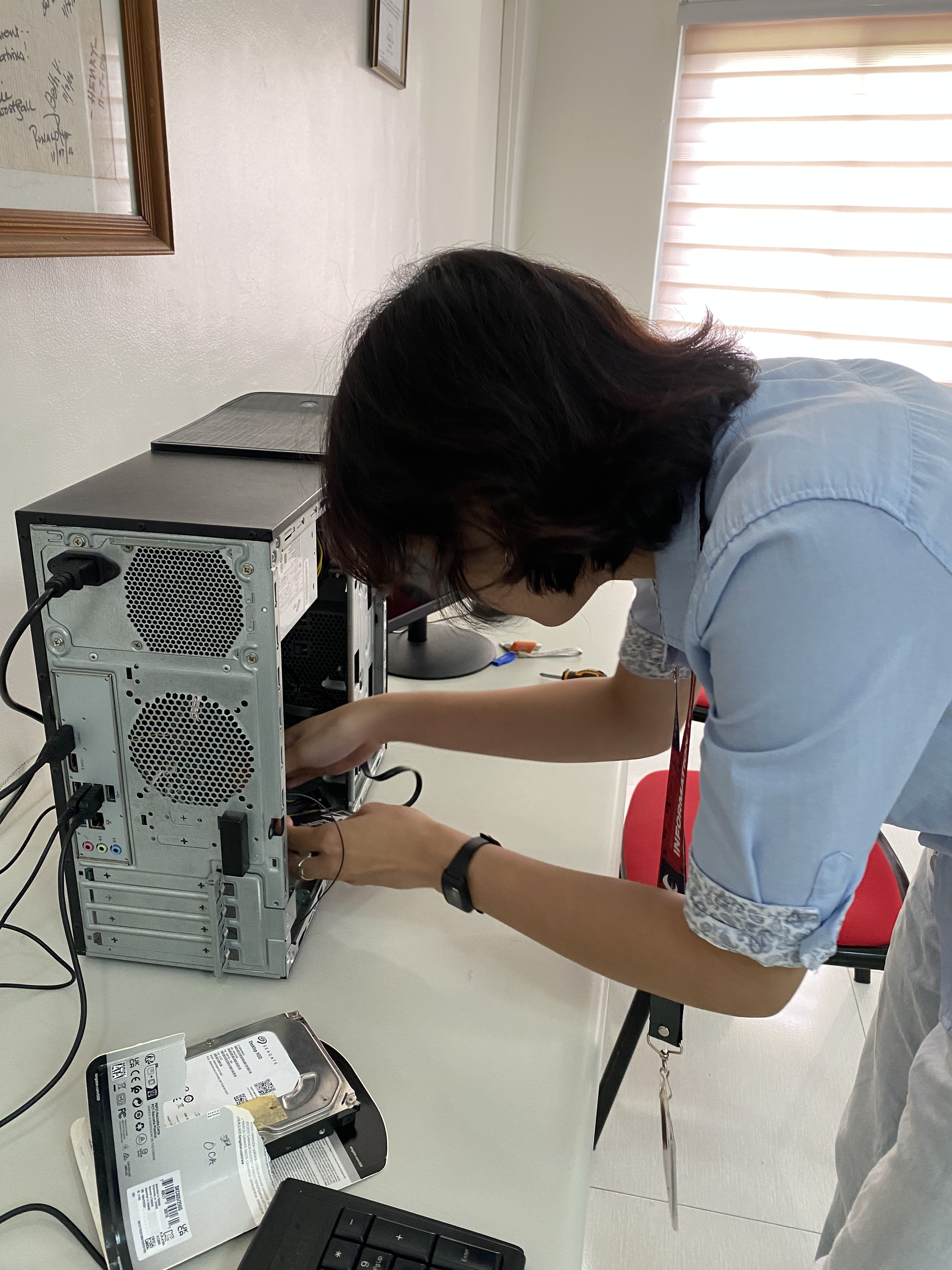
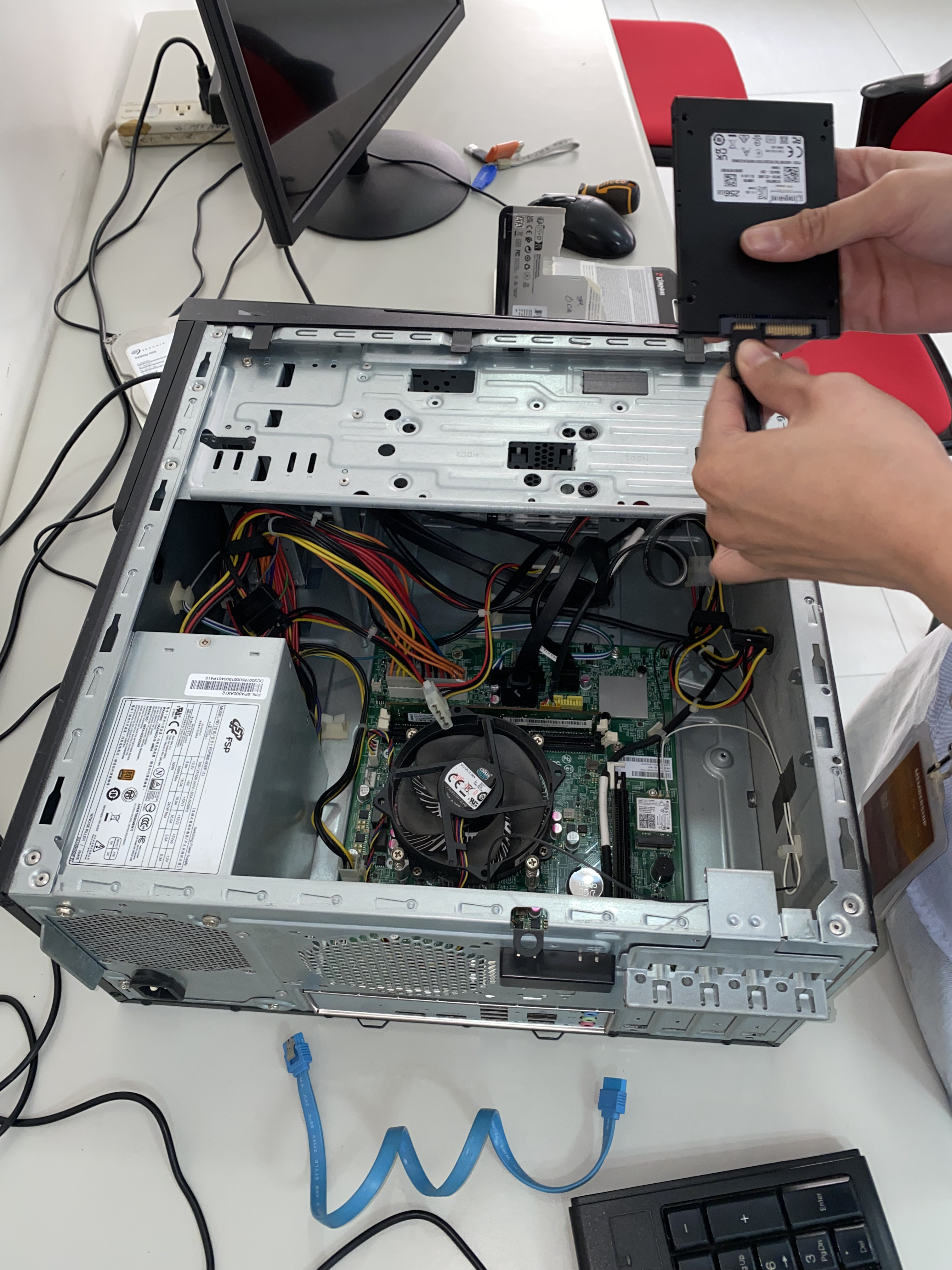
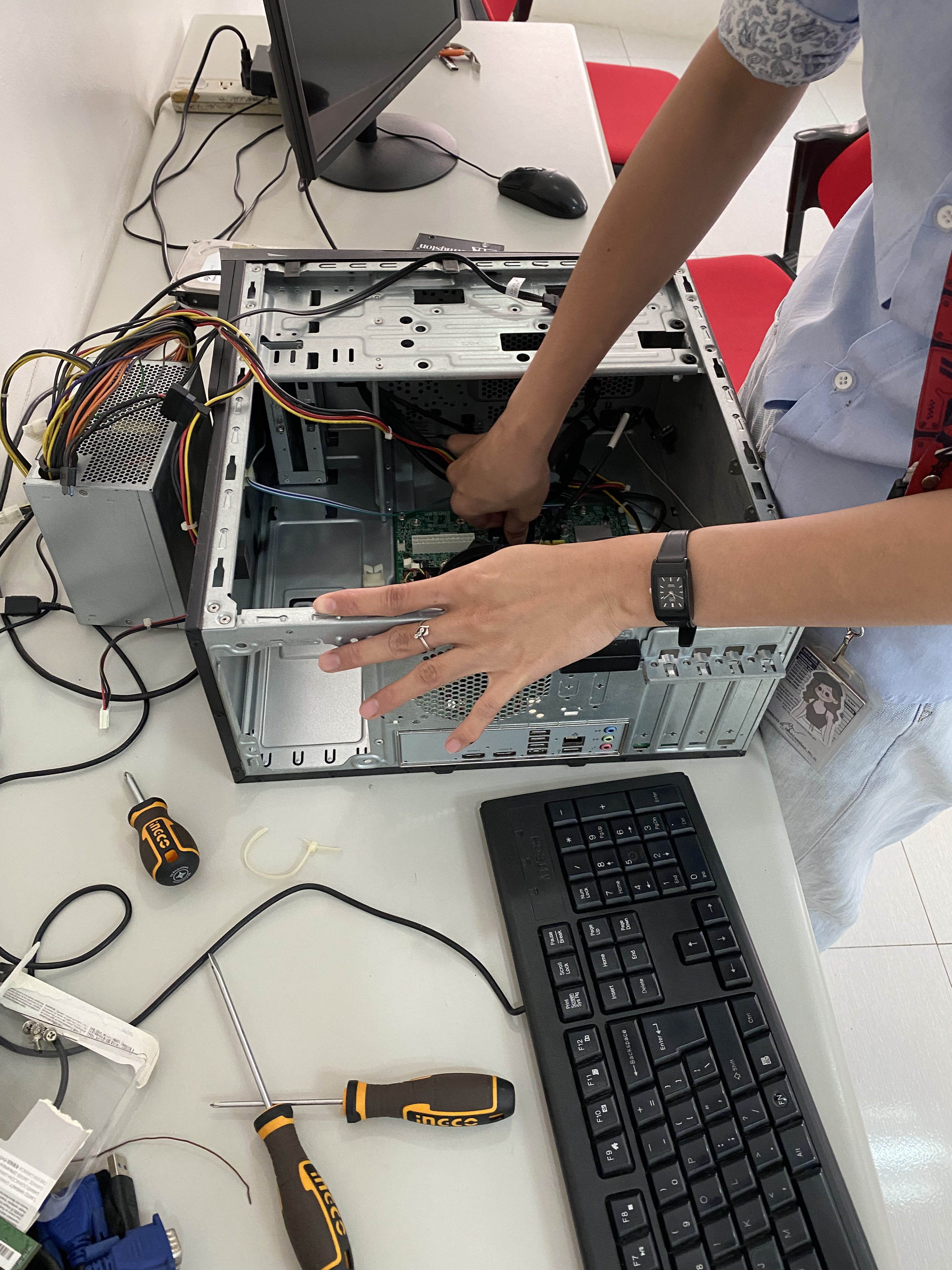
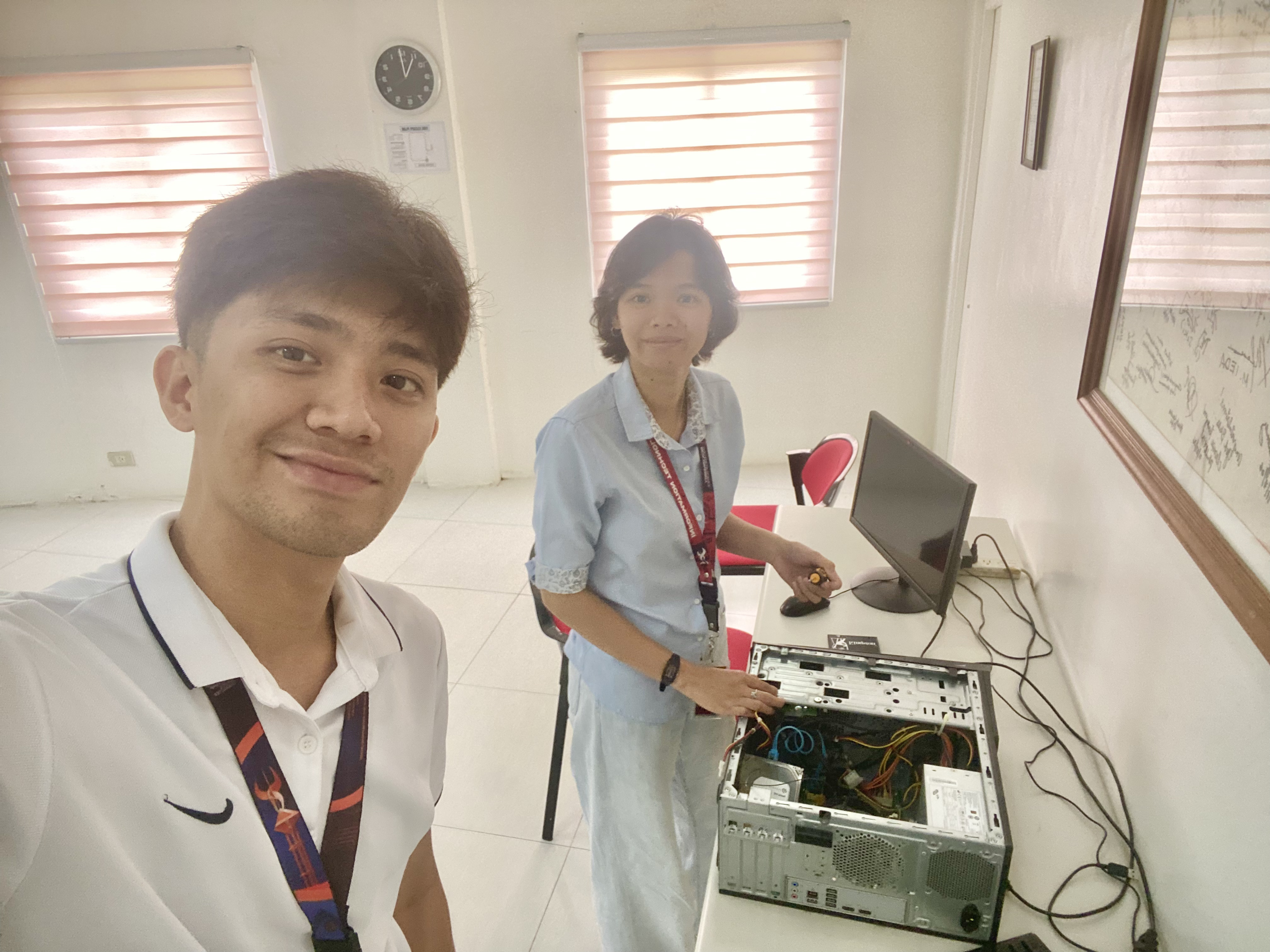
On my second day, my mentor guided us in hands-on technical tasks. First, we disassembled a PC to understand its internal components and then reassembled it carefully. This activity helped me refreshed my knowledge of the proper handling of hardware components as my last experience with PC assembly was during my senior high school activity.
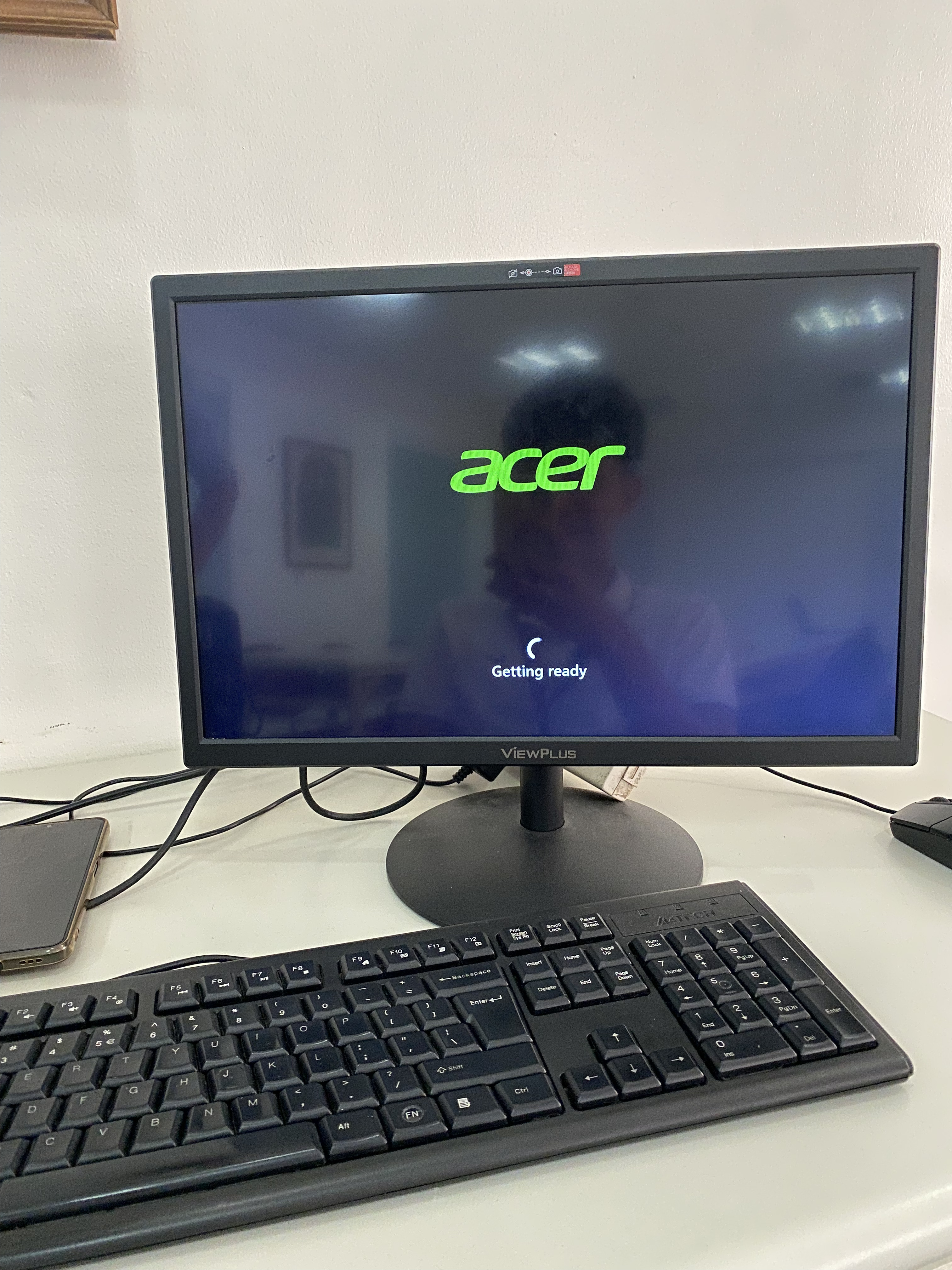
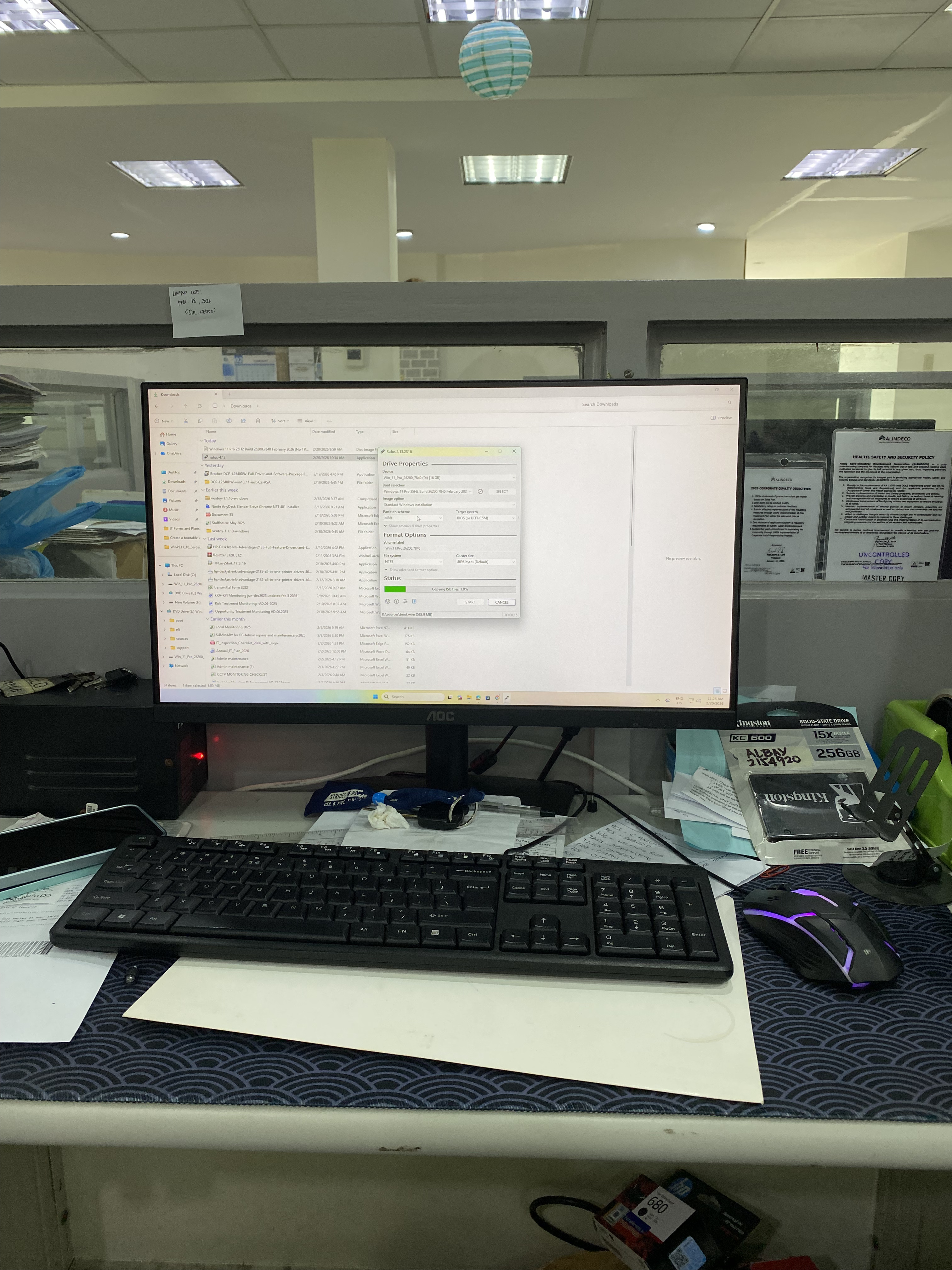
After assembling the PC, we proceeded to install the operating system. Initially, we used a USB drive prepared with Rufus as the bootable media. However, when we attempted to boot the newly assembled PC from the USB, the system failed to recognize the device. Despite multiple attempts, the bootable drive did not appear in the boot menu.
We checked the BIOS settings to verify USB boot was enabled and reviewed the boot order configuration. After considering compatibility issues between the USB format, partition scheme (MBR or GPT), and firmware mode (Legacy BIOS or UEFI), we determined the issue was likely related to how the USB was configured. Switching to Ventoy resolved the problem, and we proceeded with the installation successfully. We then installed Microsoft Office to prepare the system for everyday office tasks.
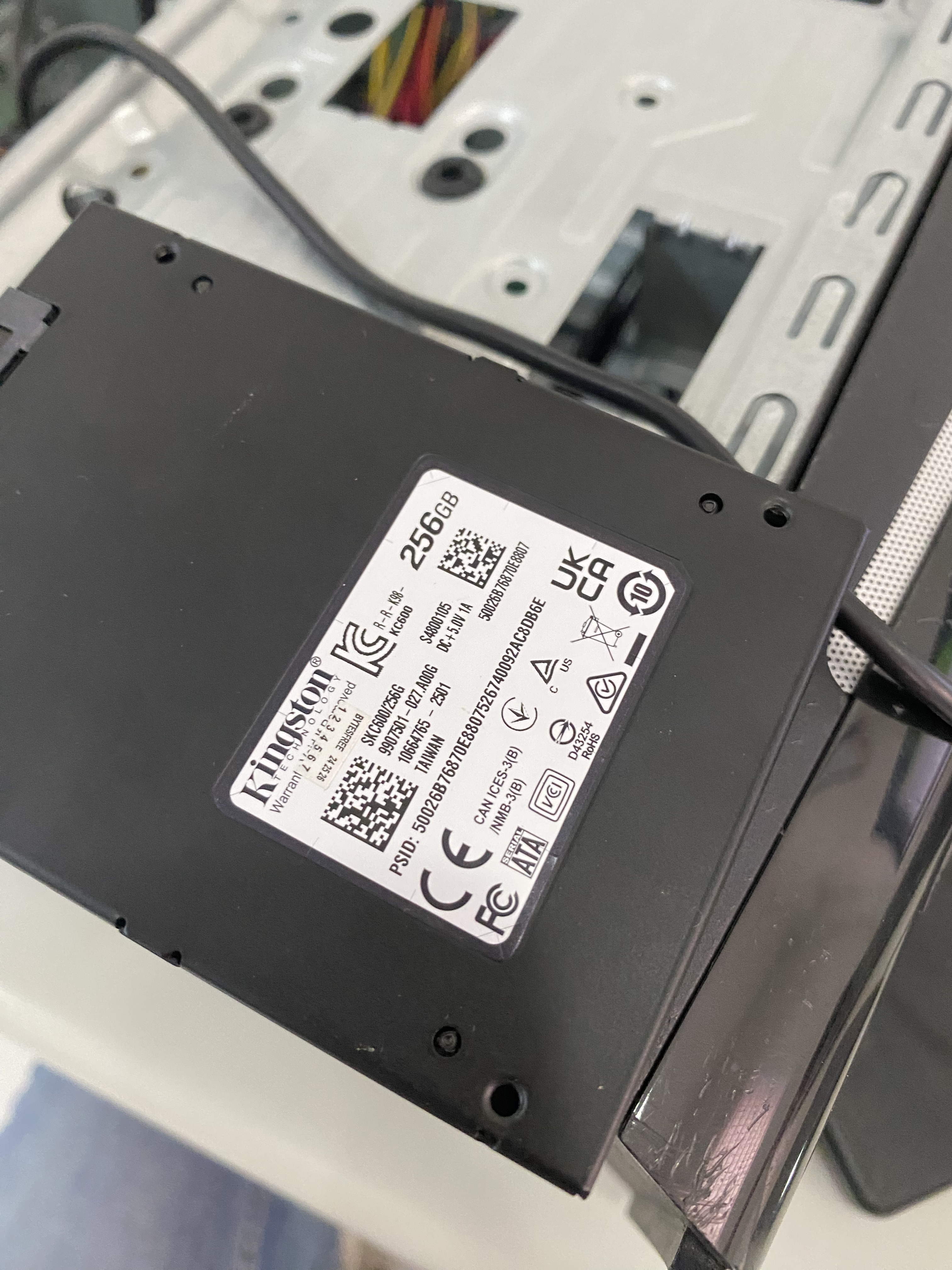
Following the OS installation, we installed Microsoft Office to prepare the system for daily office tasks. We also upgraded the unit’s storage replacing the HDD with an SSD. This process involved carefully installing the SSD, and ensuring that the system booted successfully with the newly added storage device. Our mentor explained the performance advantages of SSDs, particularly in terms of faster boot times, quicker application loading, and improved overall responsiveness. By the end of the week, I had gained both organizational awareness and practical exposure to real-world IT tasks. The experience allowed me to transition from purely academic exercises to performing technical responsibilities in a professional environment.
By the end of the week, I had gained both organizational awareness and practical exposure to real-world IT tasks. The experience allowed me to transition from purely academic exercises to performing technical responsibilities in a professional environment.