Narrative
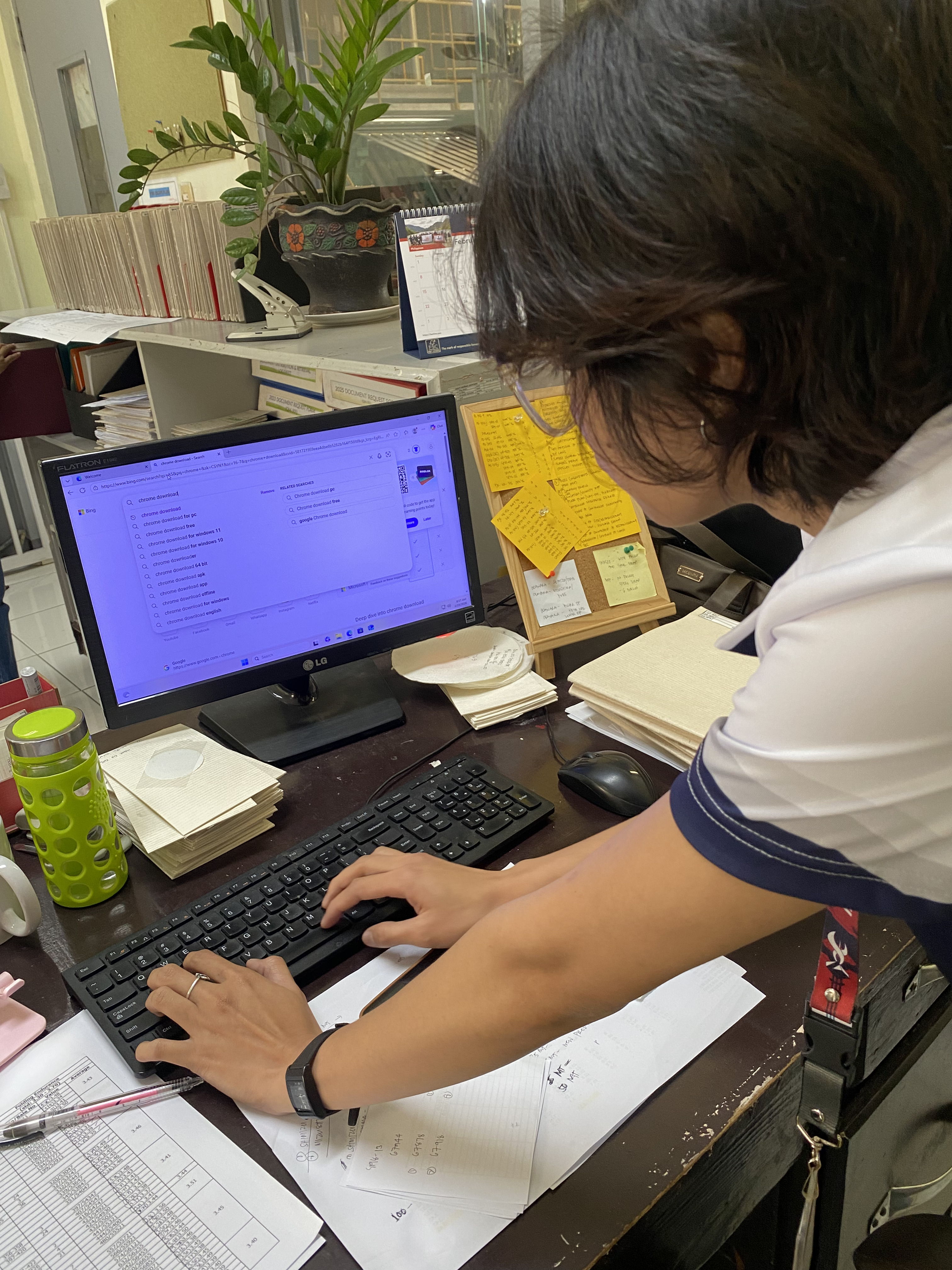
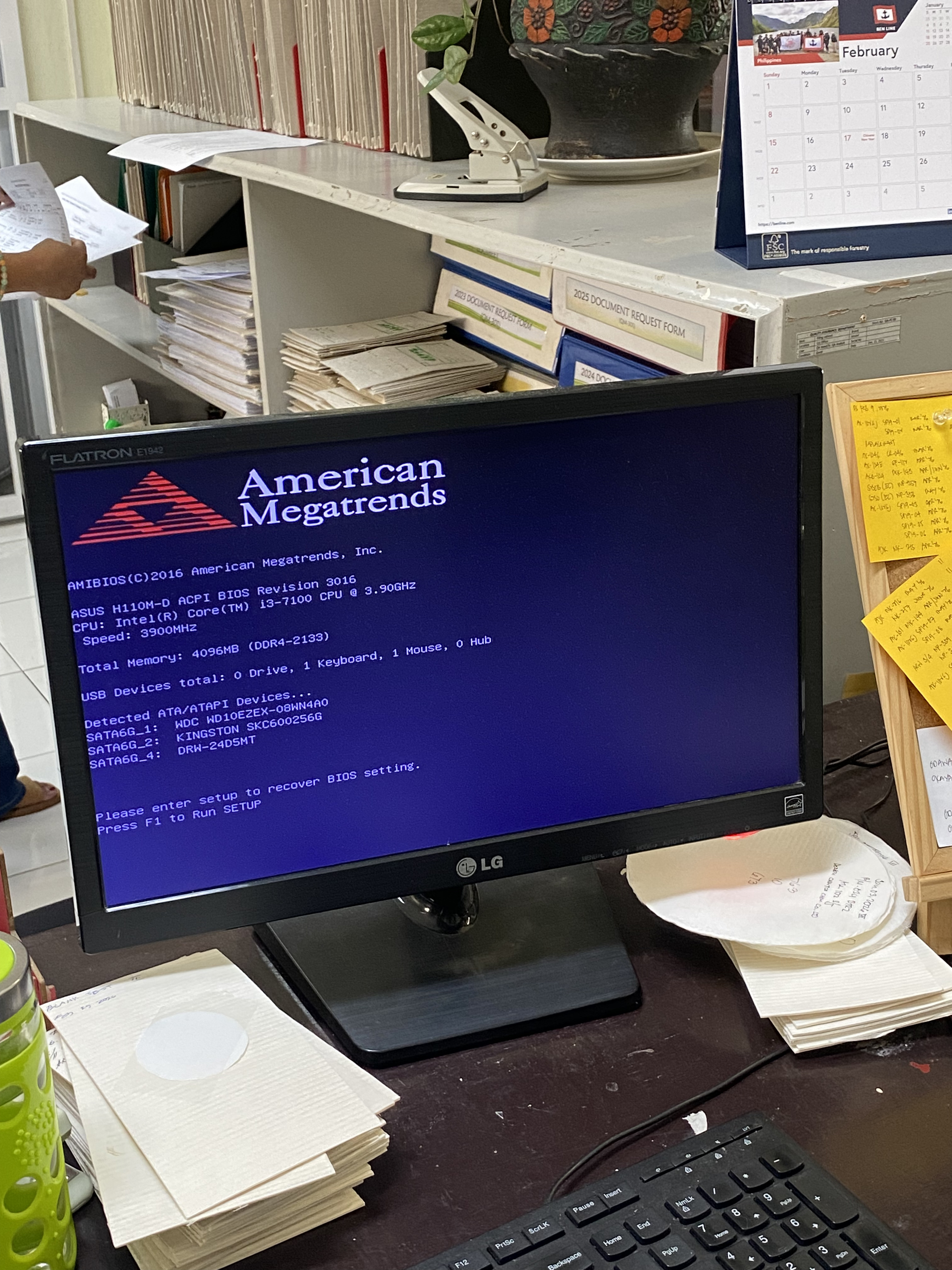
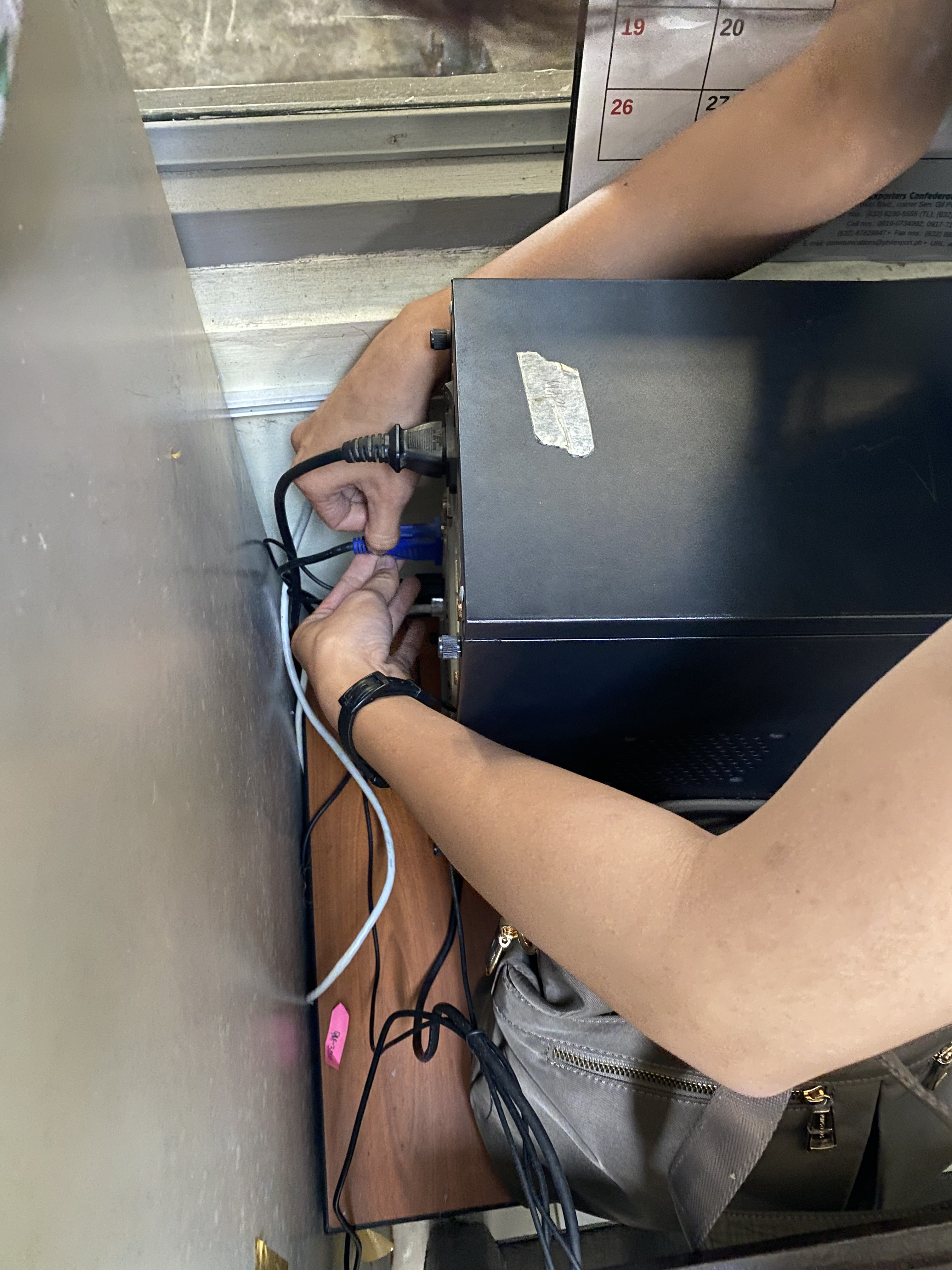
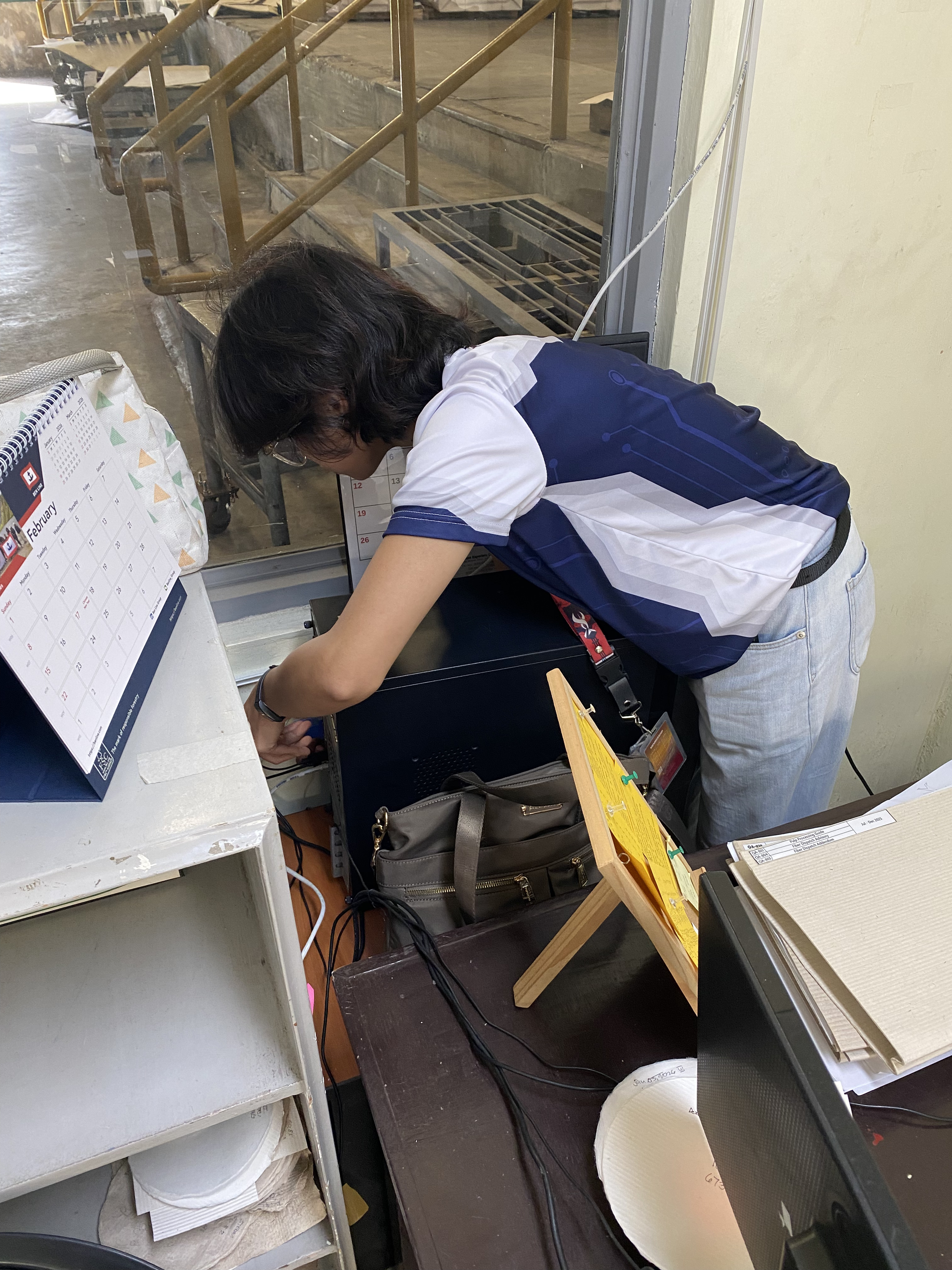
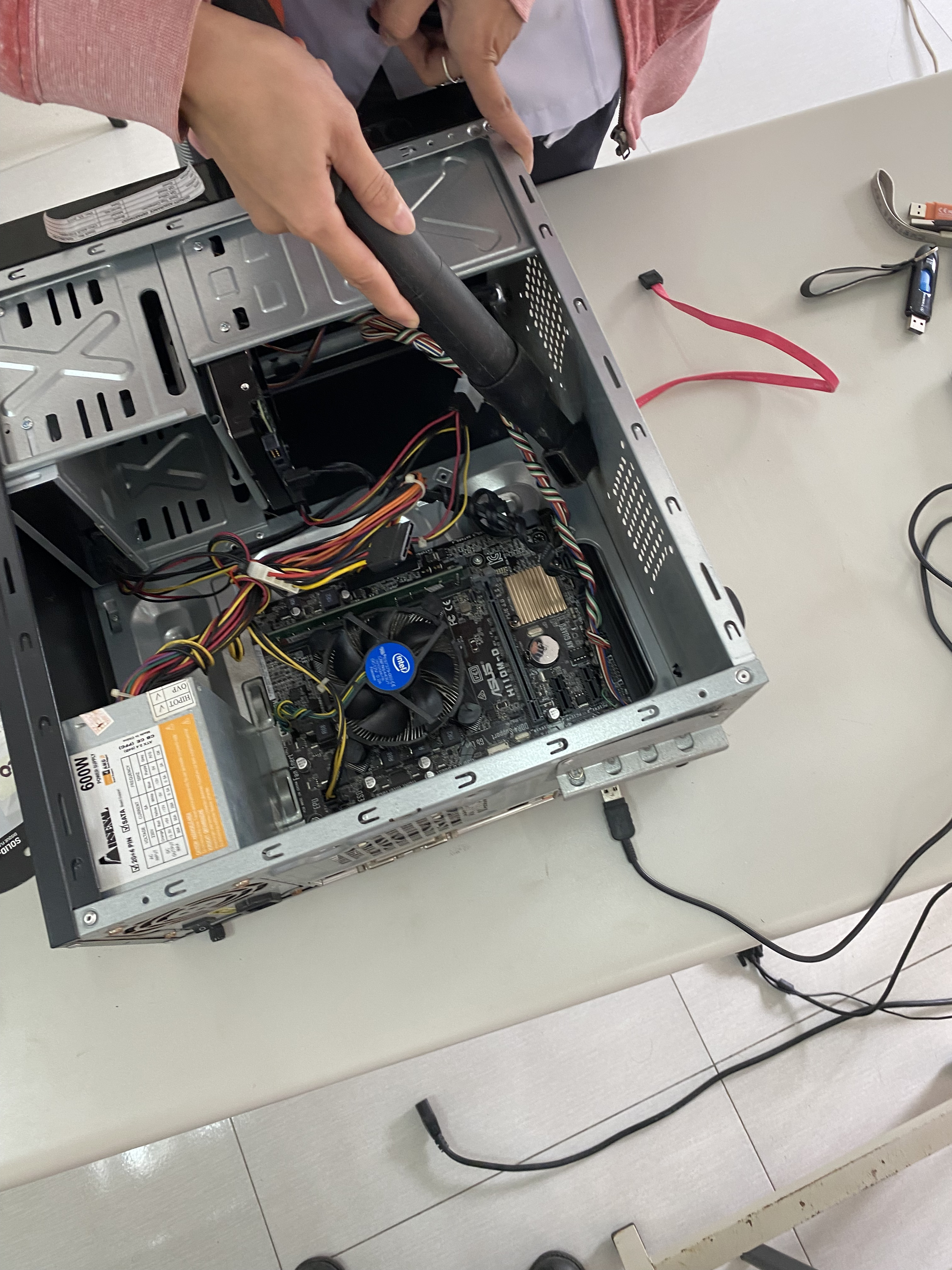
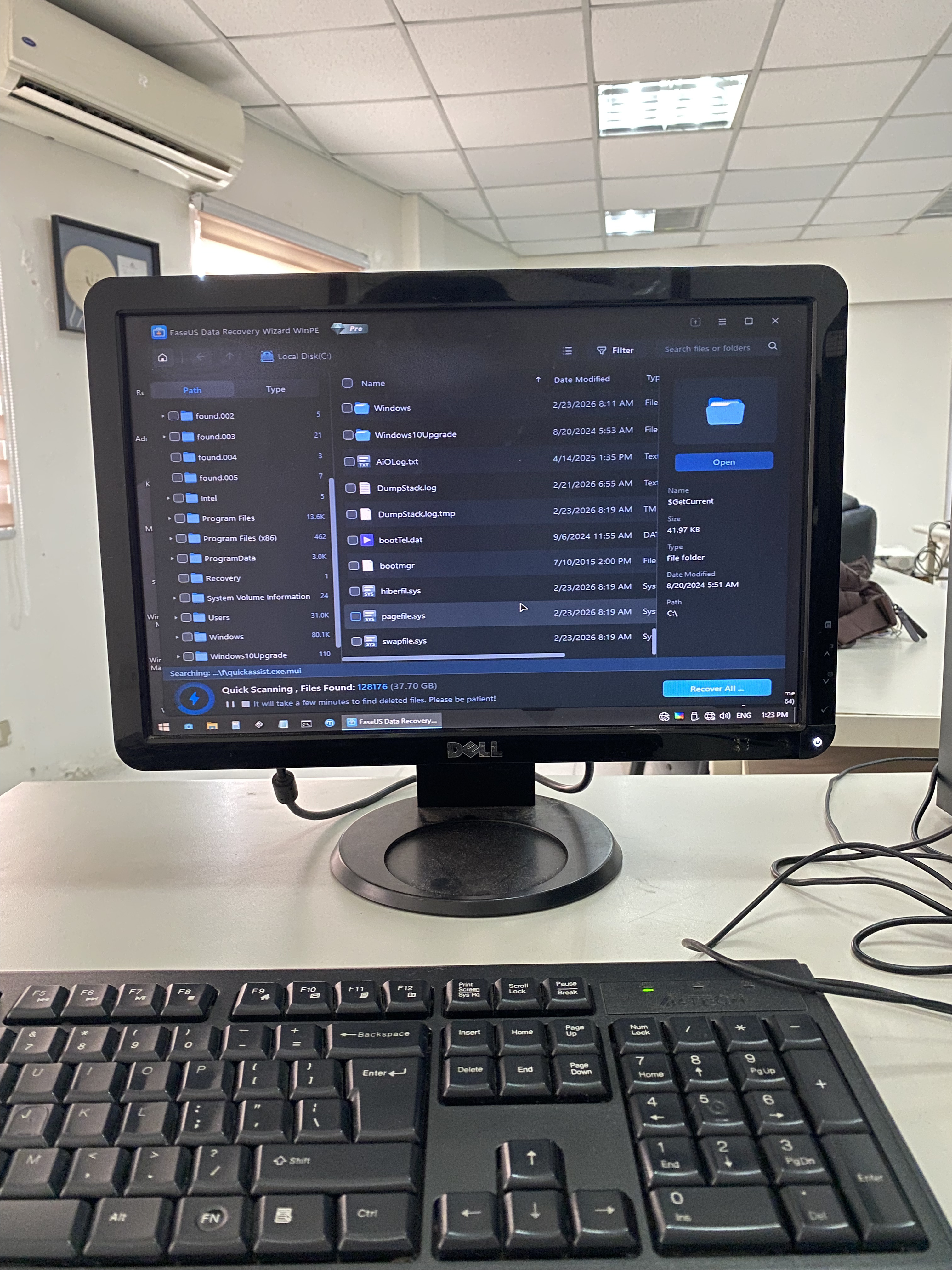
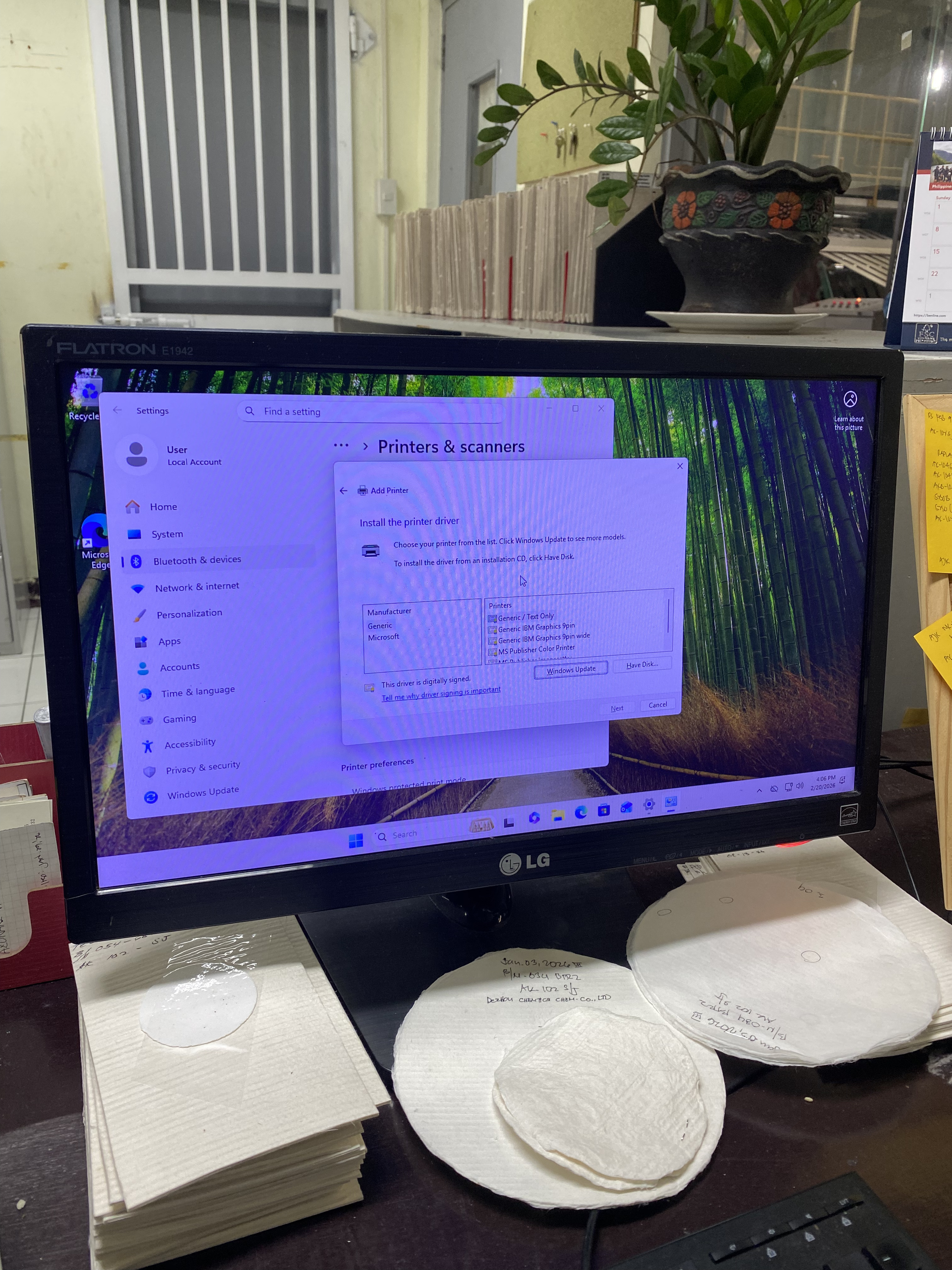
The second week of my internship began with a hands-on deployment task. On Day 4, we were assigned to set up a company computer using a backup system unit. The original unit of the employee had issues, so a replacement unit was prepared to ensure continuous workflow. I assisted in preparing the backup PC by checking its hardware condition and ensuring that it was properly functioning before deployment. After confirming that the system unit was operational, we installed the necessary printer drivers to allow the computer to communicate with the office printers. We made sure that the drivers matched the specific printer models used in the department and tested print functionality to confirm proper installation. We also restored important files from the previous computer. This involved transferring essential documents and user data to the backup unit while ensuring that no critical files were lost. Proper file organization was observed to maintain the employee's workflow continuity.
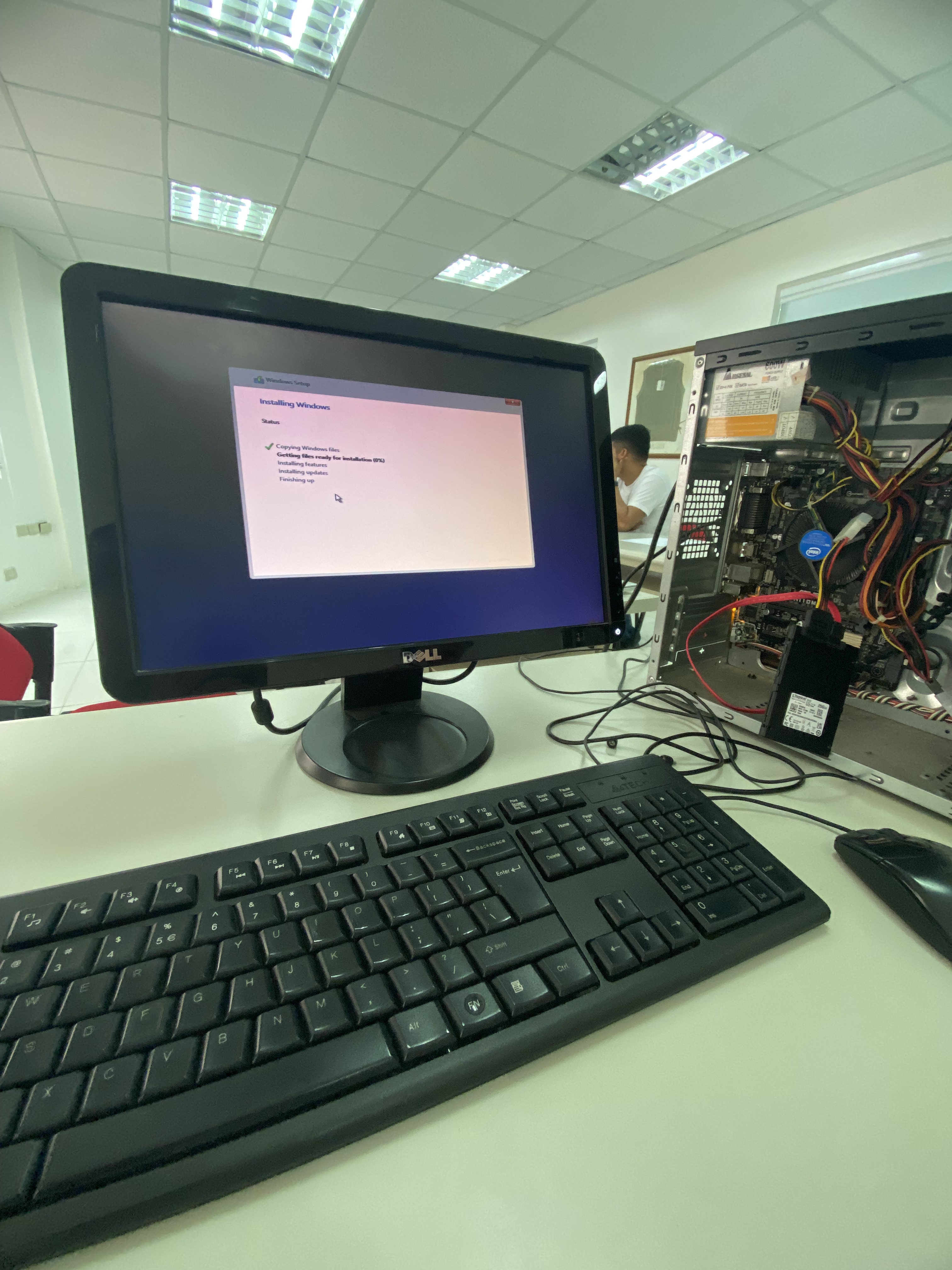
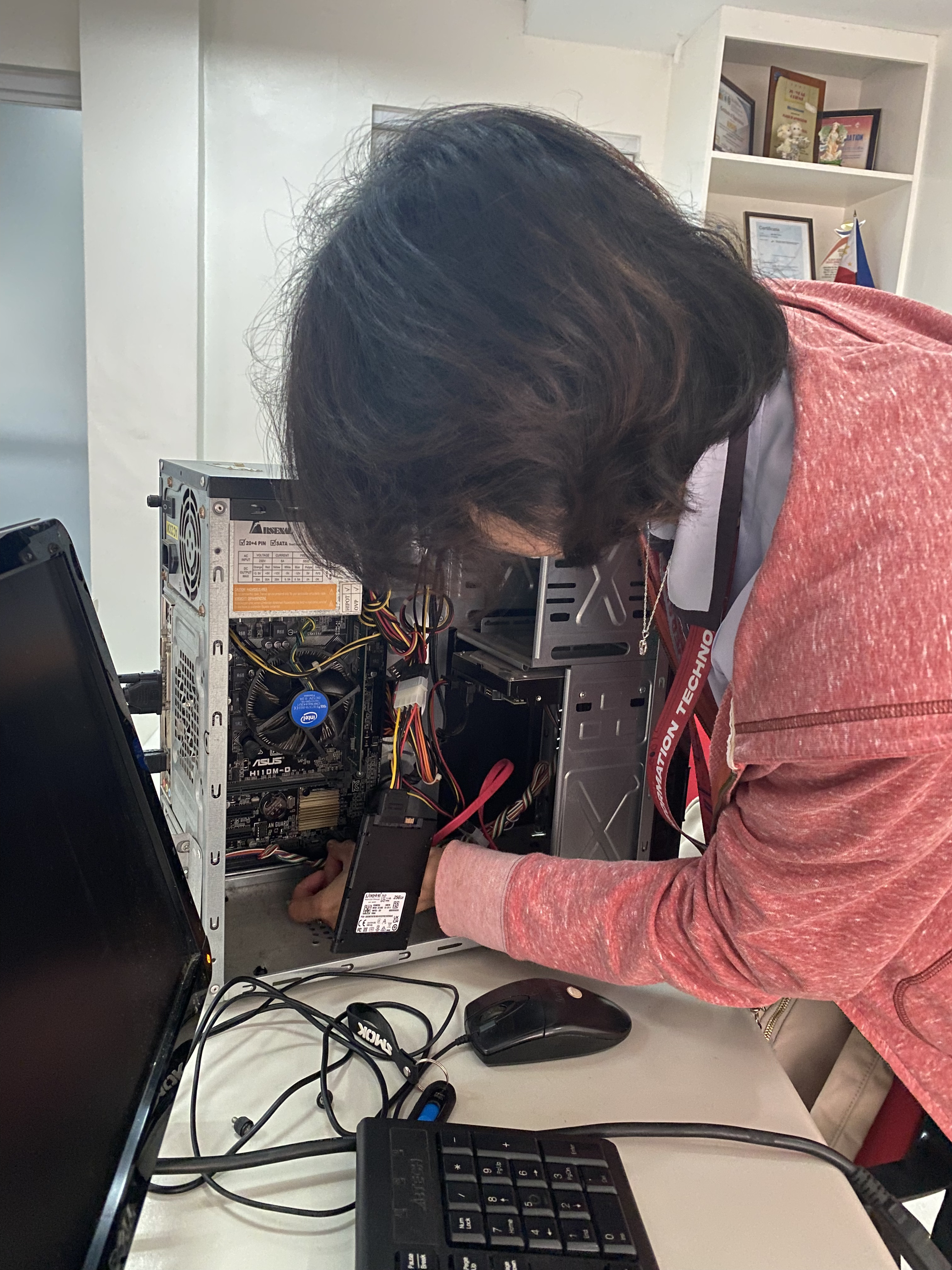
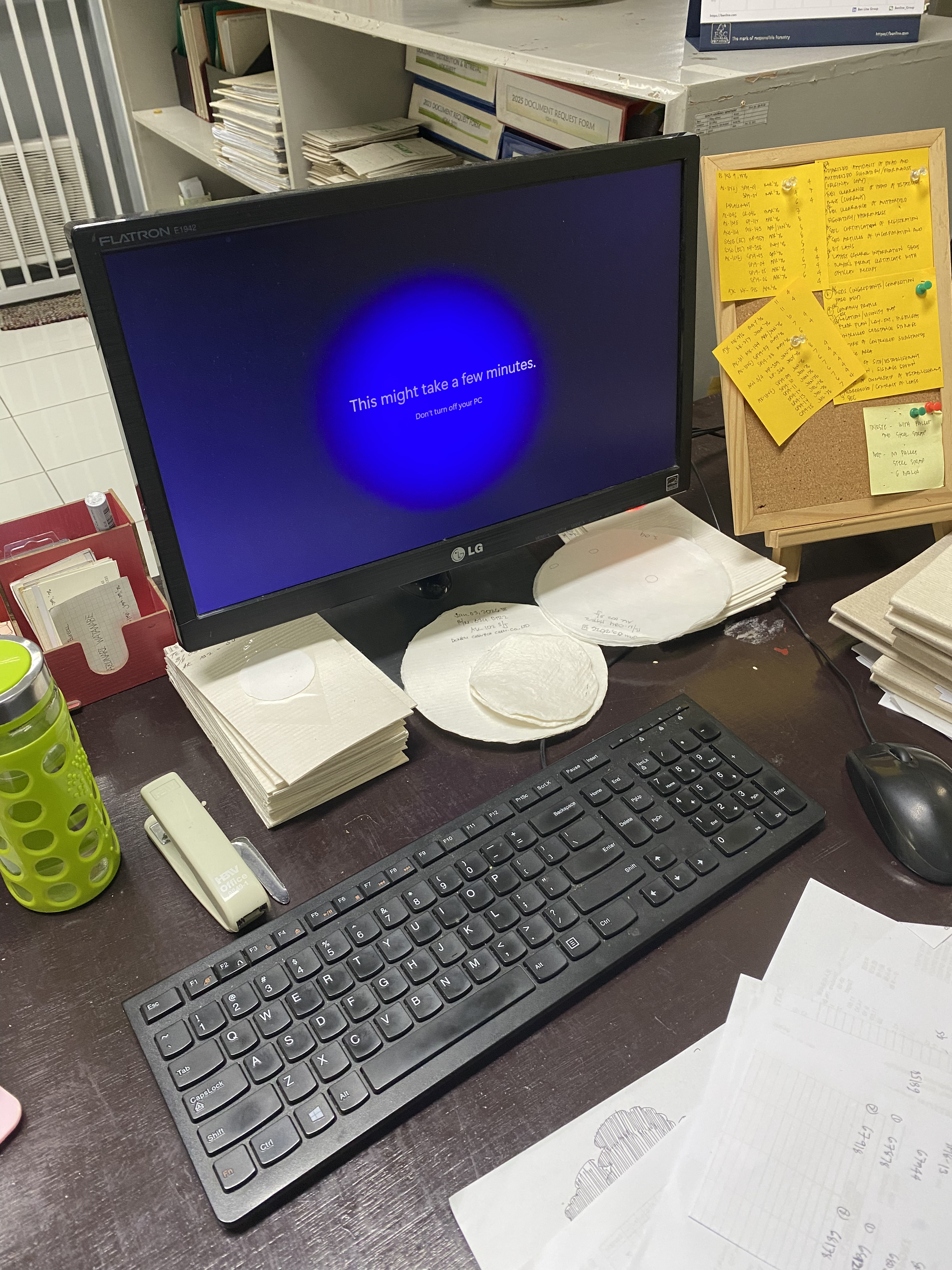
On Day 5, we continued working on the same unit by adding SSD storage to the computer to improve its overall performance. We then updated the Windows version and installed Microsoft Office. Both Windows and MS Office were properly activated to ensure full functionality. Upon completing all the necessary configurations, we joined the computer to the company domain and renamed it to correspond to the name of the actual user of the computer, following the company's naming convention for network devices.
Day 6 started with the deployment of the system unit that was configured the previous day, now equipped with the updated Windows installation and the additional SSD storage. After the deployment, we began conducting a PC inventory across each department. We visited the current excel file our mentor have as a record of the units in the company. I proposed to use a QR code system to improve the inventory process. By generating unique QR codes for each computer and attaching them to the respective units, we can quickly scan and view the units information. As of now, the inventory is not yet done as all employees here are busy using their respective computers.
The second half of the week shifted toward printer maintenance. On Day 7, we replaced the toner cartridge of a Brother DCP-L2540DW series printer and cleaned the ink waste pad of an Epson L120 printer assigned to the Human Resource Department, Ms. Cristy Lim. These tasks introduced me to the routine upkeep that IT staff perform to keep office printing equipment running smoothly.
On Day 8, we continued with printer maintenance by cleaning the ink waste pad of another Epson L120 unit. We then moved on to a more involved task — disassembling an HP Deskjet Ink Advantage 3635. The printer was experiencing ink pooling caused by waste ink pad saturation, so we carefully took apart the case and individual parts to clean them thoroughly. After finishing the cleaning, we reassembled the printer and ensured it was functioning properly.
The last day of the week, Day 9, was dedicated to troubleshooting the same HP Deskjet Ink Advantage 3635 which was now prompting an E4 error. Upon replacement of the encoder strip, the error changed from E4 to E3. We tried several resolutions but were still unable to fully resolve the issue. The likely cause of the problem is a faulty encoder sensor — the encoder strip works in tandem with the sensor to track the precise position of the print carriage. If the sensor is damaged, dirty, or misaligned, it cannot properly read the encoder strip, which results in the printer being unable to determine the carriage position and throwing error codes like E3 and E4. This was a valuable learning experience in understanding how closely related printer components interact and how one faulty part can cascade into multiple error symptoms.